
If you run a small or medium business in the UK, you already know the problem. Too many manual tasks.
Too many disconnected systems. Too much time wasted on admin instead of revenue.That is exactly where workflow automation tools for SMEs UK come in.We reviewed dozens of platforms used by UK SMEs, from finance teams in Manchester to eCommerce operators in London. Then we narrowed it down to the top 20 workflow automation tools for SMEs UK that actually reduce workload and improve operational flow.
Here is something most business owners overlook. According to McKinsey, nearly 60 percent of tasks in SMEs can be automated with current technology. Another report from Zapier shows UK SMEs using automation save an average of 10 hours per week per employee.
This list is built for:
- UK-based SMEs
- Operations managers
- Founders handling multiple systems
- Agencies managing client workflows
What is Workflow Automation for SMEs?
Workflow automation refers to software that handles repetitive tasks without manual input. In the context of workflow automation tools for SMEs UK, it means connecting your business apps and setting rules so tasks run automatically.
For UK SMEs, this often includes:
- Moving data between accounting software and CRMs
- Sending automated emails after form submissions
- Assigning tasks inside project management tools
- Updating spreadsheets without manual entry
With the right workflow automation tools for SMEs UK, you:
- Reduce human error
- Maintain consistency across operations
- Free up time for sales and growth activities
- Scale without increasing headcount
Quick Comparison Table for Workflow Automation Tools for SMEs UK
For this category, decision-makers care about pricing, integrations, ease of use, automation depth, and support. These directly impact ROI and adoption speed for SMEs.
| Tool | Best For | Starting Price | Free Trial | Key Feature | Rating | Ease of Use |
| Zapier | App integrations | £15/mo | Yes | 6000+ apps | 4.7 | Easy |
| Make | Visual workflows | £9/mo | Yes | Scenario builder | 4.6 | Medium |
| Monday.com | Team workflows | £8/user | Yes | Workflow boards | 4.6 | Easy |
| Asana | Task automation | £10.99/mo | Yes | Rule builder | 4.5 | Easy |
| ClickUp | All-in-one ops | £7/user | Yes | Custom automations | 4.7 | Medium |
| Airtable | Database workflows | £10/user | Yes | Automation scripts | 4.6 | Medium |
| Trello | Simple workflows | £5/user | Yes | Butler automation | 4.5 | Easy |
| Notion | Docs + workflows | £8/user | Yes | Linked databases | 4.6 | Medium |
| HubSpot | CRM automation | £18/mo | Yes | Sales workflows | 4.5 | Easy |
| Zoho Flow | App automation | £8/mo | Yes | Zoho ecosystem | 4.4 | Medium |
| Microsoft Power Automate | Enterprise workflows | £12/mo | Yes | Microsoft stack | 4.4 | Medium |
| Pabbly Connect | Budget automation | £16/mo | Yes | One-time plans | 4.3 | Medium |
| ActiveCampaign | Email workflows | £29/mo | Yes | Automation builder | 4.5 | Easy |
| Keap | SME CRM | £129/mo | Yes | Sales automation | 4.3 | Medium |
| Kissflow | Process workflows | Custom | Demo | Approval flows | 4.4 | Medium |
| Pipefy | Process management | Free | Yes | Workflow templates | 4.5 | Medium |
| Nintex | Advanced workflows | Custom | Demo | Process mapping | 4.3 | Hard |
| Smartsheet | Workflow sheets | £6/user | Yes | Automation rules | 4.5 | Medium |
| Workato | Enterprise automation | Custom | Demo | AI automation | 4.6 | Hard |
| Integrately | Simple integrations | £19/mo | Yes | One-click flows | 4.4 | Easy |
Zapier –Connect Your Apps Without Writing Code
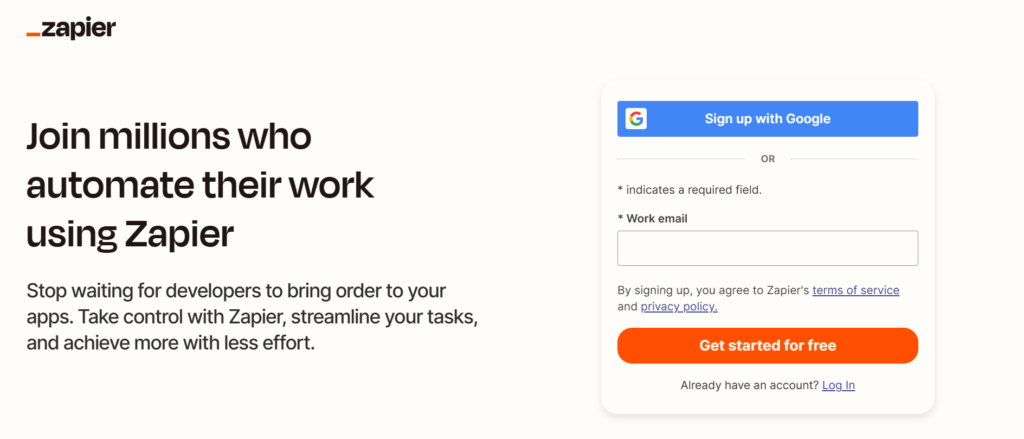
If you search for a serious Zapier review, you will see one thing repeated. It is the go-to starting point for workflow automation tools for SMEs in the UK.Zapier is a cloud-based automation platform used by over 2 million businesses globally, including a large number of UK SMEs. It connects apps like Gmail, Slack, Xero, Shopify, and HubSpot, letting you automate repetitive processes without technical knowledge.
For SMEs in the UK dealing with disconnected tools, Zapier removes the friction between systems and keeps operations moving.
Key Features
Multi-Step Zaps
Zapier allows you to build multi-step workflows called “Zaps.” Instead of a single trigger-action setup, you can create chains of actions that run automatically.
This matters because UK SMEs often have layered processes. A new lead can trigger email outreach, CRM updates, and internal alerts all at once. In most Zapier review breakdowns, this feature stands out as the backbone of serious automation.
6000+ App Integrations
Zapier connects with over 6000 applications, including popular tools used across UK SMEs.
This means your CRM, accounting software, email platform, and project tools can all work together without custom development. In Zapier vs Make comparisons, Zapier often wins on sheer integration volume, making it ideal for businesses with diverse software stacks.
Conditional Logic (Paths)
Zapier’s Paths feature lets you create conditional workflows. Actions change depending on user behaviour or data inputs.
This is powerful for SMEs running segmented campaigns or complex internal processes. A solid Zapier review will always highlight this as a major advantage for scaling automation beyond simple tasks.
Pre-Built Templates
Zapier includes thousands of ready-made templates designed for common business workflows.
UK SMEs can deploy automations quickly without building from scratch. This reduces setup time and helps non-technical teams implement automation with minimal friction.
Task History and Error Handling
Zapier tracks every automation task and flags errors in real time.
This gives SMEs full visibility over operations. If something breaks, you can fix it before it impacts customers or internal workflows. Compared to many Zapier alternatives, this level of monitoring is a key advantage.
Pros & Cons
| Pros | Cons |
| Massive app library | Costs rise with usage |
| Easy setup | Limited custom logic |
| Reliable automation | Can get expensive |
| Strong support docs | Task limits |
Pricing
Zapier pricing starts at around £15 per month for basic plans.
Higher-tier plans scale based on:
- Number of tasks per month
- Access to premium apps
- Advanced automation features
There is a free plan available, but it is limited in tasks and features. For UK SMEs serious about automation, paid plans are usually required.
Best For UK SMEs Needing Fast App Integrations
Zapier fits businesses that want quick wins without technical setup.
- Small business owners — connect tools without hiring developers
- Marketing teams — automate lead capture and email follow-ups
- eCommerce stores — sync orders, inventory, and notifications
- Agencies — manage client workflows across multiple apps
Verdict:
If your goal is to connect tools quickly and reduce manual work, Zapier is often the first tool to test. A practical tip most people miss is using Zapier templates as a starting point, then modifying them to match your exact workflow.
How to Use Zapier for UK SME Operations
A simple but effective setup:
- Connect website forms to your CRM
- Trigger email sequences automatically
- Send Slack alerts for new leads
- Update accounting tools like Xero instantly
This type of setup removes repetitive admin and keeps your pipeline active without manual input.
Quick tip: Use Zapier filters to qualify leads before they enter your CRM. This keeps your database clean and reduces wasted follow-up time.
Best Alternate Tool
If you are comparing Zapier alternatives, the closest competitor is Make.Zapier vs Make comes down to ease vs flexibility. Zapier is easier to start with, while Make offers more visual control and advanced workflow logic.
Make – Visual Automation for Complex Workflows
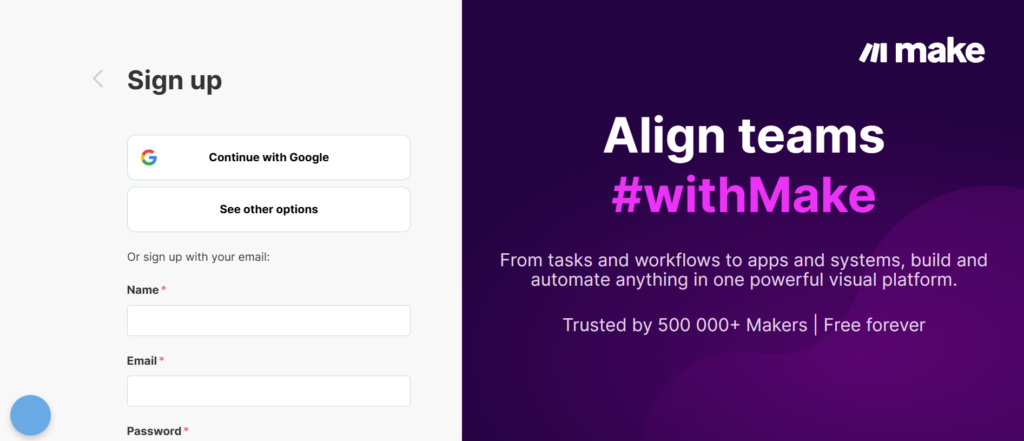
When you read any detailed Make review, one thing becomes obvious. It is built for SMEs that need more control over their automations than basic tools can offer.
Formerly known as Integromat, Make is a visual-first platform that lets UK SMEs design workflows using a drag-and-drop interface. Instead of simple trigger-action setups, you build full automation scenarios with logic, filters, and branching.
For businesses in the UK dealing with layered operations, Make stands out among workflow automation tools for SMEs UK.
Key Features
Visual Scenario Builder
Make uses a visual canvas where you map out every step of your workflow.
This matters because complex processes are easier to understand when you can see them. UK SMEs handling multi-step operations like order processing or lead routing benefit from this clarity. In most Make review discussions, this feature is the biggest reason users switch from Zapier.
Advanced Logic and Filters
Make allows deep customisation with filters, routers, and conditional logic.
You can create workflows that adapt based on data inputs. This is ideal for SMEs running segmented campaigns or handling different customer types. Compared in Make vs Zapier analysis, Make offers more control over how data moves between apps.
Real-Time Data Processing
Make processes data in real time with instant execution options.
This ensures your automations respond immediately to triggers, whether it is a new sale or a form submission. For UK SMEs managing customer interactions, this reduces delays and improves response times.
Built-In Data Manipulation Tools
Make includes tools for formatting, transforming, and validating data within workflows.
This removes the need for external processing tools. In many Make alternatives, this level of built-in data handling is missing, making Make a strong choice for data-heavy operations.
API and Webhook Support
Make provides strong API and webhook integration capabilities.
This allows UK SMEs to connect custom systems or less common apps. If your business uses niche software, this feature makes Make far more flexible than many other workflow automation tools for SMEs UK.
Pros & Cons
| Pros | Cons |
| Visual workflow builder | Steeper learning curve |
| Advanced logic control | Setup takes time |
| Strong data handling | Interface can overwhelm |
| Flexible integrations | Not beginner-friendly |
Pricing
Make pricing starts at around £9 per month, making it one of the more cost-effective options.
Plans are based on:
- Number of operations
- Data transfer volume
- Access to advanced features
There is also a free plan with limited operations, suitable for testing workflows before scaling.
Best For UK SMEs Handling Complex Automation Scenarios
Make is ideal for businesses that have outgrown simple automation tools.
- Operations teams — manage multi-step internal workflows
- SaaS companies — handle API-based integrations
- eCommerce businesses — automate order logic and fulfilment
- Agencies — build custom workflows for clients
Verdict:
If Zapier feels too limiting, Make is the next step. A useful tip is to start with a simple workflow and expand gradually. Many users try to build complex scenarios too early and get stuck.
How to Use Make for UK SME Operations
A strong use case for UK SMEs:
- Capture leads from multiple sources
- Route them based on conditions
- Assign to different sales reps
- Send tailored follow-up emails
- Update CRM and reporting dashboards
This level of control is why Make vs Zapier comparisons often favour Make for advanced users.
Quick tip: Use routers in Make to split workflows based on customer type. This keeps your automations organised and scalable.
Best Alternate Tool
The closest Make alternative is Zapier.
In Make vs Zapier comparisons, Zapier wins on simplicity, while Make wins on control. If your workflows are becoming complex, Make is usually the better long-term option.
Monday.com –Run Your Team Workflows in One Place
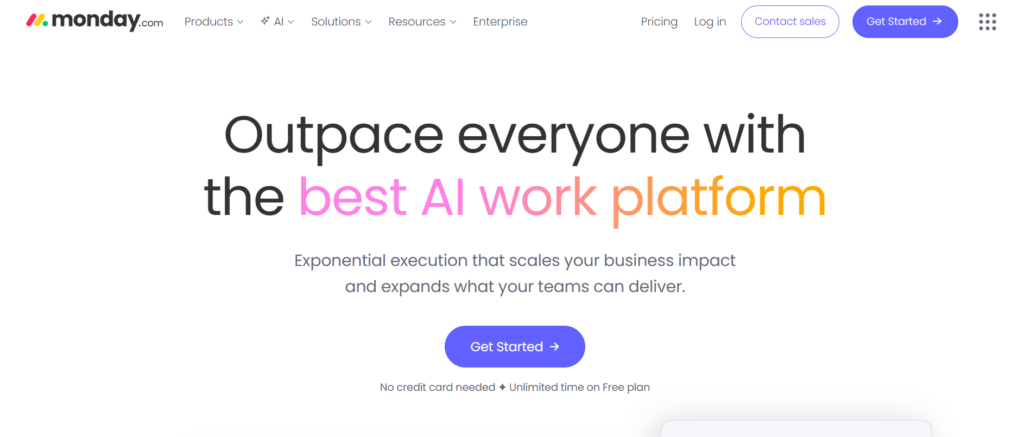
If you go through any serious Monday.com review, you will notice one thing quickly. It is not just a project management tool. It is a full workflow operating system for teams.
For UK SMEs juggling tasks, approvals, and team coordination, Monday.com stands out among workflow automation tools for SMEs UK because it combines task management with automation in one platform.
Used by over 180,000 businesses worldwide, including many UK-based teams, it is especially popular with marketing teams, agencies, and operations managers.
Key Features
Workflow Boards and Visual Dashboards
Monday.com uses boards to organise tasks, projects, and workflows visually.
Each board acts as a central hub where teams track progress, assign work, and manage deadlines. For UK SMEs, this reduces confusion across departments. In most Monday.com review breakdowns, this visual clarity is a major selling point.
Custom Automation Rules
Monday.com allows you to create automation rules without coding.
You can set triggers like status changes, deadlines, or task updates, and link them to actions such as notifications or task assignments. Compared in Monday.com vs Asana comparisons, Monday often wins on flexibility in automation rules.
Integration with Business Tools
Monday.com integrates with tools like Slack, Google Workspace, Zoom, and CRM systems.
This allows UK SMEs to centralise workflows without switching platforms constantly. In many Monday.com alternatives, integrations exist but are less intuitive to set up.
Time Tracking and Workload Management
Built-in time tracking helps teams monitor how long tasks take.
This is critical for agencies and service-based SMEs in the UK that bill clients based on time. It also helps managers balance workloads and avoid bottlenecks.
Templates for SME Workflows
Monday.com offers pre-built templates for marketing, sales, HR, and operations workflows.
This allows UK SMEs to deploy systems quickly without building everything from scratch. Many Monday.com review articles highlight this as a major time-saver.
Pros & Cons
| Pros | Cons |
| Visual interface | Pricing per user |
| Easy automation setup | Can get costly |
| Strong templates | Limited offline use |
| Good integrations | Learning curve for teams |
Pricing
Monday.com pricing starts at around £8 per user per month.
Pricing depends on:
- Number of users
- Feature access
- Automation limits
There is a free trial available, which most UK SMEs use to test workflow setups before committing.
Best For UK SMEs Managing Team Workflows
Monday.com is ideal for teams that need both task management and automation in one system.
- Marketing teams — manage campaigns and approvals
- Agencies — track client projects and timelines
- Operations managers — oversee internal workflows
- Startups — organise tasks across departments
Verdict:
If your team struggles with scattered tools and unclear processes, Monday.com brings structure. A useful tip is to start with one department, build a workflow board, and then expand across the business.
How to Use Monday.com for UK SME Operations
A practical setup for UK SMEs:
- Create a board for each department
- Set automation rules for task updates
- Track deadlines and progress visually
- Use integrations to sync with CRM and communication tools
This approach keeps your entire operation aligned without relying on manual follow-ups.
Quick tip: Use status-based automations to notify team members automatically when tasks move stages. This reduces internal communication delays.
Best Alternate Tool
If you are comparing Monday.com alternatives, ClickUp is the closest competitor.
In Monday.com vs ClickUp comparisons, Monday is easier to use, while ClickUp offers more customisation for advanced users.
Asana – Organise Work and Automate Team Tasks
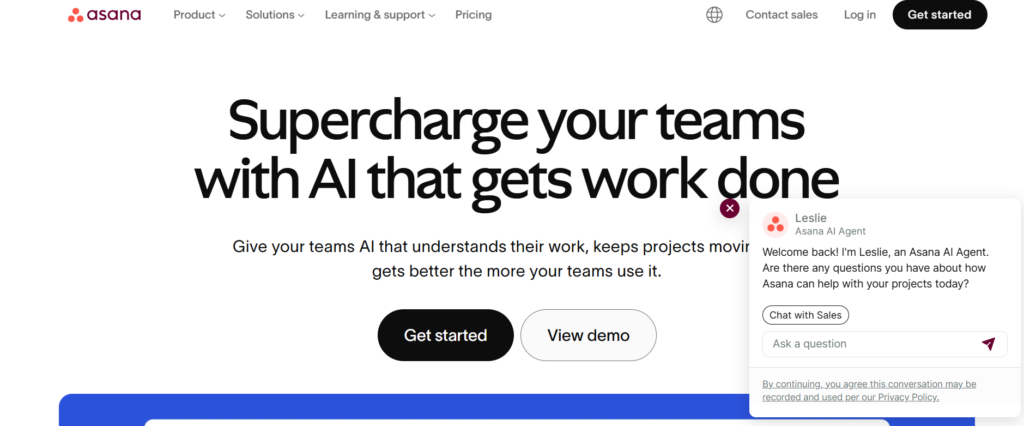
Read any detailed Asana review and you will see why it remains a strong choice for UK SMEs. It focuses on task management first, then layers automation on top in a way teams can actually use without friction.
Asana is widely used by marketing teams, operations managers, and agencies across the UK. It helps businesses manage projects while automating repetitive task actions, making it a reliable option among workflow automation tools for SMEs UK.
Key Features
Rule-Based Task Automation
Asana allows you to create rules that trigger actions automatically when certain conditions are met.
This includes assigning tasks, updating statuses, or sending notifications. For UK SMEs managing multiple projects, this reduces manual follow-ups. In most Asana review breakdowns, this feature is highlighted as the core automation engine.
Timeline and Project Views
Asana offers multiple views including list, board, and timeline formats.
This helps teams visualise project progress and dependencies. For SMEs handling deadlines and client work, this improves planning accuracy. Compared in Asana vs Monday.com comparisons, Asana is often preferred for cleaner project timelines.
Workflow Builder for Teams
The workflow builder allows teams to standardise processes across projects.
You can create templates for recurring workflows like onboarding, campaign launches, or internal approvals. This is especially useful for UK SMEs that repeat similar processes across clients or departments.
Integration with Business Apps
Asana integrates with tools like Slack, Google Drive, Microsoft Teams, and CRM systems.
This ensures workflows stay connected without switching between platforms. In many Asana alternatives, integrations exist but are less straightforward to implement.
Reporting and Progress Tracking
Asana includes built-in reporting tools that track task completion, team performance, and project status.
This gives UK SMEs visibility over operations without manual reporting. Many Asana review articles point to this as a key benefit for managers.
Pros & Cons
| Pros | Cons |
| Clean interface | Limited deep automation |
| Strong task tracking | Advanced features cost more |
| Good templates | Not ideal for complex workflows |
| Easy onboarding | Reporting can feel basic |
Pricing
Asana pricing starts at around £10.99 per user per month.
Plans vary based on:
- Number of users
- Access to automation rules
- Reporting features
There is a free version available for small teams, but automation capabilities are limited.
Best For UK SMEs Focused on Task and Project Automation
Asana works best for teams that want structured task management with light automation.
- Marketing teams — manage campaigns and deadlines
- Creative agencies — track client deliverables
- Startups — organise internal workflows
- Operations teams — standardise recurring processes
Verdict:
If your workflows revolve around tasks and deadlines rather than complex system integrations, Asana is a strong fit. A useful tip is to build workflow templates for repeat projects to save time on setup.
How to Use Asana for UK SME Operations
A simple setup for UK SMEs:
- Create project templates for recurring work
- Use rules to assign tasks automatically
- Track deadlines with timeline view
- Integrate communication tools for updates
This setup keeps teams aligned without constant manual intervention.
Quick tip: Use task dependencies in Asana to ensure work progresses in the correct order. This avoids delays in multi-step projects.
Best Alternate Tool
If you are comparing Asana alternatives, Monday.com is the closest match.
In Asana vs Monday.com comparisons, Asana is simpler for task tracking, while Monday.com offers more flexibility in workflow customisation.
ClickUp – One App to Manage Tasks, Docs, and Automation
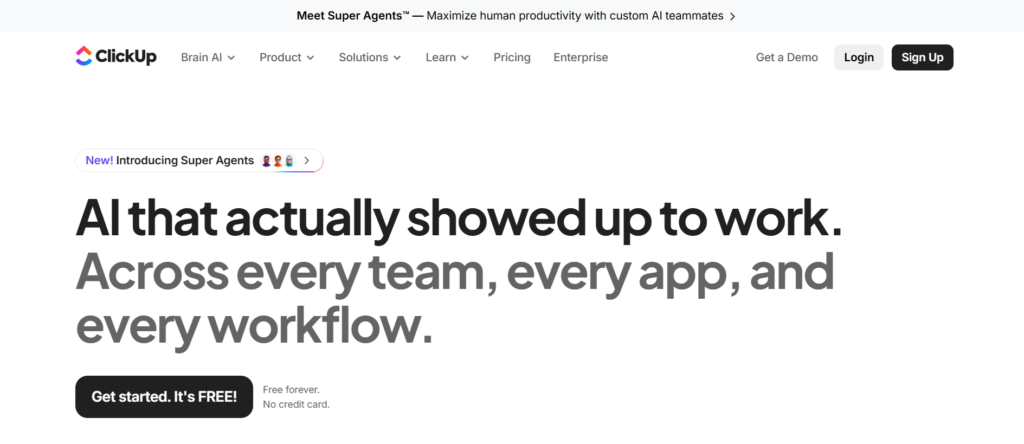
In most detailed ClickUp review articles, one theme stands out. It tries to replace multiple tools with one system.For UK SMEs, this matters. Instead of juggling project management tools, docs, spreadsheets, and automation platforms, ClickUp brings everything into a single workspace. That is why it is often listed among the most flexible workflow automation tools for SMEs in the UK.
Used by startups, agencies, and growing businesses across the UK, ClickUp is built for teams that want control over how their workflows are structured.
Key Features
Custom Automation Builder
ClickUp allows you to create automation rules based on triggers and conditions.
You can automate task assignments, status updates, notifications, and recurring processes. This is especially useful for UK SMEs managing multiple workflows. In many ClickUp review comparisons, this feature is seen as more flexible than simpler tools like Trello.
All-in-One Workspace
ClickUp combines tasks, documents, goals, and chat in one platform.
This reduces the need for switching between tools. For SMEs in the UK, fewer tools mean fewer integration issues and lower operational complexity. Compared in ClickUp vs Monday.com discussions, ClickUp often stands out for depth of features.
Custom Views and Dashboards
ClickUp offers multiple views including list, board, calendar, and Gantt charts.
This allows teams to visualise workflows in a way that fits their process. UK SMEs handling complex projects benefit from this level of flexibility.
Built-In Docs and Knowledge Base
ClickUp includes document creation and knowledge management features.
Teams can store SOPs, project notes, and internal documentation alongside tasks. This keeps information centralised and easy to access.
Time Tracking and Goal Management
ClickUp includes native time tracking and goal-setting features.
This is useful for UK SMEs that need to monitor productivity and track progress against targets. Many ClickUp alternatives require separate tools for this.
Pros & Cons
| Pros | Cons |
| Highly customisable | Interface can feel busy |
| All-in-one system | Learning curve |
| Strong automation | Setup takes time |
| Good value pricing | Can overwhelm beginners |
Pricing
ClickUp pricing starts at around £7 per user per month.
Pricing tiers depend on:
- Feature access
- Storage limits
- Advanced automation capabilities
There is also a free plan available with limited features, suitable for small teams testing the platform.
Best For UK SMEs Wanting Full Workflow Control
ClickUp is ideal for businesses that want to build customised systems.
- Agencies — manage client projects and internal workflows
- Startups — centralise operations in one tool
- Operations teams — design detailed workflows
- Service businesses — track tasks, time, and deliverables
Verdict:
If you want one platform to run most of your operations, ClickUp is worth serious consideration. A useful tip is to start simple and gradually add features as your team becomes comfortable.
How to Use ClickUp for UK SME Operations
A practical setup for UK SMEs:
- Create spaces for each department
- Build task lists and workflows
- Add automation rules for repetitive actions
- Use dashboards to track performance
This approach allows you to manage operations without relying on multiple disconnected tools.
Quick tip: Use ClickUp templates for recurring workflows like onboarding or campaign management to reduce setup time.
Best Alternate Tool
If you are comparing ClickUp alternatives, Monday.com is the closest competitor.
In ClickUp vs Monday.com comparisons, ClickUp offers more depth, while Monday.com is easier for teams to adopt quickly.
Airtable – Database Meets Workflow Automation
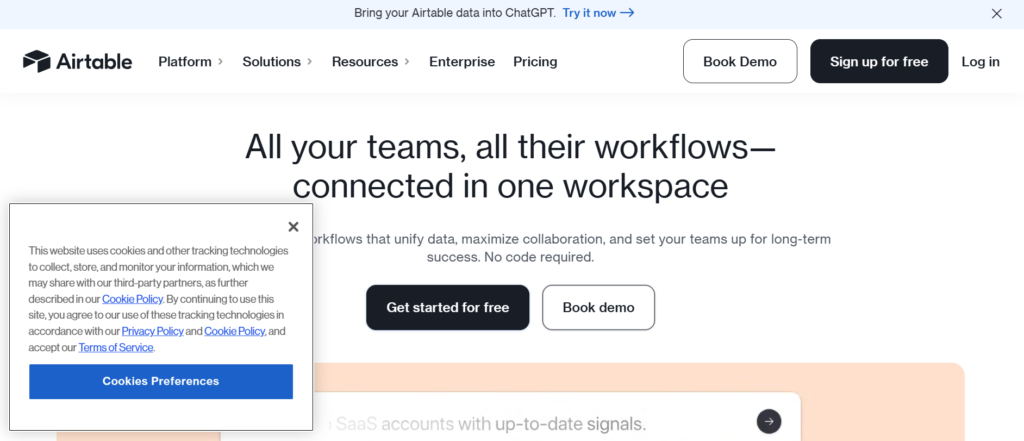
If you read any solid Airtable review, you will quickly see it sits between spreadsheets and full automation platforms. It gives UK SMEs the structure of a database with the flexibility of a spreadsheet, combined with automation features.
For businesses handling large volumes of data, Airtable stands out among workflow automation tools for SMEs UK because it organises information first, then automates what happens next.
It is widely used by marketing teams, operations managers, and eCommerce businesses across the UK.
Key Features
Flexible Database Structure
Airtable lets you build custom databases using tables, fields, and relationships.
Unlike traditional spreadsheets, you can link records across tables, making it easier to manage complex workflows. For UK SMEs dealing with customer data, inventory, or campaigns, this structure is a major advantage highlighted in most Airtable review discussions.
Built-In Automation Rules
Airtable includes automation triggers based on changes in your database.
You can send emails, update records, or notify team members automatically. This allows SMEs to manage workflows directly within their data system without relying heavily on external tools.
Multiple Data Views
Airtable offers grid, calendar, kanban, and gallery views.
This means your team can visualise workflows in different formats depending on the task. In Airtable vs Notion comparisons, Airtable is often preferred for structured data handling.
Integration with External Tools
Airtable integrates with tools like Slack, Google Workspace, and Zapier.
This ensures your workflows connect with other systems used by UK SMEs. Many Airtable alternatives require more setup for similar integrations
Custom Fields and Data Types
Airtable supports a wide range of field types including attachments, dropdowns, checkboxes, and formulas.
This allows UK SMEs to tailor their database to match their exact workflow needs, whether for CRM, project tracking, or content planning.
Pros & Cons
| Pros | Cons |
| Flexible database system | Can get complex |
| Strong automation features | Pricing per user |
| Multiple views | Not ideal for beginners |
| Good integrations | Limited advanced logic |
Pricing
Airtable pricing starts at around £10 per user per month.
Pricing depends on:
- Number of records
- Storage limits
- Automation runs
There is a free plan available, but it has limitations on records and automation usage.
Best For UK SMEs Managing Data-Heavy Workflows
Airtable is ideal for businesses where data organisation is central to operations.
- Marketing teams — manage content calendars and campaigns
- eCommerce stores — track inventory and orders
- Agencies — organise client data and workflows
- Operations teams — manage internal systems
Verdict:
If your workflows depend heavily on structured data, Airtable is a strong option. A useful tip is to design your database structure carefully before adding automation. Poor structure leads to messy workflows later.
How to Use Airtable for UK SME Operations
A practical setup for UK SMEs:
- Build a central database for your operations
- Link related data across tables
- Set automation triggers for updates and notifications
- Integrate with external tools for extended workflows
This approach keeps your data organised while reducing manual updates.
Quick tip: Use Airtable views to create role-specific dashboards. This ensures each team only sees what they need.
Best Alternate Tool
If you are comparing Airtable alternatives, Notion is the closest match.
In Airtable vs Notion comparisons, Airtable is stronger for structured data, while Notion offers more flexibility for documentation and collaboration.
Trello – Simple Boards with Built-In Automation
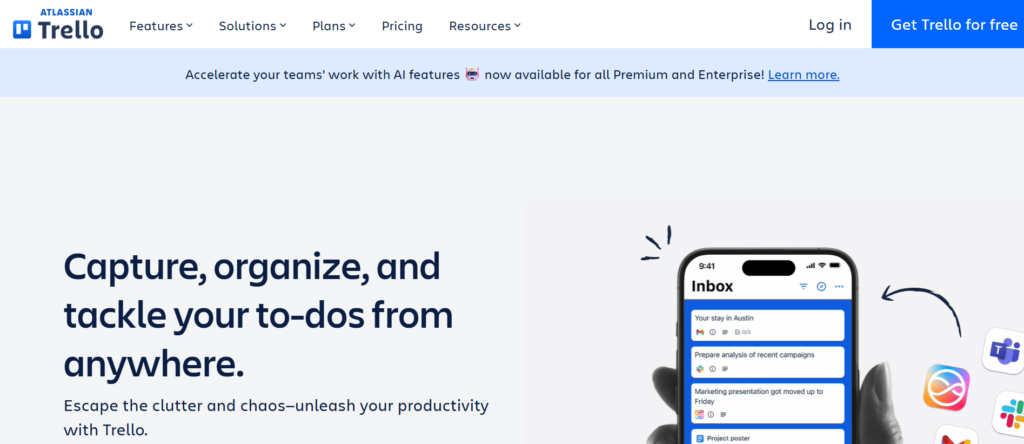
In many straightforward Trello review articles, one thing stands out. It is simplicity done right.Trello is built around boards, lists, and cards. For UK SMEs that do not want complex systems, it offers a clean way to manage workflows while still including automation through its Butler feature.
That is why it remains one of the most accessible workflow automation tools for SMEs UK, especially for smaller teams or businesses just starting with automation.
Key Features
Kanban Board System
Trello uses a visual board system where tasks move across lists such as “To Do,” “In Progress,” and “Done.”
This gives UK SMEs a clear overview of workflow stages. In most Trello review breakdowns, this visual simplicity is the main reason teams adopt it quickly.
Butler Automation
Trello includes a built-in automation tool called Butler.
You can create rules, buttons, and scheduled commands to automate repetitive actions. This includes moving cards, assigning tasks, or sending notifications. In Trello vs Asana comparisons, Trello stands out for ease of automation setup.
Power-Ups and Integrations
Trello supports integrations called Power-Ups, including Slack, Google Drive, and CRM tools.
This allows UK SMEs to extend functionality without switching platforms. Many Trello alternatives require more complex integrations.
Customisable Boards and Cards
Each board and card can be customised with labels, due dates, attachments, and checklists.
This makes it flexible enough for different workflows, from marketing campaigns to internal operations.
Mobile and Remote Access
Trello offers strong mobile apps and remote access capabilities.
For UK SMEs with distributed teams, this ensures workflows stay updated regardless of location.
Pros & Cons
| Pros | Cons |
| Very easy to use | Limited advanced automation |
| Visual workflow tracking | Not ideal for complex systems |
| Quick setup | Can become cluttered |
| Free plan available | Fewer reporting features |
Pricing
Trello pricing starts at around £5 per user per month.
Pricing tiers depend on:
- Number of boards
- Access to advanced automation
- Power-Ups
There is a free plan available with basic features, which is suitable for small UK teams.
Best For UK SMEs Starting with Workflow Automation
Trello is ideal for businesses that want a simple entry point into automation.
- Small teams — manage tasks without complexity
- Startups — organise workflows quickly
- Marketing teams — track campaigns visually
- Freelancers — manage projects and deadlines
Verdict:
If you want a lightweight tool that your team can adopt immediately, Trello is a strong option. A useful tip is to keep boards focused and avoid adding too many lists, which can reduce clarity.
How to Use Trello for UK SME Operations
A practical setup for UK SMEs:
- Create boards for each workflow
- Use lists to represent stages
- Add Butler rules to automate task movement
- Integrate with communication tools
This keeps workflows organised while reducing manual updates.
Quick tip: Use Butler’s scheduled commands to automate recurring tasks like weekly reviews or status updates.
Best Alternate Tool
If you are comparing Trello alternatives, Asana is the closest match.
In Trello vs Asana comparisons, Trello is simpler, while Asana offers more structured project management features.
Notion – Docs, Tasks, and Workflows in One Workspace
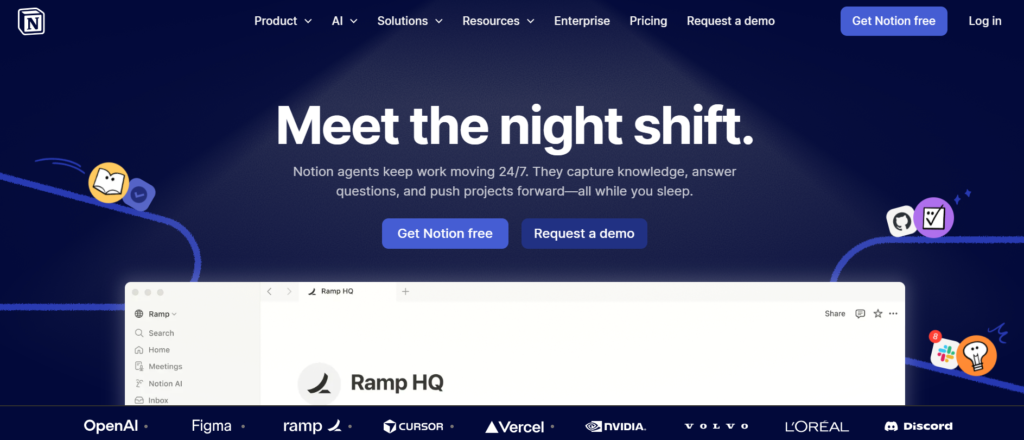
Any detailed Notion review will tell you this. It is not just a note-taking tool. It is a flexible workspace where UK SMEs can manage documentation, tasks, and workflows in one place.
For businesses that rely on both information and execution, Notion stands out among workflow automation tools for SMEs UK because it connects knowledge with action.
It is widely used by startups, agencies, and service-based SMEs across the UK.
Key Features
Linked Databases for Workflows
Notion allows you to create linked databases that connect tasks, projects, and documents.
This means your workflows are tied directly to your data and content. For UK SMEs managing multiple moving parts, this creates a central system. In most Notion review discussions, this feature is the foundation of its flexibility.
Custom Workflow Systems
You can build fully customised workflows using pages, databases, and templates.
Unlike rigid tools, Notion lets UK SMEs design processes exactly how they want. In Notion vs Airtable comparisons, Notion is often preferred for flexibility, while Airtable is stronger for structured data.
Built-In Documentation and Knowledge Base
Notion combines documentation with workflow management.
Teams can store SOPs, guides, and project details alongside tasks. This reduces the need for separate documentation tools and keeps everything aligned.
Basic Automation and Integrations
Notion includes limited native automation but connects with tools like Zapier and Make.
This allows UK SMEs to extend workflows beyond the platform. Many Notion alternatives offer more built-in automation, but fewer offer this level of flexibility in structure.
Collaboration and Permissions
Notion makes it easy to share pages and control access.
Teams can collaborate in real time, assign tasks, and track updates. This is especially useful for UK SMEs with remote or hybrid teams.
Pros & Cons
| Pros | Cons |
| Highly flexible | Limited native automation |
| Combines docs and tasks | Setup takes time |
| Strong collaboration | Can get messy |
| Good templates | Not ideal for complex logic |
Pricing
Notion pricing starts at around £8 per user per month.
Pricing depends on:
- Team size
- Storage and file uploads
- Advanced permissions
There is a free plan available, which is suitable for individuals and small teams.
Best For UK SMEs Managing Knowledge and Workflows Together
Notion is ideal for businesses that need both documentation and workflow management.
- Startups — build internal systems from scratch
- Agencies — manage client projects and knowledge bases
- Content teams — organise editorial workflows
- Operations teams — centralise processes and SOPs
Verdict:
If your workflows depend on both information and execution, Notion is a strong option. A useful tip is to start with templates and refine them over time rather than building everything from scratch.
How to Use Notion for UK SME Operations
A practical setup for UK SMEs:
- Create a central workspace for your business
- Build databases for tasks and projects
- Link documentation to workflows
- Use integrations to automate actions
This keeps your processes organised while reducing tool sprawl.
Quick tip: Use linked databases to create dashboards for different teams. This ensures each department sees only relevant information.
Best Alternate Tool
If you are comparing Notion alternatives, Airtable is the closest competitor.
In Notion vs Airtable comparisons, Notion offers more flexibility in structure, while Airtable provides stronger data management.
HubSpot – CRM and Workflow Automation Built for Growth
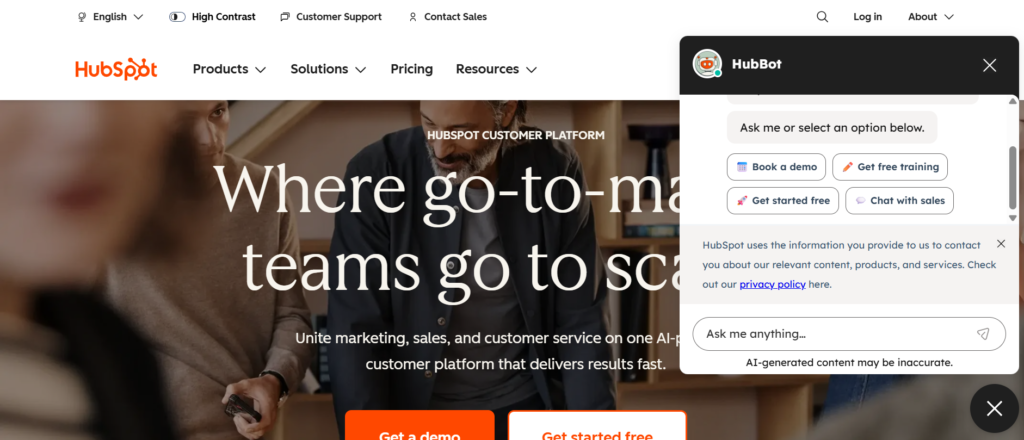
If you read a detailed HubSpot review, one thing becomes clear. It is more than a CRM. It is a full system for managing sales, marketing, and automation in one place.
For UK SMEs focused on lead generation and customer management, HubSpot is one of the most widely adopted workflow automation tools for SMEs UK. It connects your pipeline, marketing campaigns, and customer data into a single workflow engine.
Used by over 150,000 businesses globally, it is especially popular with service-based SMEs and B2B companies across the UK.
Key Features
CRM-Based Workflow Automation
HubSpot allows you to build workflows directly inside your CRM.
You can automate lead assignment, follow-ups, deal updates, and customer communication. This is critical for UK SMEs managing sales pipelines. In most HubSpot review breakdowns, this feature is seen as the core strength of the platform.
Marketing Automation Tools
HubSpot includes email automation, lead nurturing, and campaign tracking.
You can set up workflows that send emails based on user behaviour, form submissions, or deal stages. In HubSpot vs ActiveCampaign comparisons, HubSpot is often preferred for its all-in-one approach.
Lead Scoring and Segmentation
HubSpot lets you score leads based on actions and engagement.
This helps UK SMEs prioritise high-value prospects and focus sales efforts where they matter most. Many HubSpot alternatives require third-party tools for this functionality.
Integration with Business Tools
HubSpot integrates with tools like Slack, Shopify, Salesforce, and Google Workspace.
This ensures your workflows remain connected across systems. For UK SMEs using multiple platforms, this reduces manual data entry.
Reporting and Analytics
HubSpot provides detailed reporting on sales, marketing, and customer activity.
This gives SMEs visibility into performance and workflow efficiency. Many HubSpot review articles highlight this as a key benefit for decision-makers.
Pros & Cons
| Pros | Cons |
| Strong CRM integration | Costs increase quickly |
| All-in-one platform | Advanced features expensive |
| Good reporting | Setup can take time |
| Scalable system | Learning curve |
Pricing
HubSpot pricing starts at around £18 per month for basic plans.
However, costs increase based on:
- Number of contacts
- Marketing automation features
- Sales tools and reporting
There is a free CRM available, but advanced automation requires paid plans.
Best For UK SMEs Focused on Sales and Marketing Automation
HubSpot is ideal for businesses that want to connect marketing and sales workflows.
- B2B companies — manage leads and pipelines
- Service businesses — automate client communication
- Marketing teams — run campaigns and track performance
- Sales teams — manage deals and follow-ups
Verdict:
If your focus is on managing leads and turning them into customers, HubSpot is a strong option. A useful tip is to start with the free CRM, then upgrade only when automation needs increase.
How to Use HubSpot for UK SME Operations
A practical setup for UK SMEs:
- Capture leads through forms and landing pages
- Automate follow-up emails
- Assign leads to sales reps
- Track deals through pipeline stages
This keeps your sales process consistent and reduces missed opportunities.
Quick tip: Use lead scoring to prioritise high-intent prospects. This helps your team focus on deals more likely to close.
Best Alternate Tool
If you are comparing HubSpot alternatives, ActiveCampaign is a strong option.
In HubSpot vs ActiveCampaign comparisons, HubSpot offers a broader system, while ActiveCampaign focuses more on email automation and customer journeys.
Zoho Flow – Automate Business Apps Within the Zoho Ecosystem
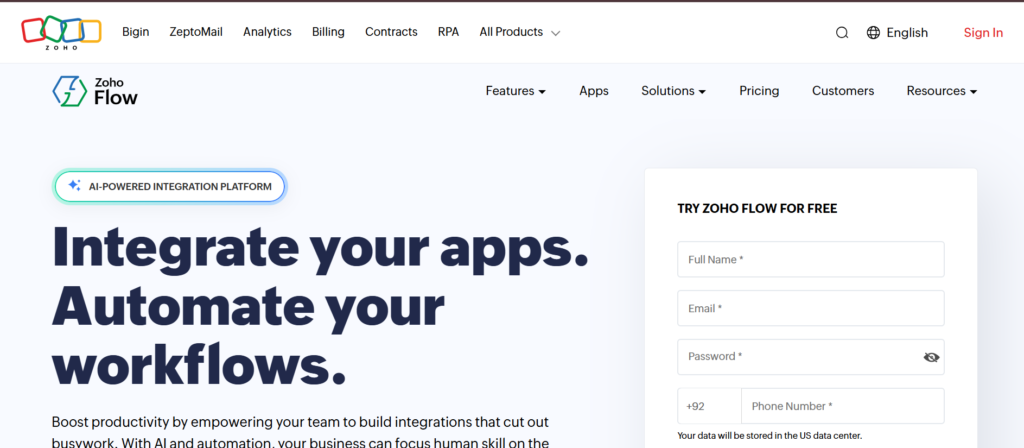
In many detailed Zoho Flow review articles, one thing is clear. It is built for businesses already using Zoho products and wanting tighter control over their workflows.
For UK SMEs using Zoho CRM, Zoho Books, or Zoho Projects, Zoho Flow becomes a natural extension. It connects apps and automates processes without needing complex setup, making it a practical option among workflow automation tools for SMEs UK.
Key Features
Deep Zoho Integration
Zoho Flow connects seamlessly with the entire Zoho suite.
This includes Zoho CRM, Zoho Books, Zoho Desk, and more. For UK SMEs already invested in Zoho, this creates a connected system without relying heavily on third-party tools. In most Zoho Flow review breakdowns, this integration is the main advantage.
Drag-and-Drop Workflow Builder
Zoho Flow uses a visual builder to create automation workflows.
You can map triggers and actions step by step, making it easier to understand how your processes work. Compared in Zoho Flow vs Zapier discussions, Zoho Flow is often preferred by Zoho users for simplicity within the ecosystem.
Conditional Logic and Branching
Zoho Flow supports conditional workflows with decision-based actions.
This allows UK SMEs to create workflows that adapt based on inputs, such as customer type or transaction value. Many Zoho Flow alternatives offer similar logic, but not always with the same level of integration across apps.
Custom Functions and Webhooks
Zoho Flow allows custom scripting and webhook integration.
This gives more flexibility for SMEs with specific workflow needs or custom systems. It is particularly useful for businesses that need more than basic automation.
Pre-Built Workflow Templates
Zoho Flow includes ready-made templates for common business processes.
This allows UK SMEs to deploy automations quickly without building from scratch, reducing setup time.
Pros & Cons
| Pros | Cons |
| Strong Zoho integration | Limited outside ecosystem |
| Easy visual builder | Fewer integrations than Zapier |
| Affordable pricing | Smaller community |
| Good for SMEs | Less advanced than Make |
Pricing
Zoho Flow pricing starts at around £8 per month.
Pricing depends on:
- Number of flows
- Task executions
- Access to premium features
There is a free plan available with limited usage, suitable for small-scale automation.
Best For UK SMEs Using Zoho Products
Zoho Flow is ideal for businesses already operating within the Zoho ecosystem.
- Zoho CRM users — automate lead and sales workflows
- Finance teams — sync data between Zoho Books and other apps
- Service businesses — manage customer processes
- Small teams — automate internal operations
Verdict:
If your business already relies on Zoho tools, Zoho Flow fits naturally into your setup. A useful tip is to focus on automating core processes first, such as lead handling or invoicing, before expanding to more complex workflows.
How to Use Zoho Flow for UK SME Operations
A practical setup for UK SMEs:
- Connect Zoho CRM with email and marketing tools
- Automate lead assignment and follow-ups
- Sync financial data between systems
- Trigger notifications for key events
This keeps your operations consistent without manual updates.
Quick tip: Use conditional logic to segment workflows based on customer data. This improves accuracy and reduces unnecessary actions.
Best Alternate Tool
If you are comparing Zoho Flow alternatives, Zapier is the closest competitor.
In Zoho Flow vs Zapier comparisons, Zapier offers more integrations, while Zoho Flow is stronger within the Zoho ecosystem.
Microsoft Power Automate – Automate Workflows Across Microsoft Tools
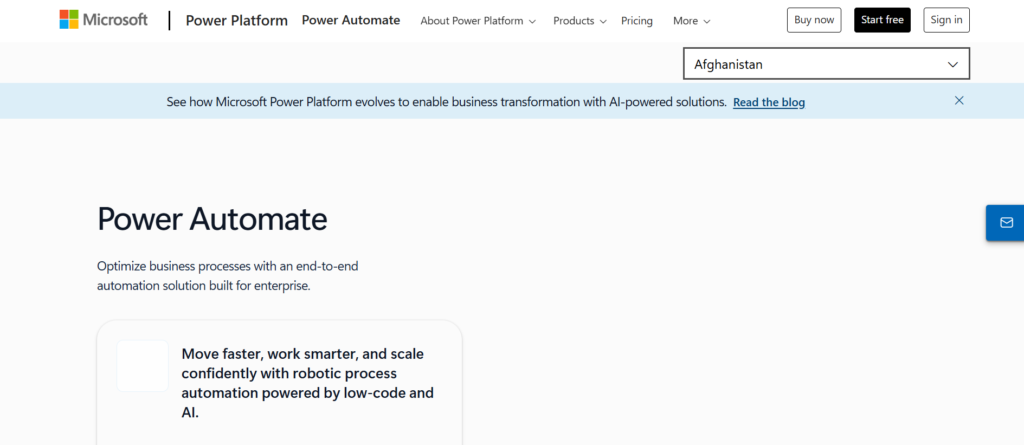
Any in-depth Microsoft Power Automate review makes one thing clear. It is built for businesses already using Microsoft products and wanting tighter workflow control across them.
For UK SMEs using Microsoft 365, Dynamics, or Teams, this platform becomes a natural choice among workflow automation tools for SMEs UK. It connects apps, services, and data into automated workflows without relying on manual processes.
It is widely adopted by SMEs across the UK that rely on Microsoft infrastructure for daily operations.
Key Features
Deep Microsoft Ecosystem Integration
Microsoft Power Automate connects seamlessly with tools like Outlook, Excel, SharePoint, Teams, and Dynamics.
This creates a connected workflow environment for UK SMEs already using Microsoft products. In most Microsoft Power Automate review discussions, this tight integration is the main advantage over other tools.
Automated and Scheduled Flows
You can create automated flows triggered by events or scheduled at specific times.
This allows UK SMEs to handle repetitive processes such as approvals, notifications, and data updates without manual input. Compared in Microsoft Power Automate vs Zapier discussions, Power Automate is often preferred within Microsoft-heavy environments.
AI Builder Capabilities
Power Automate includes AI features that can process data, recognise patterns, and automate decision-making.
This is useful for SMEs dealing with documents, invoices, or customer data. Many Microsoft Power Automate alternatives do not offer built-in AI tools at this level.
Robotic Process Automation (RPA)
Power Automate supports RPA, allowing automation of tasks across desktop applications.
This is particularly valuable for UK SMEs that rely on legacy systems or manual processes that cannot be integrated directly.
Pre-Built Templates
Microsoft Power Automate includes templates for common workflows such as approvals, notifications, and data collection.
This allows UK SMEs to implement automation quickly without building workflows from scratch.
Pros & Cons
| Pros | Cons |
| Strong Microsoft integration | Complex setup |
| AI and RPA features | Learning curve |
| Scalable for SMEs | Interface not beginner-friendly |
| Good template library | Requires Microsoft ecosystem |
Pricing
Microsoft Power Automate pricing starts at around £12 per month per user.
Pricing depends on:
- Number of flows
- Access to premium connectors
- RPA capabilities
There is a free version with limited features, but most UK SMEs will need paid plans for full automation.
Best For UK SMEs Using Microsoft Ecosystem
Microsoft Power Automate is ideal for businesses already using Microsoft tools daily.
- Office-based SMEs — automate internal processes
- Finance teams — manage approvals and reporting
- Operations teams — connect workflows across departments
- Enterprises scaling systems — automate legacy processes
Verdict:
If your business runs on Microsoft tools, Power Automate fits naturally into your workflow. A useful tip is to start with simple approval workflows before moving into more advanced automation.
How to Use Microsoft Power Automate for UK SME Operations
A practical setup for UK SMEs:
- Automate email notifications from Outlook
- Sync Excel data with other systems
- Create approval workflows in Teams
- Process documents automatically
This keeps operations consistent and reduces manual workload.
Quick tip: Use approval flows in Teams to speed up decision-making without relying on email chains.
Best Alternate Tool
If you are comparing Microsoft Power Automate alternatives, Make is a strong option.
In Microsoft Power Automate vs Make comparisons, Power Automate works best within Microsoft systems, while Make offers more flexibility across different platforms.
Pabbly Connect – Affordable Automation Without Task Limits
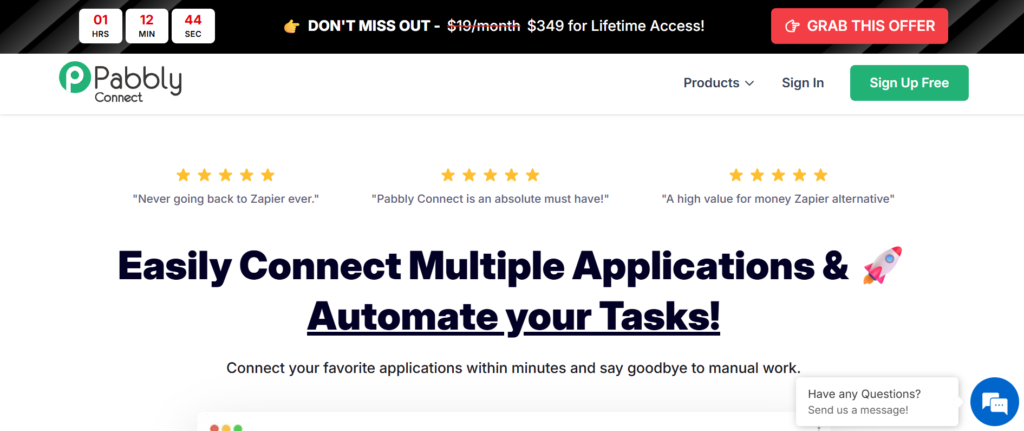
In most honest Pabbly Connect review breakdowns, one thing stands out quickly. It offers automation without charging per task in the same way as many competitors.
For UK SMEs watching costs closely, this makes Pabbly Connect a practical option among workflow automation tools for SMEs UK. It connects apps, automates workflows, and keeps pricing predictable as your usage grows.
It is commonly used by small businesses, freelancers, and agencies across the UK that want automation without rising monthly bills.
Key Features
Unlimited Automation Workflows
Pabbly Connect allows you to create unlimited workflows depending on your plan.
This matters for UK SMEs running multiple automations daily. Unlike many tools where costs increase with usage, Pabbly keeps things more predictable. In most Pabbly Connect review articles, this pricing model is a key reason users switch from Zapier alternatives.
Multi-Step Workflow Automation
You can build workflows with multiple steps, triggers, and actions.
This allows UK SMEs to automate entire processes instead of single actions. Compared in Pabbly Connect vs Zapier comparisons, Pabbly offers similar functionality but at a lower cost for high usage.
Wide Range of App Integrations
Pabbly Connect supports integrations with popular tools like Google Sheets, WooCommerce, Shopify, and email platforms.
This helps UK SMEs connect essential business systems without complex setup. While it has fewer integrations than Zapier, it covers most common SME use cases.
Filters and Conditional Logic
Pabbly includes filters that allow workflows to run based on specific conditions.
This ensures only relevant data triggers actions, reducing unnecessary processes. Many Pabbly Connect alternatives offer similar features, but often at higher pricing tiers.
One-Time Payment Option
Pabbly offers lifetime pricing plans in addition to monthly subscriptions.
This is a major advantage for UK SMEs that want to avoid ongoing costs. It is one of the few workflow automation tools for SMEs in the UK with this pricing model.
Pros & Cons
| Pros | Cons |
| Cost-effective pricing | Fewer integrations |
| No per-task charges | Interface less polished |
| Multi-step workflows | Smaller ecosystem |
| Lifetime deal option | Limited advanced features |
Pricing
Pabbly Connect pricing starts at around £16 per month.
Pricing includes:
- Access to multiple workflows
- Fixed task limits based on plan
- Optional lifetime deals
There is no free plan, but trial options are sometimes available.
Best For UK SMEs Looking for Budget-Friendly Automation
Pabbly Connect is ideal for businesses that want automation without rising costs.
- Small businesses — manage workflows on a budget
- eCommerce stores — automate order and customer processes
- Agencies — run multiple client automations
- Freelancers — connect apps without high monthly fees
Verdict:
If pricing is a major concern and you need consistent automation, Pabbly Connect is worth considering. A useful tip is to calculate your monthly task usage before choosing a plan to ensure it fits your needs.
How to Use Pabbly Connect for UK SME Operations
A practical setup for UK SMEs:
- Connect website forms to email marketing tools
- Automate order processing and notifications
- Sync customer data across platforms
- Trigger follow-up emails automatically
This reduces manual admin and keeps operations running smoothly.
Quick tip: Use filters to avoid triggering workflows unnecessarily. This keeps your automation efficient and within plan limits.
Best Alternate Tool
If you are comparing Pabbly Connect alternatives, Zapier is the closest competitor.
In Pabbly Connect vs Zapier comparisons, Zapier offers more integrations, while Pabbly is more cost-effective for high-volume automation
ActiveCampaign – Email Marketing Meets Workflow Automation
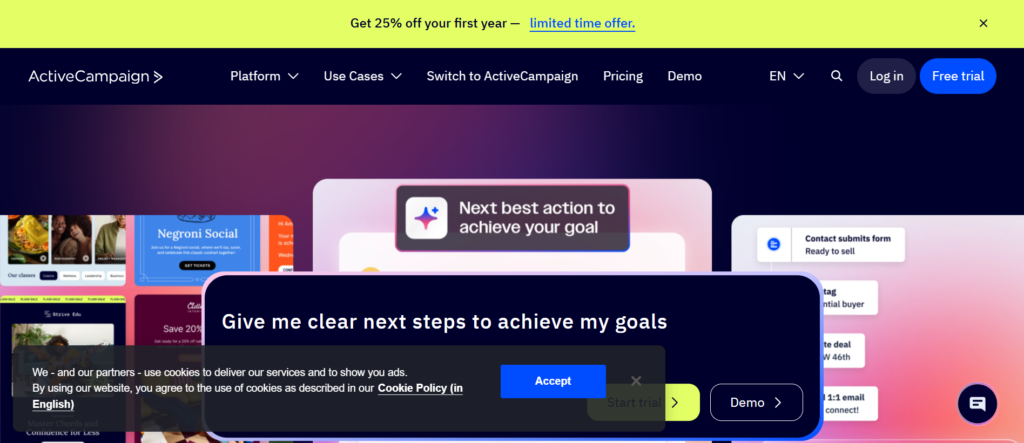
In most detailed ActiveCampaign review discussions, one point stands out. It goes deeper into email automation than most tools while still offering solid workflow automation features.
For UK SMEs focused on customer journeys, retention, and email-driven sales, ActiveCampaign is a strong contender among workflow automation tools for SMEs UK. It combines CRM, email marketing, and automation into one platform.
It is widely used by eCommerce businesses, service providers, and digital agencies across the UK
Key Features
Advanced Email Automation Builder
ActiveCampaign offers a visual automation builder designed specifically for email workflows.
You can create sequences based on user behaviour, triggers, and engagement. This allows UK SMEs to run targeted campaigns without manual follow-up. In most ActiveCampaign review breakdowns, this feature is the platform’s core strength.
Customer Journey Mapping
ActiveCampaign allows you to map entire customer journeys from first contact to conversion.
This helps UK SMEs manage how leads move through the funnel. Compared in ActiveCampaign vs HubSpot comparisons, ActiveCampaign often provides more flexibility in email automation.
CRM and Sales Automation
ActiveCampaign includes a built-in CRM that connects with automation workflows.
You can assign leads, track deals, and automate follow-ups. This is useful for SMEs managing both marketing and sales processes in one system.
Segmentation and Personalisation
ActiveCampaign allows detailed segmentation based on user behaviour, demographics, and engagement.
This ensures your automation is relevant and targeted. Many ActiveCampaign alternatives offer segmentation, but not always at this level of depth.
Integration with Business Tools
ActiveCampaign integrates with tools like Shopify, WordPress, and Zapier.
This allows UK SMEs to connect marketing workflows with other systems and maintain consistent data across platforms.
Pros & Cons
| Pros | Cons |
| Strong email automation | Learning curve |
| Good CRM features | Can get expensive |
| Advanced segmentation | Interface takes time |
| Flexible workflows | Not all features intuitive |
Pricing
ActiveCampaign pricing starts at around £29 per month.
Pricing depends on:
- Number of contacts
- Access to CRM features
- Automation capabilities
There is no permanent free plan, but trial options are available.
Best For UK SMEs Focused on Email and Customer Journeys
ActiveCampaign is ideal for businesses that rely heavily on email automation.
- eCommerce stores — automate customer follow-ups
- Service businesses — manage client communication
- Marketing teams — run targeted campaigns
- Agencies — manage client email workflows
Verdict:
If email is a major part of your sales process, ActiveCampaign is a strong option. A useful tip is to start with simple automation sequences and expand as you gather more customer data.
How to Use ActiveCampaign for UK SME Operations
A practical setup for UK SMEs:
- Capture leads through forms
- Segment contacts based on behaviour
- Send automated email sequences
- Track engagement and conversions
This keeps your marketing consistent without manual effort.
Quick tip: Use tagging to track user behaviour across campaigns. This allows you to refine your workflows over time.
Best Alternate Tool
If you are comparing ActiveCampaign alternatives, HubSpot is the closest competitor.
In ActiveCampaign vs HubSpot comparisons, ActiveCampaign offers deeper email automation, while HubSpot provides a broader all-in-one system.
Keap – Sales and Marketing Automation for Small Businesses
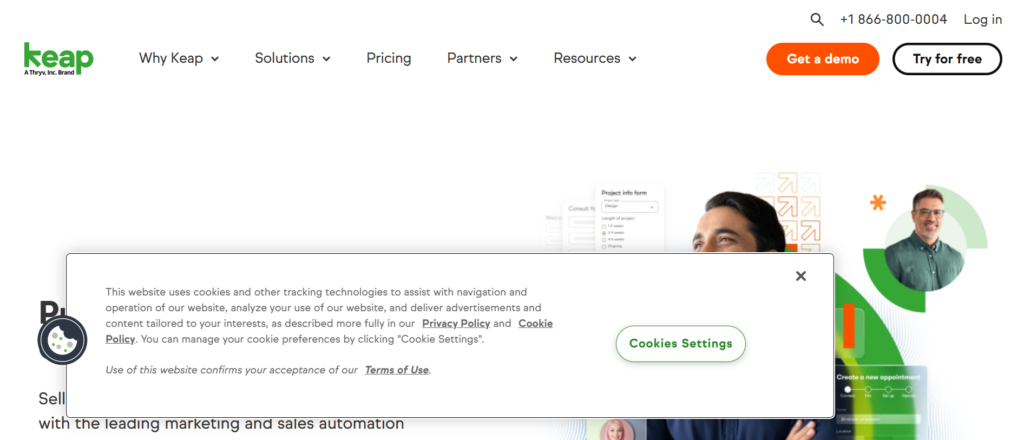
In most detailed Keap review articles, one thing becomes clear. It is built specifically for small businesses that need sales and marketing automation in one place without enterprise complexity.
Previously known as Infusionsoft, Keap focuses on helping UK SMEs manage leads, automate follow-ups, and close deals faster. That makes it a strong contender among workflow automation tools for SMEs UK, especially for service-based businesses.
Key Features
Sales Pipeline Automation
Keap allows you to automate your sales pipeline from lead capture to deal closure.
You can assign leads, trigger follow-ups, and track progress automatically. For UK SMEs handling inbound enquiries, this reduces missed opportunities. In most Keap review breakdowns, this feature is highlighted as a core strength.
Automated Email and SMS Campaigns
Keap includes automation for both email and SMS communication.
This allows businesses to stay in touch with leads and customers without manual effort. Compared in Keap vs ActiveCampaign comparisons, Keap focuses more on sales-driven communication rather than pure email marketing.
CRM with Contact Management
Keap includes a built-in CRM to manage contacts, deals, and interactions.
This keeps all customer data centralised. For UK SMEs, this reduces the need for separate systems and keeps workflows organised.
Appointment Scheduling Automation
Keap allows automated appointment booking with reminders.
This is especially useful for service-based SMEs such as consultants or agencies. It reduces no-shows and simplifies scheduling.
Payment and Invoice Automation
Keap includes tools for sending invoices and processing payments automatically.
This is valuable for UK SMEs that want to connect sales workflows directly with revenue collection.
Pros & Cons
| Pros | Cons |
| Strong sales automation | Higher pricing |
| Built-in CRM | Setup takes time |
| Email and SMS features | Limited customisation |
| Good for service businesses | Not ideal for large teams |
Pricing
Keap pricing starts at around £129 per month.
Pricing depends on:
- Number of contacts
- Users
- Feature access
There is a free trial available, but no permanent free plan.
Best For UK SMEs Focused on Sales Automation
Keap is ideal for businesses that want to manage leads and sales processes in one system.
- Service providers — manage client enquiries and bookings
- Consultants — automate follow-ups and scheduling
- Small agencies — track leads and close deals
- Coaches — manage customer journeys
Verdict:
If your main goal is turning leads into paying customers with minimal manual follow-up, Keap is worth considering. A useful tip is to map your sales process before setting up automation to avoid confusion later.
How to Use Keap for UK SME Operations
A practical setup for UK SMEs:
- Capture leads through forms
- Automate follow-up emails and SMS
- Schedule appointments automatically
- Send invoices after deal closure
This keeps your sales process consistent and reduces admin workload.
Quick tip: Use automated reminders for appointments to reduce missed bookings and improve customer experience.
Best Alternate Tool
If you are comparing Keap alternatives, HubSpot is the closest competitor.
In Keap vs HubSpot comparisons, Keap is more focused on small business sales automation, while HubSpot offers a broader system with more features.
Kissflow – No-Code Workflow Automation for Business Processes
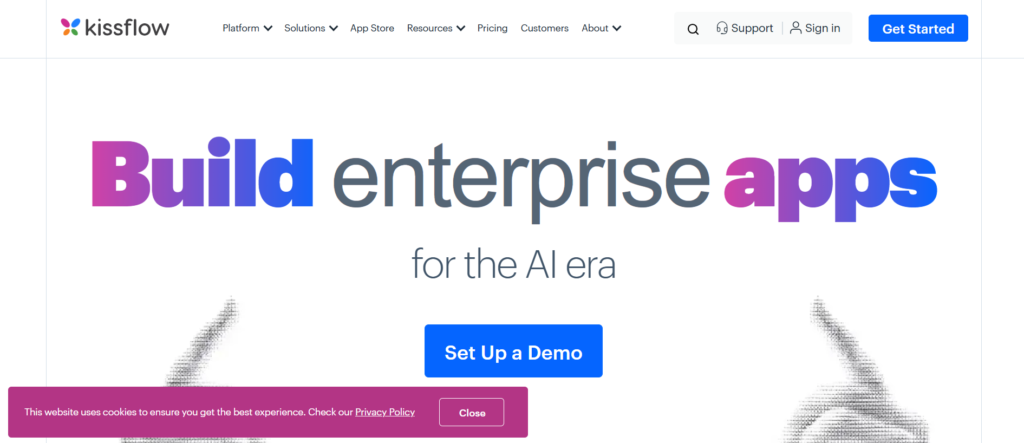
In most detailed Kissflow review discussions, one thing stands out. It is built for non-technical users who want to automate workflows without writing code.
For UK SMEs looking to digitise internal processes like approvals, HR tasks, and operations, Kissflow is a practical choice among workflow automation tools for SMEs UK. It focuses more on business process automation rather than just app integrations.
It is widely used by operations teams and growing SMEs across the UK.
Key Features
No-Code Workflow Builder
Kissflow allows you to create workflows using a visual, no-code interface.
You can design processes such as approvals, requests, and task flows without technical knowledge. In most Kissflow review breakdowns, this feature is highlighted as ideal for SMEs without in-house developers.
Process Management and Tracking
Kissflow provides tools to manage and track workflows in real time.
This allows UK SMEs to monitor progress, identify bottlenecks, and improve efficiency. Compared in Kissflow vs Zapier discussions, Kissflow focuses more on internal processes than app integrations.
Custom Forms and Data Capture
Kissflow lets you create custom forms to collect and manage data.
These forms can trigger workflows automatically, making it easier to standardise processes across teams. Many Kissflow alternatives offer forms, but not always with integrated workflow automation.
Role-Based Access Control
Kissflow allows you to assign roles and permissions within workflows.
This ensures the right people handle the right tasks. For UK SMEs, this improves accountability and reduces errors in business processes.
Integration with Business Tools
Kissflow integrates with tools like Google Workspace, Slack, and other business apps.
This helps UK SMEs connect workflows with existing systems and maintain consistent operations.
Pros & Cons
| Pros | Cons |
| No-code platform | Limited advanced automation |
| Easy to use | Higher pricing tiers |
| Strong process management | Fewer integrations |
| Good for SMEs | Less flexible than Make |
Pricing
Kissflow pricing starts at around £1,200 per year.
Pricing depends on:
- Number of users
- Workflow complexity
- Feature access
There is a free trial available for testing.
Best For UK SMEs Automating Internal Processes
Kissflow is ideal for businesses focused on improving internal workflows.
- Operations teams — manage approvals and tasks
- HR departments — automate onboarding and requests
- Finance teams — handle approvals and reporting
- Growing SMEs — standardise processes
Verdict:
If your goal is to streamline internal operations without technical complexity, Kissflow is a strong option. A useful tip is to start with one process, such as approvals, and expand gradually.
How to Use Kissflow for UK SME Operations
A practical setup for UK SMEs:
- Create approval workflows for expenses
- Automate HR requests and onboarding
- Track internal tasks and processes
- Standardise data collection with forms
This keeps operations organised and reduces manual errors.
Quick tip: Use role-based permissions to ensure workflows move efficiently without unnecessary delays.
Best Alternate Tool
If you are comparing Kissflow alternatives, ProcessMaker is a strong option.
In Kissflow vs ProcessMaker comparisons, Kissflow is easier to use, while ProcessMaker offers more advanced workflow customisation.
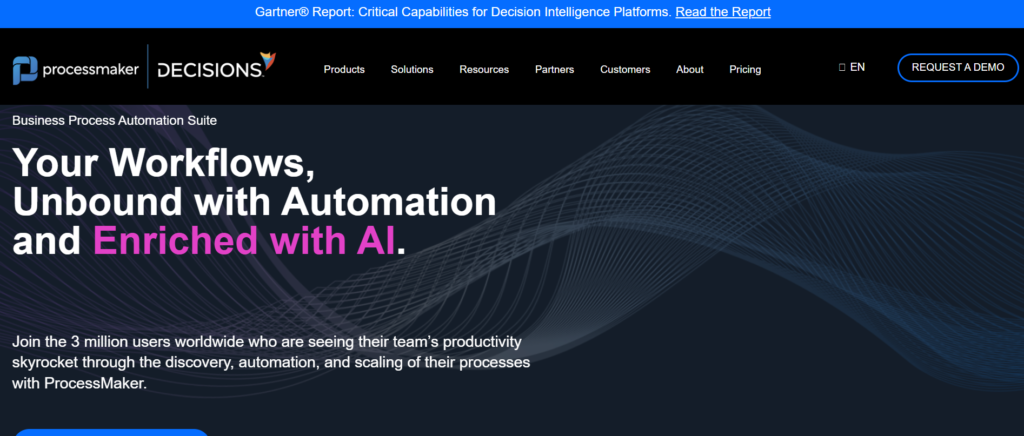
ProcessMaker – Advanced Workflow Automation for Complex Business Processes
In most detailed ProcessMaker review breakdowns, one thing stands out. It is designed for businesses that need deeper workflow control beyond simple automation.
For UK SMEs scaling operations and handling complex internal processes, ProcessMaker is a powerful option among workflow automation tools for SMEs UK. It focuses on process orchestration, approvals, and data-driven workflows.
It is commonly used by operations-heavy businesses and SMEs moving towards enterprise-level systems.
Key Features
Low-Code Workflow Automation
ProcessMaker offers a low-code platform that allows you to design workflows with more flexibility than no-code tools.
You can customise processes, add logic, and build tailored automation. In most ProcessMaker review insights, this flexibility is highlighted as a key advantage over simpler tools.
Business Process Modelling (BPMN)
ProcessMaker supports BPMN (Business Process Model and Notation).
This allows UK SMEs to map, design, and optimise workflows visually using industry-standard frameworks. Compared in ProcessMaker vs Kissflow discussions, ProcessMaker is often preferred for more complex processes.
Approval Workflow Automation
ProcessMaker excels at automating approval processes across departments.
This includes finance approvals, HR requests, and operational workflows. For UK SMEs, this reduces delays and improves accountability.
Data Integration and API Support
ProcessMaker integrates with databases, APIs, and third-party systems.
This ensures workflows can connect with existing tools and systems. Many ProcessMaker alternatives require additional tools for this level of integration.
Real-Time Analytics and Reporting
ProcessMaker provides detailed insights into workflow performance.
You can track bottlenecks, measure efficiency, and optimise processes over time. This is valuable for SMEs aiming to scale operations.
Pros & Cons
| Pros | Cons |
| Highly customisable | Steeper learning curve |
| Strong process modelling | Higher cost |
| Good for complex workflows | Requires setup time |
| Scalable platform | Not beginner-friendly |
Pricing
ProcessMaker pricing is custom and typically starts from mid-tier enterprise levels.
Pricing depends on:
- Number of users
- Workflow complexity
- Deployment type
A free trial or demo is usually available.
Best For UK SMEs Scaling Complex Operations
ProcessMaker is ideal for businesses moving beyond basic automation.
- Operations-heavy SMEs — manage complex workflows
- Finance teams — automate approvals and compliance
- HR departments — streamline processes
- Growing companies — standardise operations
Verdict:
If your workflows are becoming too complex for simple tools, ProcessMaker is worth considering. A useful tip is to map your processes using BPMN before building automation.
How to Use ProcessMaker for UK SME Operations
A practical setup for UK SMEs:
- Design workflows using BPMN
- Automate approval processes across departments
- Integrate systems using APIs
- Monitor workflow performance
This creates a structured and scalable workflow system.
Quick tip: Start with one critical workflow such as finance approvals, then expand to other departments.
Best Alternate Tool
If you are comparing ProcessMaker alternatives, Kissflow is a strong option.
In ProcessMaker vs Kissflow comparisons, ProcessMaker offers more advanced capabilities, while Kissflow is easier to implement.
Trello – Simple Workflow Automation with Visual Boards
In many practical Trello review insights, one thing stands out. It makes workflow automation feel simple, visual, and easy to manage without technical complexity.
For UK SMEs that want a straightforward way to organise tasks and automate basic workflows, Trello is a popular choice among workflow automation tools for SMEs UK. It is especially useful for teams that prefer visual project management over complex systems.
Owned by Atlassian, Trello is widely used by small teams, startups, and agencies across the UK.
Key Features
Visual Kanban Boards
Trello uses boards, lists, and cards to represent workflows.
This makes it easy for UK SMEs to track tasks and progress visually. In most Trello review discussions, this simplicity is highlighted as its biggest strength.
Butler Automation
Trello includes built-in automation through its Butler feature.
You can create rules, triggers, and scheduled actions to automate repetitive tasks. Compared in Trello vs Asana comparisons, Trello is often preferred for simpler automation needs.
Customisable Workflows
Trello allows you to customise boards to match your workflow.
You can add labels, due dates, checklists, and attachments. This flexibility makes it suitable for different business processes.
Integration with Business Tools
Trello integrates with tools like Slack, Google Drive, and Jira.
This allows UK SMEs to connect workflows with other systems and keep everything organised.
Templates for Quick Setup
Trello offers pre-built templates for project management, marketing, and operations.
This helps UK SMEs get started quickly without building workflows from scratch.
Pros & Cons
| Pros | Cons |
| Easy to use | Limited advanced automation |
| Visual workflow management | Not ideal for complex processes |
| Built-in automation | Can get cluttered |
| Affordable plans | Limited reporting |
Pricing
Trello pricing starts with a free plan.
Paid plans begin at around £5 per user per month and include:
- Advanced automation
- More integrations
- Additional features
Best For UK SMEs Needing Simple Workflow Management
Trello is ideal for teams that want simple, visual workflows.
- Small teams — manage tasks visually
- Marketing teams — track campaigns
- Agencies — organise client work
- Startups — manage projects simply
Verdict:
If you want a simple and visual way to manage workflows without complexity, Trello is a strong option. A useful tip is to use Butler automation to eliminate repetitive task updates.
How to Use Trello for UK SME Operations
A practical setup for UK SMEs:
- Create boards for each project
- Use lists for workflow stages
- Automate card movements with Butler
- Track deadlines with due dates
This keeps your team organised without overwhelming systems.
Quick tip: Use labels to prioritise tasks and make workflows easier to manage at a glance.
Best Alternate Tool
If you are comparing Trello alternatives, Asana is a strong option.
In Trello vs Asana comparisons, Trello is simpler and more visual, while Asana offers more advanced workflow management.
Airtable – Database Meets Workflow Automation
In most detailed Airtable review discussions, one thing becomes clear quickly. It is not just a spreadsheet. It is a flexible database that powers workflow automation without heavy technical setup.
For UK SMEs that want to manage data and automate processes in one place, Airtable stands out among workflow automation tools for SMEs UK. It is widely used for operations, marketing, and project tracking across growing businesses.
Key Features
Flexible Database Structure
Airtable allows you to organise data like a spreadsheet but with database functionality.
You can create custom tables, link records, and manage complex datasets easily. In most Airtable review insights, this flexibility is highlighted as a major advantage over traditional tools.
Built-In Automation Workflows
Airtable includes automation features that trigger actions based on changes in your data.
You can send notifications, update records, or integrate with other tools automatically. Compared in Airtable vs Trello discussions, Airtable offers more data-driven automation.
Custom Views for Workflows
Airtable allows you to view data in multiple formats including grid, calendar, kanban, and gallery.
This helps UK SMEs visualise workflows in different ways depending on their needs. Many Airtable alternatives lack this level of flexibility.
Integration and API Access
Airtable integrates with tools like Slack, Google Workspace, and Zapier.
It also offers API access, allowing UK SMEs to connect custom systems and automate workflows beyond standard integrations.
Templates for Business Use Cases
Airtable provides templates for marketing, project management, CRM, and operations.
This allows UK SMEs to set up workflows quickly without building everything from scratch.
Pros & Cons
| Pros | Cons |
| Highly flexible system | Can get complex |
| Strong data management | Learning curve |
| Built-in automation | Limited advanced features |
| Multiple views | Pricing scales with usage |
Pricing
Airtable pricing includes a free plan.
Paid plans start at around £10 per user per month and include:
- Advanced automation
- More records and storage
- Additional features
Best For UK SMEs Managing Data-Driven Workflows
Airtable is ideal for businesses that rely on structured data.
- Operations teams — manage workflows and data
- Marketing teams — track campaigns
- Agencies — manage client projects
- SMEs scaling systems — centralise operations
Verdict:
If your workflows rely heavily on data and organisation, Airtable is a strong option. A useful tip is to design your database structure carefully before adding automation.
How to Use Airtable for UK SME Operations
A practical setup for UK SMEs:
- Create databases for projects or clients
- Automate updates and notifications
- Use different views for workflow tracking
- Integrate with external tools
This keeps your data organised and workflows efficient.
Quick tip: Use linked records to connect related data across workflows. This creates a more powerful system.
Best Alternate Tool
If you are comparing Airtable alternatives, Notion is a strong option.
In Airtable vs Notion comparisons, Airtable is better for structured data, while Notion offers more flexibility for documentation and content.
Smartsheet – Spreadsheet-Style Workflow Automation for Teams
In most detailed Smartsheet review insights, one thing stands out. It combines the familiarity of spreadsheets with powerful workflow automation capabilities.
For UK SMEs that prefer working in spreadsheet-style environments but need more structure and automation, Smartsheet is a strong contender among workflow automation tools for SMEs UK. It is widely used for project management, operations, and team collaboration.
Key Features
Spreadsheet-Based Workflow Management
Smartsheet uses a grid-style interface similar to Excel but with added automation features.
This makes it easy for UK SMEs to transition from manual spreadsheets to automated workflows. In most Smartsheet review discussions, this familiarity is a major advantage.
Automated Alerts and Actions
Smartsheet allows you to automate alerts, reminders, and updates based on triggers.
This helps UK SMEs stay on top of deadlines and tasks without manual follow-up. Compared in Smartsheet vs Airtable comparisons, Smartsheet is often preferred for structured workflows.
Collaboration and Sharing Tools
Smartsheet includes real-time collaboration features.
Teams can share sheets, assign tasks, and track progress together. This is useful for UK SMEs managing cross-functional teams.
Workflow Templates
Smartsheet provides templates for project management, operations, and reporting.
This allows UK SMEs to set up workflows quickly and standardise processes.
Reporting and Dashboards
Smartsheet includes dashboards and reporting tools for tracking performance.
This gives SMEs visibility into workflow progress and team productivity.
Pros & Cons
| Pros | Cons |
| Familiar interface | Can get expensive |
| Strong automation | Learning curve |
| Good collaboration | Limited flexibility |
| Useful templates | Not ideal for creative workflows |
Pricing
Smartsheet pricing starts at around £6 per user per month.
Pricing depends on:
- Number of users
- Features and automation
- Advanced reporting tools
A free trial is available.
Best For UK SMEs Using Spreadsheet-Based Workflows
Smartsheet is ideal for businesses transitioning from spreadsheets to automation.
- Operations teams — manage structured workflows
- Project managers — track tasks and deadlines
- SMEs — replace manual spreadsheets
- Teams needing reporting — monitor performance
Verdict:
If your team relies heavily on spreadsheets but needs automation, Smartsheet is a logical next step. A useful tip is to start by migrating one workflow before expanding across the business.
How to Use Smartsheet for UK SME Operations
A practical setup for UK SMEs:
- Create sheets for projects and workflows
- Automate alerts and reminders
- Assign tasks and track progress
- Use dashboards for reporting
This keeps your processes organised and visible.
Quick tip: Use dashboards to give managers a real-time overview of operations without checking multiple sheets.
Best Alternate Tool
If you are comparing Smartsheet alternatives, Airtable is a strong option.
In Smartsheet vs Airtable comparisons, Smartsheet is better for structured workflows, while Airtable offers more flexibility in data handling.
Monday.com – Visual Workflow Automation for Growing Teams
In most detailed Monday.com review breakdowns, one thing becomes obvious. It is built to make workflow automation visual, structured, and scalable without overwhelming teams.
For UK SMEs that want to manage projects, automate workflows, and keep teams aligned, Monday.com is one of the most widely used workflow automation tools for SMEs UK. It combines project management with automation in a way that is easy to adopt.
It is especially popular with agencies, operations teams, and growing businesses across the UK.
Key Features
Visual Workflow Boards
Monday.com uses visual boards to manage workflows, tasks, and projects.
This makes it easy for UK SMEs to track progress and understand workflows at a glance. In most Monday.com review insights, this visual approach is highlighted as a major benefit.
Custom Automation Rules
Monday.com allows you to create automation rules based on triggers and actions.
For example, you can automatically assign tasks, send notifications, or update statuses. Compared in Monday.com vs Asana discussions, Monday.com is often preferred for its automation flexibility.
Workflow Templates
Monday.com offers a wide range of templates for different industries and use cases.
This allows UK SMEs to get started quickly without building workflows from scratch.
Integration with Business Tools
Monday.com integrates with tools like Slack, Google Workspace, Zoom, and CRM systems.
This helps UK SMEs connect workflows across platforms and reduce manual work.
Dashboards and Reporting
Monday.com provides dashboards that give a real-time overview of projects and workflows.
This helps SMEs track performance, identify bottlenecks, and improve efficiency.
Pros & Cons
| Pros | Cons |
| Easy to use | Pricing increases with users |
| Strong automation | Limited free plan |
| Visual interface | Can get complex |
| Good integrations | Setup required |
Pricing
Monday.com pricing starts at around £8 per user per month.
Pricing depends on:
- Number of users
- Automation limits
- Advanced features
There is a free plan available with limited functionality.
Best For UK SMEs Needing Visual Workflow Automation
Monday.com is ideal for businesses that want structured yet flexible workflows.
- Agencies — manage client projects
- Operations teams — track workflows
- Marketing teams — run campaigns
- Growing SMEs — scale processes
Verdict:
If you want a balance between usability and automation power, Monday.com is a strong option. A useful tip is to use automation rules to eliminate repetitive updates across boards.
A practical setup for UK SMEs:
- Create boards for each department or project
- Automate task assignments and updates
- Track deadlines and progress visually
- Use dashboards for performance insights
This keeps teams aligned and workflows consistent.
Quick tip: Use status-based automations to trigger actions automatically when tasks move between stages.
Best Alternate Tool
If you are comparing Monday.com alternatives, Asana is a strong option.
In Monday.com vs Asana comparisons, Monday.com offers more visual workflows, while Asana provides more structured task management.
Which Workflow Automation Tools for SMEs UK Should You Choose in 2026?
If you have made it this far, you already know this. Choosing the right workflow automation tools for SMEs UK is no longer optional. It is the difference between scaling efficiently and drowning in manual tasks.
We have reviewed the best workflow automation tools for SMEs UK, from simple visual tools like Trello to advanced platforms like ProcessMaker and Microsoft Power Automate.
Here is the bottom line:
- If you want simplicity → go with Trello or Monday.com
- If you need integrations → Zapier or Make
- If you focus on sales → HubSpot or Keap
- If you want data-driven workflows → Airtable or Smartsheet
- If you need advanced automation → ProcessMaker or Power Automate
Because every manual process you keep is costing you time, money, and missed opportunities.
Ready to Implement Workflow Automation in Your UK Business?
Here is the truth. Tools alone will not fix your workflows.You need the right strategy, setup, and optimisation to get real results from workflow automation tools for SMEs UK.That is where Pearl Lemon comes in.
At Pearllemon, we work with UK SMEs to:
- Audit your current processes
- Identify automation opportunities
- Implement the right tools for your business
- Optimise workflows for efficiency and growth
Whether you are starting from scratch or scaling existing systems, our team ensures your automation actually delivers ROI, not just complexity.
FAQs
1. What are workflow automation tools for SMEs UK?
Workflow automation tools for SMEs UK are platforms that automate repetitive business tasks such as data entry, email follow-ups, approvals, and integrations between apps.
2. Why are workflow automation tools important for UK SMEs?
They reduce manual work, improve efficiency, minimise errors, and allow businesses to scale without increasing headcount.
3. What is the best workflow automation tool for SMEs UK?
The best tool depends on your needs. Zapier and Make are great for integrations, while HubSpot and ActiveCampaign are better for marketing and sales automation.
4. Are workflow automation tools expensive for small businesses?
Many tools offer affordable plans or free tiers. Options like Pabbly Connect and Zoho Flow are cost-effective for UK SMEs.
5. Can non-technical users use workflow automation tools?
Yes. Tools like Kissflow and Monday.com are designed for non-technical users with no-code interfaces.
6. How long does it take to implement workflow automation?
Basic workflows can be set up in a few hours, while more complex systems may take days or weeks depending on the business.
7. What processes can be automated in SMEs?
Common processes include lead management, invoicing, customer communication, approvals, and internal task management.
8. Do workflow automation tools integrate with existing software?
Yes. Most tools integrate with platforms like Google Workspace, Slack, CRMs, and eCommerce systems.
9. Is workflow automation secure for UK businesses?
Most reputable tools follow strict security standards, including GDPR compliance, which is important for UK SMEs.
10. How do I choose the right workflow automation tool?
Start by identifying your business needs, budget, and existing tools. Then choose a platform that fits your workflow complexity and growth plans.