Business leaders, founders, and consultants often reach a point where their current business model stops producing dependable growth. At Pearl Lemon Consulting, we see this happen across startups, agencies, manufacturing firms, fintech, and service businesses. The problem isn’t ambition. It’s structure. Without the right business model design tools, decisions get made on instinct rather than clarity.
But you’re not alone on this. A report from Strategy& revealed that 55 percent of underperforming companies traced revenue stalls to unclear commercial models, not marketing or sales execution. Whereas a 2024 McKinsey study found that firms that actively revise their business models are twice as likely to outperform their sector over a three-year horizon.
To help founders, consultants, agency owners, fractional strategists, and product leaders make sharper decisions, we reviewed more than 60 platforms and selected the 20 best tools for business model design that deliver structure without overcomplication.
We review them below.
What Is Business Model Design?
Business model design is the structured process of defining how a company creates value, delivers value, and captures revenue. It covers:
• Who your paying customer is
• What your core value proposition looks like
• The operational backbone required to deliver it
• The cost and revenue mechanisms that keep the business viable
Strong business model design helps teams make decisions based on logic rather than assumptions. It allows a founder or strategist to test different directions, review revenue scenarios, compare pricing methods, assess supply chain structure, and map resource-heavy areas before committing.
Good business model design tools speed up that process by giving you templates, visual frameworks, forecasting engines, scenario planning, and collaboration features. This is especially useful for:
• Consultants mapping models for clients
• Founders iterating on a new idea
• Product teams refining pricing and positioning
• Agencies managing multiple client strategies at once
Business model design makes assumptions visible, testable, and adjustable, which is the fastest way to reduce risk and sharpen direction.
Quick Comparison Table of the Best Business Model Design Tools
Below is a comparison table with metrics founders, consultants, and strategists care about most when choosing business model design tools: pricing transparency, main use case, unique capability, ratings, and trial access. These metrics matter because they directly affect how quickly a team can adopt the tool, test options, and integrate it into strategy work.
| Tool Name | Best For | Starting Price | Free Trial | Key Feature | Rating |
| Strategyzer | Canvas modelling | £12 pm | Yes | Business Model Canvas | 4.7 |
| Miro | Team workshops | £9 pm | Yes | Visual collaboration | 4.8 |
| Lucidchart | Process mapping | £8 pm | Yes | Diagrams & flows | 4.6 |
| Notion | Internal planning | £7 pm | Yes | Modular workspace | 4.7 |
| Airtable | Data + planning | £8 pm | Yes | Relational tables | 4.6 |
| Canvanizer | Simple modelling | Free | Yes | Canvas templates | 4.2 |
| Coda | Product-led planning | £8 pm | Yes | Docs + automation | 4.5 |
| Figma | Visual systems | £10 pm | Yes | Collaborative design | 4.8 |
| Whimsical | Flow mapping | £8 pm | Yes | Mind maps | 4.7 |
| FigJam | Team ideation | £8 pm | Yes | Interactive whiteboard | 4.8 |
| BizPlan | Startup planning | £20 pm | Yes | Forecasting | 4.4 |
| LivePlan | Financial modelling | £15 pm | Yes | Scenario planning | 4.6 |
| LeanStack | Lean modelling | £12 pm | Yes | Lean Canvas | 4.6 |
| Creately | Diagramming | £5 pm | Yes | Visual models | 4.4 |
| Stormboard | Idea mapping | £7 pm | Yes | Digital sticky notes | 4.3 |
| Milanote | Creative planning | £8 pm | Yes | Visual boards | 4.5 |
| Boardmix | Product strategy | £6 pm | Yes | Strategy templates | 4.3 |
| StratNav | Strategy consultants | £25 pm | Yes | Strategic frameworks | 4.6 |
| OmniGraffle | Mac users | £10 pm | No | Pro diagramming | 4.2 |
| Infinity | Agency planning | £8 pm | Yes | Custom workflows | 4.4 |
Best Tools for Business Model Design in 2026
Below is the complete list of the 20 best tools for business model design we will cover, in order:
- Strategyzer
- Miro
- Lucidchart
- Notion
- Airtable
- Canvanizer
- Coda
- Figma
- Whimsical
- FigJam
- BizPlan
- LivePlan
- LeanStack
- Creately
- Stormboard
- Milanote
- Boardmix
- StratNav
- OmniGraffle
- Infinity
1. Strategyzer

Strategyzer is widely used by consultants, founders, and internal strategy teams who need a structured approach to mapping value propositions and revenue systems. If someone searches for a Strategyzer review, Strategyzer pricing, Strategyzer alternatives, or Strategyzer vs LeanStack, they are almost always comparing ease of modelling and workshop flow. Strategyzer delivers both with a clean interface and a library of proven canvases.
Key Features
Business Model Canvas
Strategyzer’s flagship feature gives teams a simple way to map value, customers, revenue paths, and resources. It helps users clarify assumptions quickly and visually. This is especially useful when comparing different business model directions or preparing client workshops that need a clear structure.
Value Proposition Canvas
This helps teams shape offers that match customer pains, goals, and priorities. It is helpful during early product strategy work when teams need to tighten messaging and value delivery before launching or repositioning.
Portfolio Management
Portfolio tools allow consultants and founders to evaluate which ideas, products, or divisions deserve investment. It guides decisions by helping users compare risk, projected value, and market strength.
Testing Dashboard
This feature helps teams track experiments, customer interviews, and validation steps. It is useful when reducing uncertainty and showing stakeholders evidence behind decisions.
Collaboration Tools
Real time editing makes it easy for teams to run remote workshops or client sessions without losing engagement. This improves alignment when several departments contribute to the model.
Pros and Cons
| Pros | Cons |
| Clean and structured interface | Limited customisation |
| Excellent for workshops | Requires subscription for full features |
| Strong library of strategy tools | Might feel rigid for creative teams |
Pricing
Starts at £12 per month per user.
Best For Consultants Building Structured Strategy Models
Consultants who deliver business model design sessions benefit from Strategyzer because it gives them ready made frameworks backed by established methodology.
• Strategy consultants who need repeatable workshop structures
• Startup advisors who want to validate ideas quickly
• Corporate innovation teams that manage multiple initiatives
• Agencies providing business model design as a service
Verdict
Strategyzer remains the most structured option for business model design. Most people overlook the testing dashboard, which is excellent for tracking stakeholder alignment across different model versions.
Use Strategyzer’s portfolio tool to pressure test pricing models by mapping how each shift affects risk and return.
Best Alternate Tool
LeanStack
2. Miro
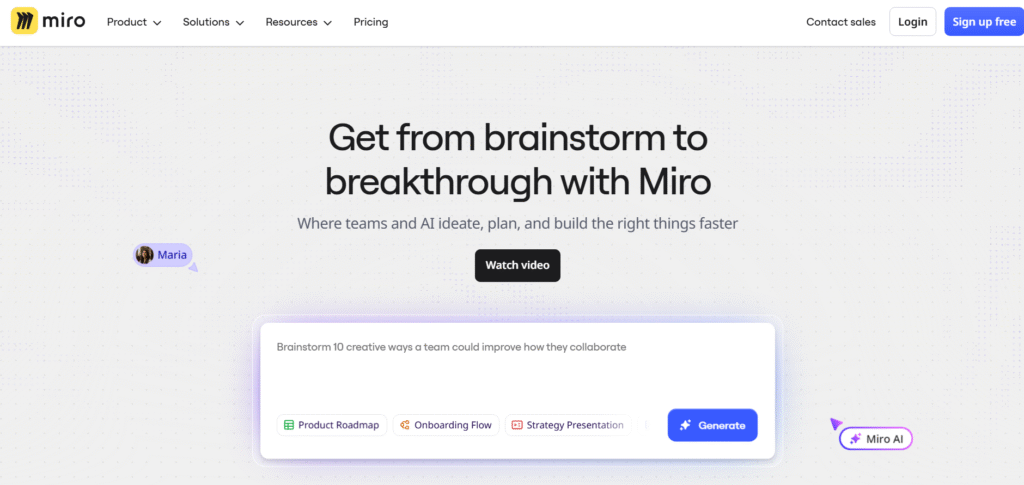
Miro is a flexible space for teams that like visual planning without feeling boxed in. People searching for Miro review, Miro pricing, Miro alternatives, or Miro vs FigJam want to run collaborative workshops that move fast. Miro supports business model design by giving teams a broad set of strategy templates along with nearly unlimited whiteboard space.
Key Features
Strategy Framework Templates
Miro includes templates for the Business Model Canvas, Lean Canvas, SWOT, customer journey maps, and many other strategy tools. These help teams start quickly without designing layouts from scratch.
Real Time Collaboration
Teams can sketch models live together and add sticky notes, flows, and diagrams. This is helpful when running remote workshops or onboarding new stakeholders into strategic planning.
Voting and Prioritisation
Built in voting features make model decisions more democratic. This is valuable during ideation sessions when selecting model components or prioritising core assumptions.
Integrations
Miro connects with Notion, Google Workspace, Slack, and many other tools. This keeps model updates consistent across systems.
Infinite Canvas
Large spaces allow you to place multiple business model versions side by side to compare assumptions. This works well for consultants who want to show clients optional paths.
Pros and Cons
| Pros | Cons |
| Very flexible | Can feel overwhelming for beginners |
| Great for workshops | Requires moderation for large teams |
| Strong collaboration tools | Complex boards can slow down |
Pricing
Starts at £9 per month per user.
Best For Teams Running Strategy Workshops
Miro fits teams that want a collaborative environment for creating and adjusting business models.
• Agencies planning strategic sprints
• Internal innovation teams
• Consultants running group sessions
• Startup teams working through early model questions
Verdict
Miro supports both simple and complex business model design work. It is especially strong when used in mixed teams who want to contribute ideas visually.
Use Miro’s mind map feature before building the canvas to surface assumptions you may want to test later.
Best Alternate Tool
FigJam
3. Lucidchart
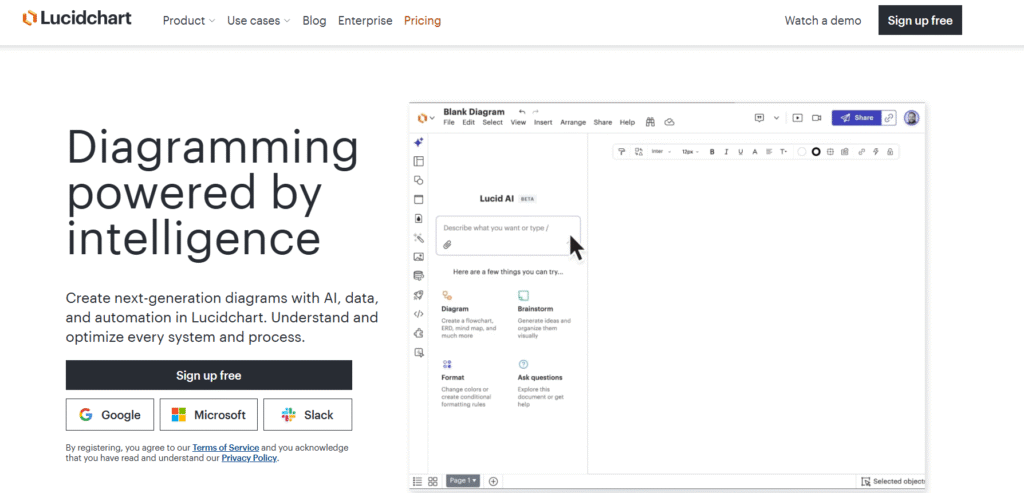
Lucidchart is ideal for business model design that involves detailed processes and structured workflows. People often look for Lucidchart review, Lucidchart pricing, Lucidchart alternatives, or Lucidchart vs Miro when considering how much detail they want in their modelling work. Lucidchart excels at showing operational mechanics behind a business model.
Key Features
Process Flow Mapping
Lucidchart allows teams to diagram processes linked to each part of a business model. This reveals operational weaknesses that impact revenue and delivery.
System Diagrams
These diagrams show interactions between teams, tools, suppliers, and customers. This helps business model designers see where delays or inefficiencies might appear.
Data Linking
Users can connect charts to live data for more accurate operational planning. This is useful for forecasting costs linked to process changes.
Templates Library
Lucidchart provides templates for strategic models, process maps, customer journeys, and workflow diagrams.
Collaboration Features
Teams can annotate diagrams, assign comments, and work simultaneously. This supports consultants who deliver process-oriented strategy sessions.
Pros and Cons
| Pros | Cons |
| Excellent for mapping detail | Not ideal for freeform ideation |
| Clear interface | Requires some learning time |
| Good integrations | Less suited for messy brainstorming |
Pricing
Starts at £8 per month per user.
Best For Teams Needing Operational Clarity
Lucidchart suits business model designers who need to go beyond high level strategy.
• Operations consultants
• Product teams refining delivery systems
• Founders managing complex supply chains
• Agencies building detailed service delivery models
Verdict
Lucidchart is the best choice for users who need operational accuracy inside their business model design process.
Use layered diagrams to compare current and target operating models without losing context.
Best Alternate Tool
Creately
4. Notion
Notion is a flexible workspace used for modelling ideas, documenting assumptions, storing research, and linking all pieces of a business model in one place. Users who search Notion review, Notion pricing, Notion alternatives, or Notion vs Coda often want a more customised planning environment.
Key Features
Custom Databases
Teams can create tables for customer segments, revenue streams, risks, pricing tests, and experiments. This helps structure all business model elements neatly.
Linked Documentation
Notion’s linking system lets you connect your value proposition pages with customer research, pricing experiments, and delivery processes. This builds a unified view of your model.
Templates
Notion offers templates for business model canvases, competitor analysis, strategic planning, and financial tracking.
Collaboration
Teams can comment, edit, and track updates in real time. This is useful for consultants managing multiple client models.
Integrations
Connections with Slack, Figma, Zapier, and Google Workspace keep your model and research connected.
Pros and Cons
| Pros | Cons |
| Highly customisable | Can become complex quickly |
| Ideal for documentation | Requires good workspace structure |
| Helpful templates | Less visual than Miro or Figma |
Pricing
Starts at £7 per month per user.
Best For Teams Wanting a Central Strategy Hub
Notion fits users who want everything related to business model design kept in one system.
• Consultants documenting client research
• Founders tracking model assumptions
• Product teams managing strategic updates
• Agencies organising multiple business model frameworks
Verdict
Notion is best when you need a centralised strategy system with flexible structure and documentation.
Build a revenue test database with filters to compare pricing results across segments.
Best Alternate Tool
Coda
5. Airtable
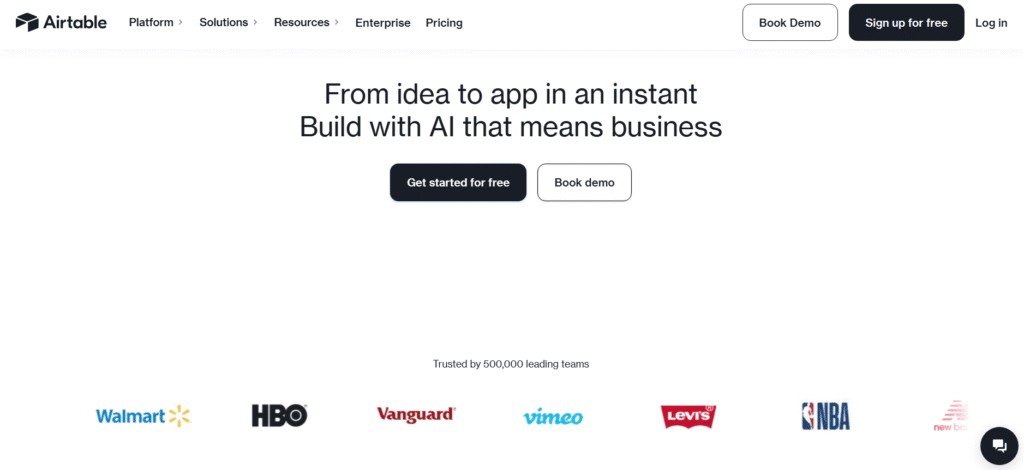
Airtable combines spreadsheets with relational databases, which makes it ideal for organising customer segments, revenue projections, resources, and cost structures. People looking up Airtable review, Airtable pricing, Airtable alternatives, or Airtable vs Notion often want better structure for data heavy models.
Key Features
Relational Tables
You can link customer segments to pricing tests, costs, suppliers, and revenue models. This makes Airtable very strong for complex business design.
Custom Views
Grid, kanban, gallery, form, and calendar views help teams see business model data from different perspectives.
Automations
Triggers help keep model updates consistent across tables. This is useful for maintaining logical connections between costs and revenue.
Templates
Airtable includes templates for startup modelling, competitor analysis, finance tracking, and customer research.
Collaboration Tools
Commenting and shared views help teams align model updates without losing structure.
Pros and Cons
| Pros | Cons |
| Great for data heavy models | Can be overkill for small projects |
| Flexible views | Requires planning to avoid clutter |
| Smooth collaboration | Learning curve for new users |
Pricing
Starts at £8 per month per user.
Best For Teams With Data Driven Business Models
Airtable suits organisations that rely on structured data to design their business model.
• Founders building financial and operational models
• Agencies managing multi client strategy data
• Consultants running structured validation processes
• Product teams linking research to revenue
Verdict
Airtable is a strong choice when your business model requires structured data rather than loose visual brainstorming.
Use linked records to track how operational costs shift when adjusting revenue structure.
Best Alternate Tool
Notion
6. Canvanizer
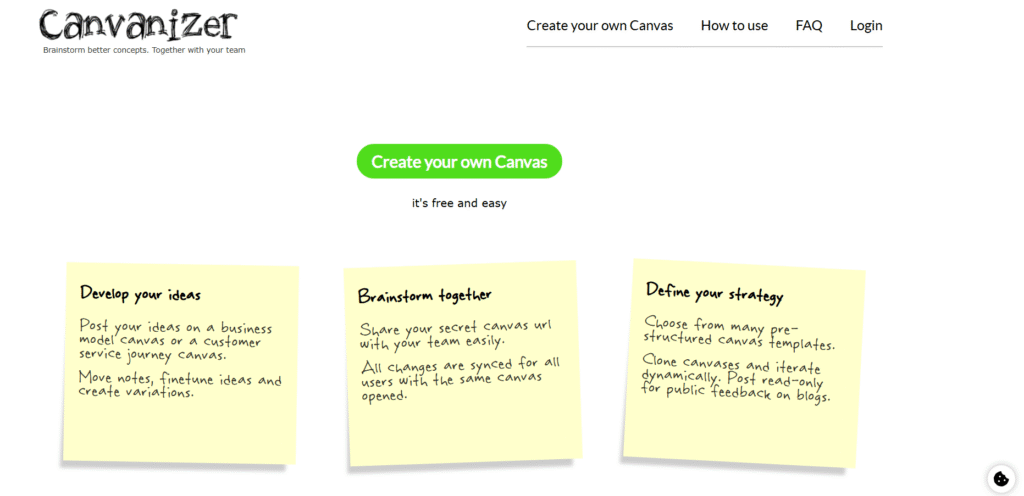
Canvanizer is a straightforward tool designed for users who want a low-friction way to create, compare, and share business models. Searches such as Canvanizer review, Canvanizer pricing, Canvanizer alternatives, or Canvanizer vs Strategyzer usually come from people looking for simplicity rather than advanced functionality. It is ideal for early-stage brainstorming and lightweight strategic planning.
Key Features
Business Model Templates
Canvanizer includes templates for the Business Model Canvas, Lean Canvas, SWOT, and various strategic frameworks. These templates make it easy to begin mapping ideas without heavy setup.
Side-by-Side Canvases
Users can generate multiple versions of a canvas to compare different business model ideas. This is helpful when assessing whether a pivot, price change, or new customer segment makes sense.
Quick Sharing
Each canvas can be shared via a link, which works well for remote collaboration. Stakeholders can view updates without needing to create an account.
Clean Interface
The clean layout ensures that teams stay focused on content rather than formatting, which speeds up initial business model design.
Export Options
Canvases can be exported to PDF or PNG for presentations or reports. This helps consultants preparing client deliverables.
Pros and Cons
| Pros | Cons |
| Very simple to use | Limited advanced features |
| Good for quick drafts | No real-time editing |
| Useful for early ideation | Not suited for large teams |
Pricing
Free version available, with upgraded plans at modest cost.
Best For Early Stage Founders And Consultants Testing Ideas
Canvanizer is ideal for users who want quick, lightweight business model design without advanced functionality.
• Founders shaping early model ideas
• Consultants running fast ideation sessions
• Students learning business modelling
• Teams comparing multiple strategic directions quickly
Verdict
Canvanizer is perfect for early drafts before moving into more advanced tools like Strategyzer or Miro.
Use multiple canvases to compare different pricing paths, even if the rest of the model remains identical.
Best Alternate Tool
Strategyzer
7. Coda
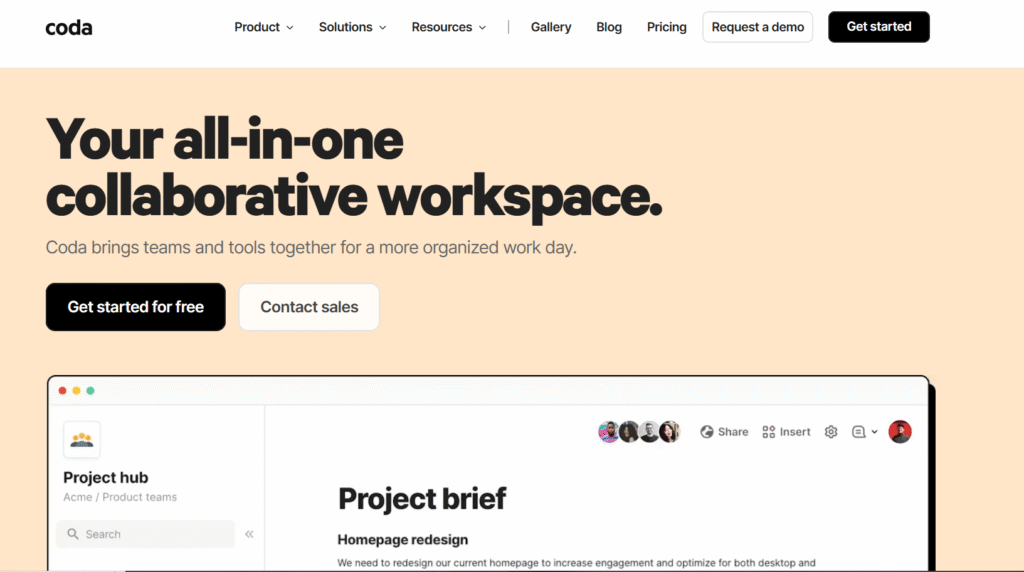
Coda gives teams a powerful way to build interactive documents that behave like custom software. People who search for Coda review, Coda pricing, Coda alternatives, or Coda vs Notion often want deeper functionality and automation in their planning systems. Coda works well for business model design that needs structured logic rather than only visuals.
Key Features
Modular Docs
Coda pages can include tables, charts, buttons, and automations. This helps users build a fully structured business model planning environment with room for data, strategy, and documentation.
Automations
Users can automate reminders, model updates, validation steps, and data flows across pages. This is useful when keeping business model assumptions consistent.
Packs
Coda integrates with platforms like HubSpot, Slack, Google Sheets, and CRM tools. This ensures your business model links to real operational data.
Custom Templates
Teams can create business model templates tailored to their niche, allowing them to replicate processes across multiple clients or products.
Rich Collaboration
Teams can comment, edit, and refine business model drafts inside a single unified workspace.
Pros and Cons
| Pros | Cons |
| Highly customisable | Higher learning curve |
| Strong automations | Time needed to set up properly |
| App-like functionality | Some users prefer simpler tools |
Pricing
Starts at £8 per user per month.
Best For Teams That Need Logic Driven Business Model Systems
Coda works best for groups that want their business model design to link with operational processes and structured workflows.
• Consultants building repeatable modelling systems
• Product teams linking research to pricing and adoption
• Startups requiring detailed assumption tracking
• Strategy teams running complex validation cycles
Verdict
Coda is great when you need your business model design to function like a structured application rather than a simple document.
Use Coda buttons to toggle between different model scenarios without duplicating templates.
Best Alternate Tool
Notion
8. Figma
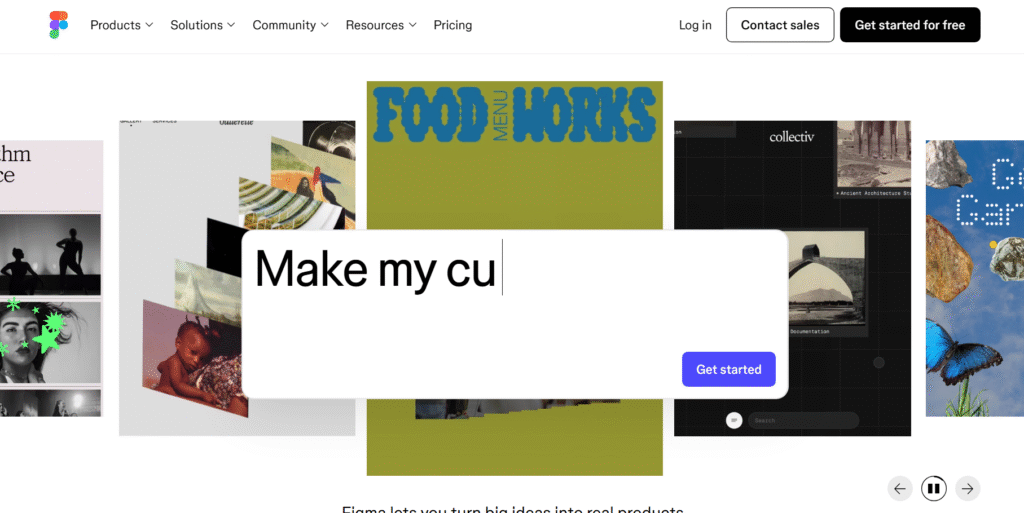
Figma is widely used by product teams, designers, and consultants who need to integrate product strategy with business model design. Searches for Figma review, Figma pricing, Figma alternatives, or Figma vs FigJam often come from teams wanting more polish and layout control. It is helpful for refining value propositions and visual workflows tied to the business model.
Key Features
Visual Layout Control
Figma allows teams to create clean, detailed business model layouts that look presentation-ready. This is ideal for consultants preparing client-facing material.
Component Systems
Components and libraries allow teams to reuse model blocks across multiple strategy versions, which saves time during repeated revisions.
Collaboration
Real time collaboration enables teams to plan models, map assumptions, or refine strategic flows together.
Plugins
Plugins extend the tool with diagrams, frameworks, and data imports, making it easier to integrate strategy templates.
FigJam Integration
Teams can ideate in FigJam and then create polished models in Figma for final presentation.
Pros and Cons
| Pros | Cons |
| Excellent visual control | Requires design familiarity |
| Smooth collaboration | Can overwhelm non-designers |
| Easy sharing | Some plugins require setup |
Pricing
Starts at £10 per user per month.
Best For Product Teams And Consultants Creating Polished Models
Figma suits groups that want business model design and product strategy together in one visual environment.
• Product teams mapping customer journeys
• Consultants preparing client decks
• Startups refining value propositions visually
• Agencies presenting multiple strategic options
Verdict
Figma is ideal when your business model design needs to look refined while still being collaborative.
Use component variants to switch between different model versions without rebuilding layouts.
Best Alternate Tool
FigJam
9. Whimsical
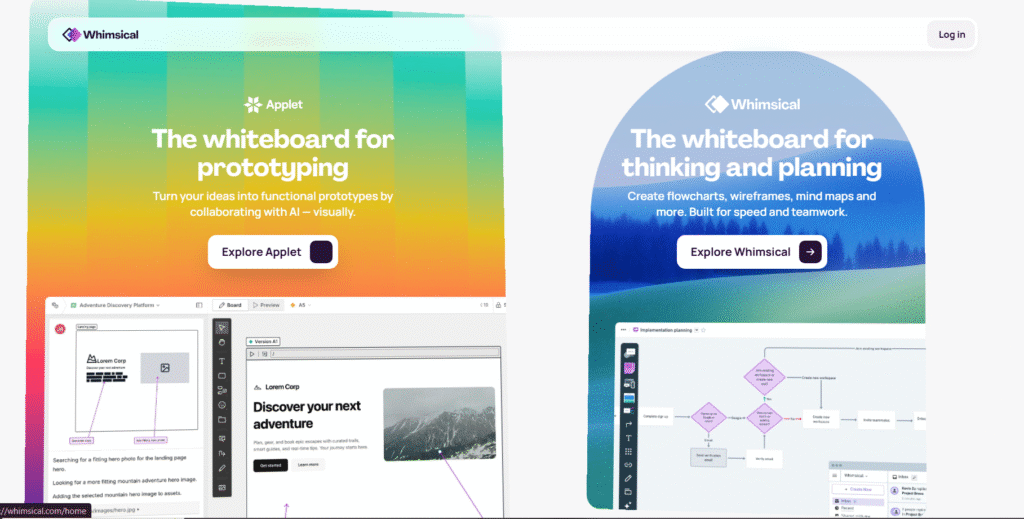
Whimsical is highly visual and ideal for brainstorming, diagramming, and clarifying connections inside business models. People searching Whimsical review, Whimsical pricing, Whimsical alternatives, or Whimsical vs Miro tend to prefer the cleaner, less cluttered interface Whimsical offers.
Key Features
Mind Maps
These maps help teams break down customer segments, value propositions, and revenue paths. This is helpful for early model exploration.
Flowcharts
Clear flowcharts reveal how processes connect to different areas of the business model. This supports operational planning.
Wireframes
Wireframes help teams align product direction with value propositions, making it easier to build coherent model logic.
Sticky Notes
The sticky note system helps users run collaborative sessions and categorise ideas logically.
Collaboration
Teams can co-create and comment in real time, supporting strategy workshops and brainstorming meetings.
Pros and Cons
| Pros | Cons |
| Clean interface | Lacks some advanced features |
| Good for quick diagrams | Not suited for complex data modelling |
| Strong collaboration | Templates less extensive than Miro |
Pricing
Starts at £8 per user per month.
Best For Teams That Want Clean Visual Thinking
Whimsical fits users who enjoy simple but structured visualisation tools for business model design.
• Consultants doing early model development
• Product teams mapping flows
• Founders refining initial assumptions
• Agencies preparing client-friendly diagrams
Verdict
Whimsical strikes the balance between simplicity and structured thinking.
Use mind maps to cluster assumptions before transferring refined ideas into the Business Model Canvas.
Best Alternate Tool
Miro
10. FigJam
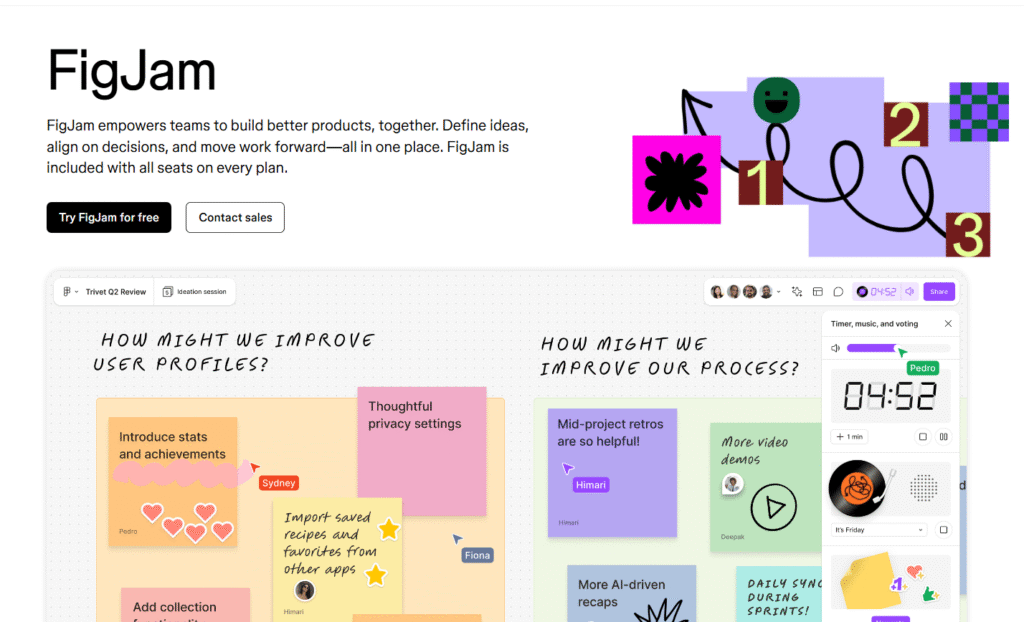
FigJam is the workshop-focused companion to Figma. People searching FigJam review, FigJam pricing, FigJam alternatives, or FigJam vs Miro want a smooth, collaborative whiteboard for group strategy sessions. It excels when teams need fast ideation combined with clear, simple tools.
Key Features
Workshop Templates
FigJam includes templates for business model canvases, lean canvases, and strategic frameworks. This speeds up planning sessions and keeps stakeholders focused.
Interactive Tools
Stamps, timers, shapes, and sticky notes help teams create engaging workshop environments. This keeps energy up during strategy discussions.
Easy Collaboration
Up to large groups can work together without confusion because the interface remains uncluttered.
Integration With Figma
This pairing allows teams to ideate in FigJam and create refined models in Figma.
Diagramming Tools
Simple diagrams help shape model components clearly before moving to more formal tools.
Pros and Cons
| Pros | Cons |
| Great for workshops | Less suitable for advanced model storage |
| Simple interface | Limited long term structure |
| Fast collaboration | Requires Figma for polishing |
Pricing
Starts at £8 per user per month.
Best For Teams Running Fast Strategy Sessions
FigJam suits groups who want to sketch early versions of a business model quickly and collaboratively.
• Consultants running workshops
• Startup teams ideating new directions
• Agencies mapping early model drafts
• Internal teams needing fast alignment
Verdict
FigJam is ideal when speed, collaboration, and simplicity matter more than detailed structure.
Run a timed sprint using FigJam’s built-in timer to speed up decision making in model workshops.
Best Alternate Tool
Miro
11. BizPlan
BizPlan is widely used by early stage founders and consultants who need structured financial forecasts and investor friendly business model documents. Searches like BizPlan review, BizPlan pricing, BizPlan alternatives, and BizPlan vs LivePlan often come from users trying to compare forecasting strength and fundraising readiness.
Key Features
Step Based Planning
BizPlan guides users through structured steps covering revenue, costs, customer segments, value propositions, and operational needs. This helps beginners create a clear business model without wondering what to include.
Financial Forecasting
The forecasting engine turns assumptions into revenue projections, cash flow charts, burn rate visuals, and funding requirements. This is helpful for shaping commercially viable business models.
Pitch Builder
BizPlan includes a pitch builder that converts your business model into a presentation, making it easier to communicate your strategy to investors or internal stakeholders.
Dashboard View
Users get a clear view of financial health, assumptions, and progress. This supports ongoing business model refinement.
Collaboration
Stakeholders can review, comment, and adjust components of the plan without risking version chaos.
Pros and Cons
| Pros | Cons |
| Strong financial tools | Less flexible for creative modelling |
| Good for investor communication | Templates can feel restrictive |
| Helpful for beginners | Requires accurate inputs to work well |
Pricing
Starts at around £20 per month.
Best For Startups Needing Investor Ready Models
BizPlan suits users who want a structured, finance oriented path to building a business model.
• Founders preparing for seed or pre-seed rounds
• Consultants supporting early stage clients
• Small teams needing predictable projections
• Users who prefer guided steps
Verdict
BizPlan is best for business model design that must support fundraising and financial clarity from the start.
Use BizPlan’s charts to test how changes in pricing and customer acquisition speed affect runway.
Best Alternate Tool
LivePlan
12. LivePlan
LivePlan is one of the most popular platforms for turning business model assumptions into structured, financially sound plans. Searches such as LivePlan review, LivePlan pricing, LivePlan alternatives, or LivePlan vs BizPlan usually focus on the forecasting tools and bank ready documentation.
Key Features
Scenario Planning
LivePlan allows teams to test multiple revenue and cost scenarios. This is helpful when validating different business model directions.
Automatic Financials
Users enter assumptions, and LivePlan converts them into detailed financial statements. This supports clarity during strategic planning.
Strategic Dashboard
The dashboard shows key metrics, performance indicators, and trends so teams can refine the business model continuously.
Industry Benchmarks
Benchmarks help users assess whether their business model assumptions are realistic. This is useful for reducing risk.
Pitch Features
LivePlan helps teams create clear strategic summaries for stakeholders or funders.
Pros and Cons
| Pros | Cons |
| Strong scenario tools | Less visual than some competitors |
| Good financial accuracy | Requires discipline in data input |
| Helpful for mature planning | Not ideal for early ideation |
Pricing
Starts at roughly £15 per month.
Best For Businesses Needing Strong Financial Structure
LivePlan fits teams that want serious financial modelling to support their business model design.
• Established businesses refining their model
• Consultants running financial strategy sessions
• Startups preparing bank ready plans
• Teams wanting risk reduction through scenarios
Verdict
LivePlan is best when your business model depends on accurate financial insight rather than visual brainstorming.
Use contrasting scenarios to reveal hidden assumptions about acquisition speed and cost structure.
Best Alternate Tool
BizPlan
13. LeanStack
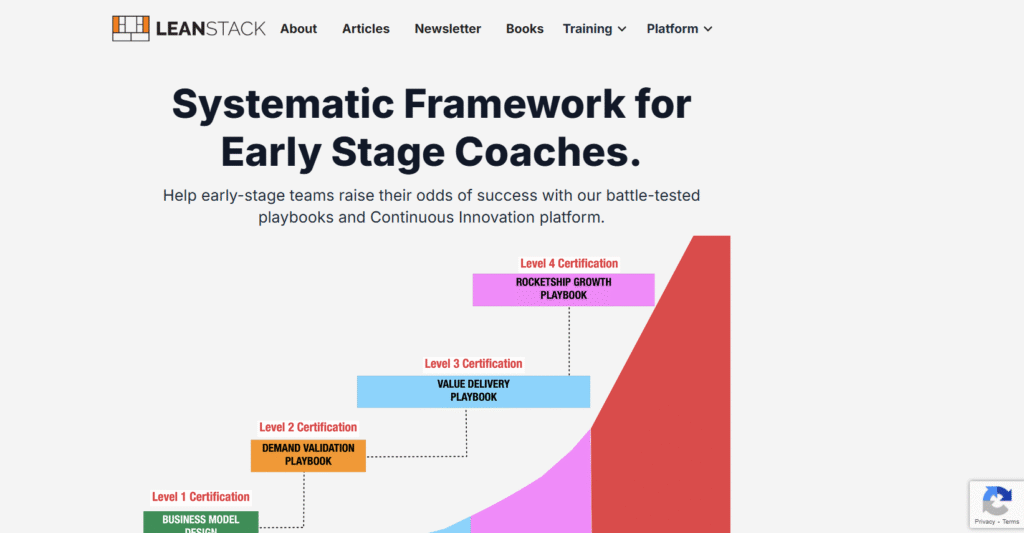
LeanStack is built for teams using the Lean Canvas methodology. Searches like LeanStack review, LeanStack pricing, LeanStack alternatives, and LeanStack vs Strategyzer usually come from users wanting a more iterative, customer-learning centred design process.
Key Features
Lean Canvas
The Lean Canvas makes it easier to identify problems, customer segments, value metrics, and unfair advantages. This is helpful during early model testing.
Experiment Tracking
LeanStack allows teams to log tests, customer interviews, and validation steps. This supports decision making built around evidence.
Roadmapping
Users can turn validated learning into strategic roadmaps. This keeps the business model aligned with actual customer feedback.
Playbooks
LeanStack provides structured playbooks for problem discovery, customer interviews, and experimentation.
Collaboration
Teams can work together on model components and share learning across departments.
Pros and Cons
| Pros | Cons |
| Great for lean methodology | Less suited for corporate level models |
| Strong validation features | Requires consistent user input |
| Structured playbooks | Fewer visual tools |
Pricing
Starts at around £12 per month.
Best For Users Practising Lean Methodology
LeanStack is ideal when teams want continuous learning to drive business model design.
• Startups validating customer problems
• Consultants running lean workshops
• Product teams testing assumptions
• Innovation teams gathering structured evidence
Verdict
LeanStack excels when validation and learning matter more than polished visuals.
Use LeanStack’s experiment tracker to create a timeline of validated insights for stakeholders.
Best Alternate Tool
Strategyzer
14. Creately
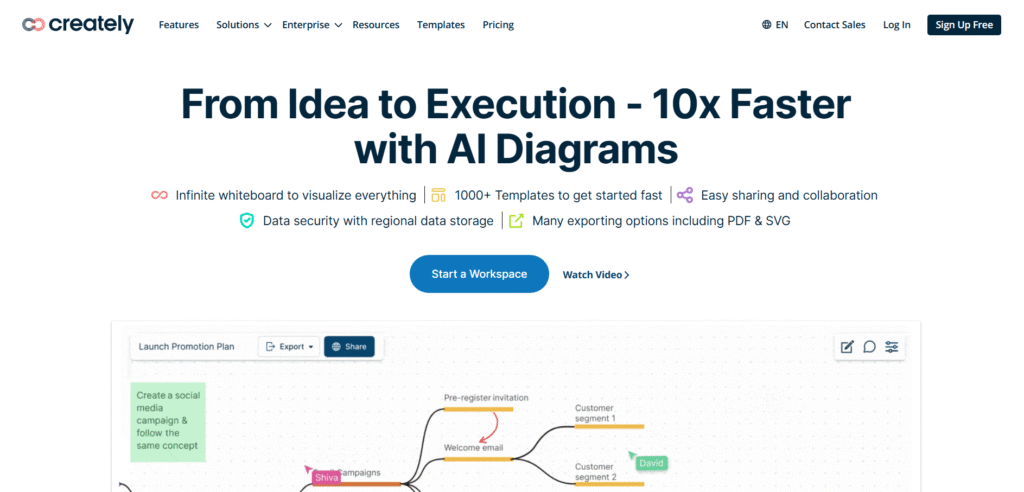
Creately is a diagramming and modelling tool often used by strategy teams needing clear visual models and workflows. Searches for Creately review, Creately pricing, Creately alternatives, or Creately vs Lucidchart come from users comparing visual simplicity with process detail.
Key Features
Visual Modelling
Creately offers diagrams, flowcharts, and strategic modelling frameworks that support business model clarity.
Templates
Users get access to templates for business model canvases, customer journeys, and performance frameworks.
Real Time Collaboration
Teams can work together on diagrams and workspaces for shared strategic sessions.
Data Linking
Creately allows users to attach notes, data, and files to diagram components to keep model context organised.
Workspace Structure
Multiple connected boards help users maintain consistency across different business model components.
Pros and Cons
| Pros | Cons |
| Good for visual clarity | Interface can feel dated |
| Helpful for process diagrams | Fewer advanced features than Lucidchart |
| Affordable | Template variety limited |
Pricing
Starts at roughly £5 per month.
Best For Users Wanting Affordable Visual Modelling
Creately suits teams who want diagram based business model design without complex systems.
• Consultants mapping processes
• Founders creating visual models
• Product teams shaping workflows
• Agencies refining service delivery
Verdict
Creately is a practical option for users who want visual clarity without heavy software.
Use multiple interconnected boards to visualise how customer journeys align with the revenue model.
Best Alternate Tool
Lucidchart
15. Stormboard
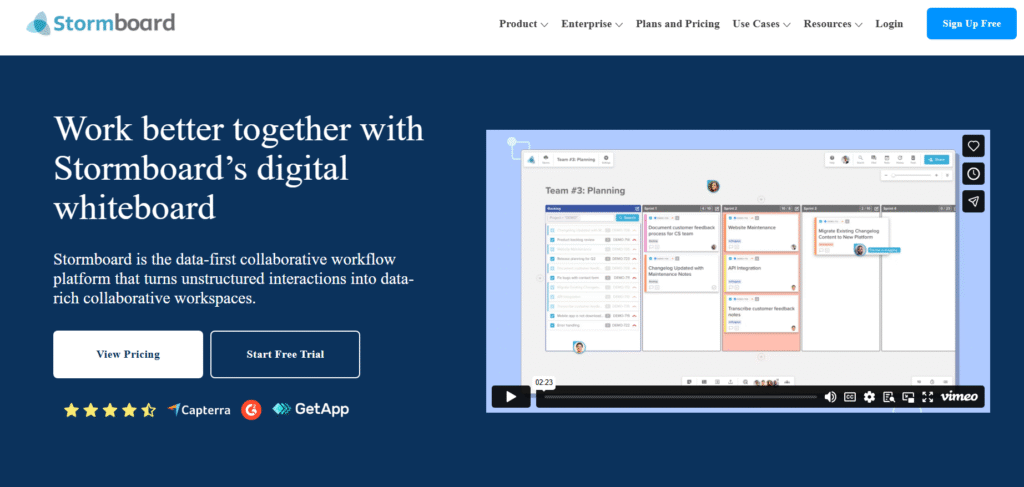
Stormboard focuses on team brainstorming and strategic idea organisation. Searches like Stormboard review, Stormboard pricing, Stormboard alternatives, or Stormboard vs Miro typically come from teams wanting structured sticky note style thinking.
Key Features
Sticky Note System
Stormboard’s digital sticky notes help teams capture ideas quickly during strategy sessions. This is useful for early business model design.
Templates
Users can select templates for canvases, roadmaps, and strategic frameworks.
Reporting
Stormboard converts brainstorming sessions into reports that summarise themes and decisions.
Task Assignment
Teams can assign tasks to stakeholders as part of ongoing model development.
Collaboration
Multiple users can contribute ideas, organise themes, and adjust model components live.
Pros and Cons
| Pros | Cons |
| Good for brainstorming | Less suited for detailed modelling |
| Simple learning curve | Limited design flexibility |
| Useful reporting | Not ideal for large scale strategy work |
Pricing
Best For Early Ideation And Team Discussions
Stormboard suits users who want quick idea capture and organisation.
• Consultants running ideation workshops
• Startup teams clarifying early model structure
• Agencies gathering client insights
• Internal teams driving early planning
Verdict
Stormboard works best for early phase business model design before moving to more structured tools.
Export brainstorm reports and store them in Notion or Airtable for deeper analysis.
Best Alternate Tool
Miro
16. Milanote
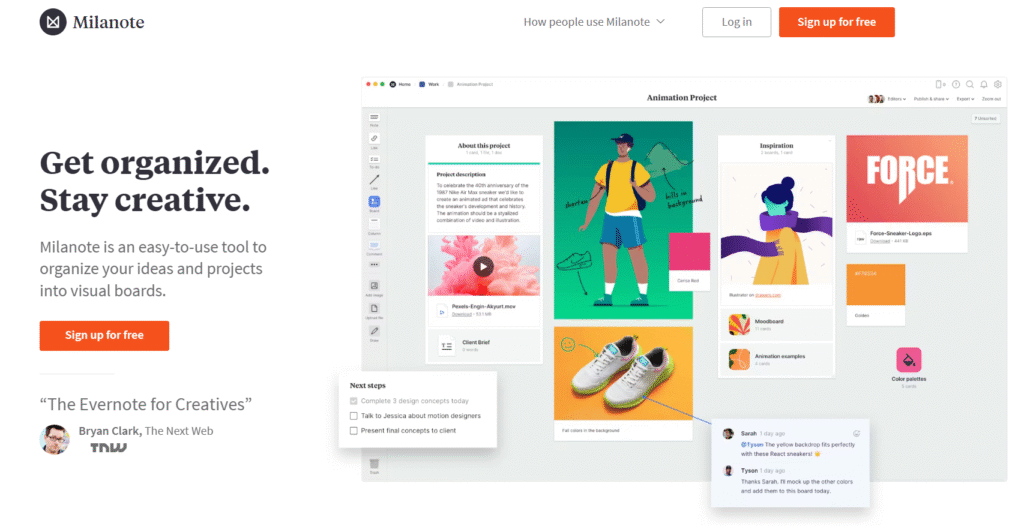
Milanote is a visual workspace designed for creative planning, idea organisation, and early stage strategic thinking. Users searching Milanote review, Milanote pricing, Milanote alternatives, or Milanote vs Miro often want a more visual, mood board style tool for shaping early business model ideas.
Key Features
Visual Boards
Milanote allows teams to arrange ideas, notes, images, and diagrams on open boards. This helps shape early business model concepts without a rigid structure.
Templates
There are templates for business model canvases, customer analysis, strategic frameworks, and planning boards.
Drag and Drop Layout
Users can move items freely across the canvas, which is helpful for creative industries where business models often come from idea clusters rather than structured frameworks.
Collaboration
Teams can comment, edit, and share boards for group planning sessions.
File Uploads
You can attach documents, screenshots, research, or customer insights directly to the board, keeping all strategic information visible.
Pros and Cons
| Pros | Cons |
| Very visual style | Not ideal for data heavy modelling |
| Easy to use | Limited scenario tools |
| Great for creative teams | Sync features less advanced than Notion |
Pricing
Starts at around £8 per month.
Best For Creative Teams Shaping Early Business Models
Milanote works well where ideas need to be mapped visually before structure is added.
• Creative agencies defining service models
• Founders exploring early value propositions
• Consultants preparing visual strategy sessions
• Product teams gathering insights before shaping features
Verdict
Milanote is excellent for early stage thinking before moving into structured modelling tools like Notion or Airtable.
Use separate boards for value propositions, customer research, and revenue ideas, then combine them into one unified strategic board.
Best Alternate Tool
Miro
17. Boardmix
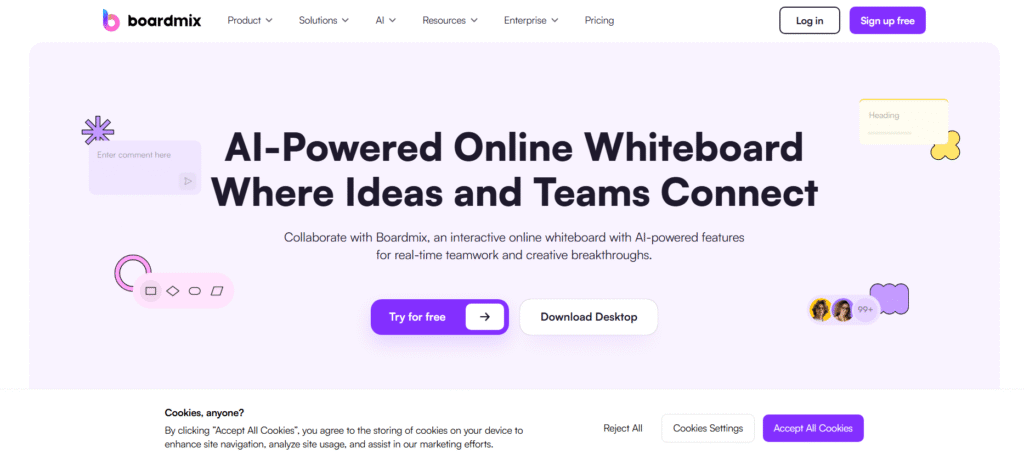
Boardmix is a structured collaboration and planning tool that supports visual strategy mapping. Users searching Boardmix review, Boardmix pricing, Boardmix alternatives, or Boardmix vs Miro typically want a simplified but capable framework for business model design.
Key Features
Strategy Templates
Boardmix includes templates for business model canvases, lean canvases, roadmaps, and customer journeys.
Diagramming
Users can create diagrams to map operational workflows, value chains, or customer pathways.
Team Collaboration
Real time editing, comments, and shared workspaces support strategy sessions and client workshops.
Presentation Mode
Boardmix includes a mode for presenting models without exporting to another platform.
File Embeds
Users can embed files and notes to keep research and references aligned with the model.
Pros and Cons
| Pros | Cons |
| Straightforward interface | Fewer advanced features than competitors |
| Good template selection | Some layouts feel basic |
| Helpful presentation mode | Integrations still growing |
Pricing
Starts at around £6 per month.
Best For Users Wanting A Simple Visual Strategy Tool
Boardmix is useful when teams want a clean interface for business model design without complex features.
• Consultants running structured sessions
• Founders needing simple modelling
• Agencies refining service frameworks
• Product teams building workflow diagrams
Verdict
Boardmix offers a clean and simple environment for building and presenting business models.
Use Boardmix’s workflow diagrams to map how your value proposition moves from concept to delivery.
Best Alternate Tool
Creately
18. StratNav
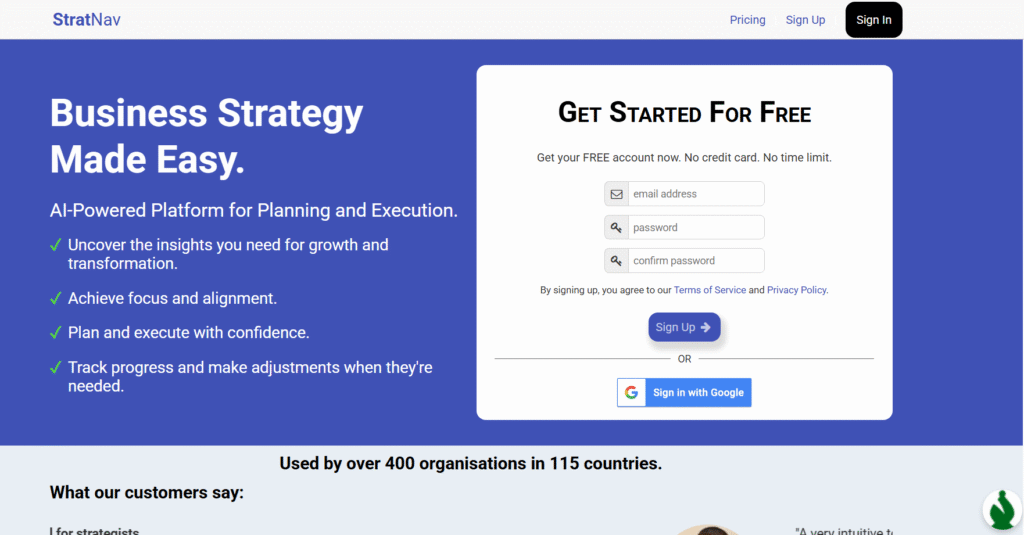
StratNav is a strategy management platform popular with consultants and corporate teams. Searches like StratNav review, StratNav pricing, StratNav alternatives, or StratNav vs Strategyzer often come from professionals who need structured, multi-layer strategic planning.
Key Features
Strategic Frameworks
StratNav offers frameworks for strategy formulation, business model design, SWOT, PESTLE, and balanced scorecards.
Roadmaps
Teams can use roadmaps to convert business model decisions into actionable plans.
KPI Tracking
StratNav links business model components to success indicators, keeping the strategy grounded in measurable targets.
Collaboration
Users can share models with clients or team members for review and updates.
Document Repository
All strategy documents, notes, and research can be stored inside the platform for consistency.
Pros and Cons
| Pros | Cons |
| Built for consultants | Higher starting cost |
| Strong roadmap tools | Interface feels conservative |
| Good KPI structure | Best suited for formal strategy work |
Pricing
Starts at about £25 per month.
Best For Strategy Consultants And Corporate Planning Teams
StratNav suits professionals who need robust frameworks and structured strategy systems.
• Consultants delivering full strategy programmes
• Teams managing multi year plans
• Corporate innovation teams
• Agencies building strategy services
Verdict
StratNav provides a structured, consultant friendly approach to business model design with strong planning features.
Use the KPI connections to map how each model decision influences measurable outcomes.
Best Alternate Tool
Strategyzer
19. OmniGraffle
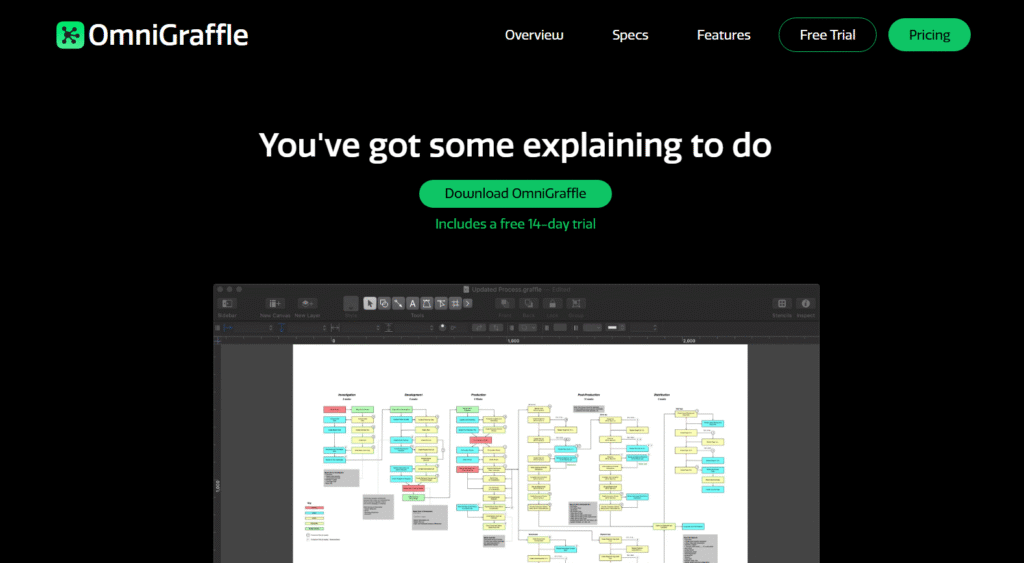
OmniGraffle is a powerful diagramming tool favoured by Mac users who want high precision in their business model layouts. Searches for OmniGraffle review, OmniGraffle pricing, OmniGraffle alternatives, or OmniGraffle vs Lucidchart often come from users comparing diagram accuracy and design detail.
Key Features
Precision Diagramming
OmniGraffle allows detailed, accurate shapes and layouts. This is helpful for users who want polished, presentation ready business model diagrams.
Templates And Stencils
Users have access to stencils and templates for flows, strategic diagrams, and frameworks.
Layering
Layer tools help structure complex business model maps without losing clarity.
Export Options
You can export to multiple formats for client decks or internal documentation.
Offline Usage
OmniGraffle works without internet access, which is useful for privacy focused projects.
Pros and Cons
| Pros | Cons |
| Great for detail | Only for Mac |
| Precise layouts | Less collaborative |
| Strong export quality | Not suited for ideation sessions |
Pricing
Starts at roughly £10 per month.
Best For Mac Based Teams Wanting Precision
OmniGraffle suits users who prefer high detail in model diagrams.
• Consultants preparing polished layouts
• Founders who want offline tools
• Product teams mapping detailed workflows
• Agencies building client diagrams
Verdict
OmniGraffle is a strong option for detailed, polished modelling when collaboration is less important.
Use layers to separate operational, financial, and customer elements for clearer model communication.
Best Alternate Tool
Lucidchart
20. Infinity
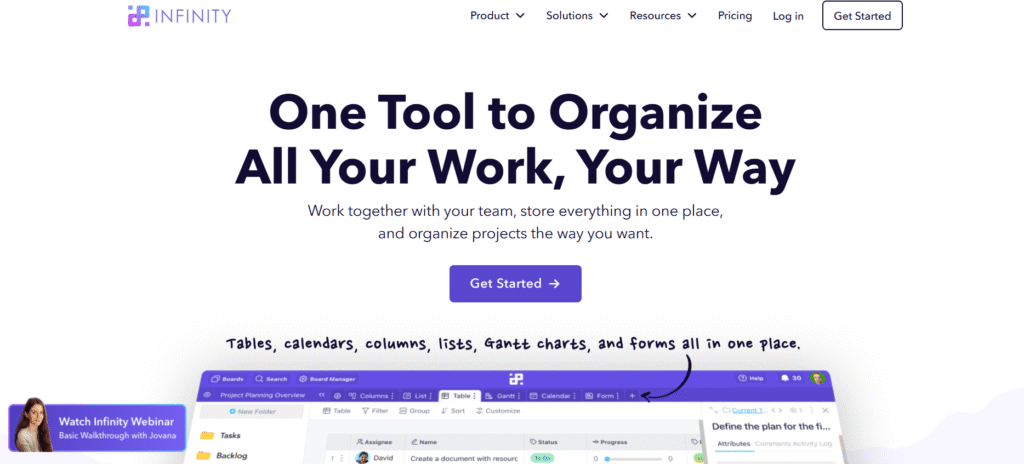
Infinity is a flexible platform for organising workflows, project structures, and strategic plans. Searches such as Infinity review, Infinity pricing, Infinity alternatives, or Infinity vs Airtable often come from users comparing customisation and workspace depth.
Key Features
Custom Workspaces
Infinity allows teams to build personalised views for business model components, including customer segments, revenue structures, operations, and resources.
Multiple Views
Users can switch between tables, lists, kanban boards, and calendars, supporting varied modelling approaches.
Attributes
Custom attributes help teams classify model elements with tags, numbers, dates, or formulas.
Collaboration
Teams can work together on complex structures without losing workspace clarity.
Templates
Infinity includes templates for planning, strategy, and operational design.
Pros and Cons
| Pros | Cons |
| Flexible layouts | Requires setup time |
| Good for multi client work | Lacks some automations |
| Useful views | Not as strong as Airtable for databases |
Pricing
Best For Agencies And Consultants Managing Multiple Models
Infinity fits users who want custom structures for each client or business model.
• Consultants managing multiple strategy projects
• Agencies building tailored workflows
• Founders wanting flexible planning
• Product teams handling multi component systems
Verdict
Infinity is a strong middle ground between simple planning tools and more complex database systems.
Use attributes to track validation stage, financial impact, and priority across all business model components.
Best Alternate Tool
Airtable
Wrapping Up
Choosing the right tools for business model design shapes how effectively a team evaluates new opportunities, tests assumptions, and aligns decisions with commercial goals. The tools listed above give founders, consultants, agencies, and product teams the structure needed to plan, validate, and adjust their models with clarity.
Whether the priority is financial forecasting, visual planning, customer analysis, or collaborative workshops, these platforms offer dependable support for strategy work. Selecting the right mix of tools helps reduce uncertainty and keeps your planning process organised and actionable.
How Pearl Lemon Consulting Supports Business Model Design
At Pearl Lemon Consulting, we work with companies that need sharper direction, clearer revenue systems, and a structured approach to decision-making. Our team helps clients map value propositions, identify reliable customer segments, test pricing paths, align operations, and strengthen commercial logic.
Business model design becomes far easier when you have guidance, structured sessions, and an outside perspective that challenges assumptions.
If you want strategic planning supported by a clear framework, schedule a consultation with our team. We’ll walk through the current model, highlight gaps, and shape a practical plan you can act on immediately.
FAQs
1. What is business model design?
Business model design refers to creating a clear structure outlining how a business creates value, delivers it to customers, and generates revenue. It includes defining segments, pricing, operational needs, and cost structures.
2. Which business model design tools are best for consultants?
Consultants often use Strategyzer, Miro, LeanStack, and StratNav because these tools support workshops, structured planning, and documentation.
3. Can these tools support financial forecasting?
Yes, tools such as LivePlan, BizPlan, and Airtable can generate financial projections, scenarios, and model based statements.
4. Which tools work best for early stage founders?
Canvanizer, FigJam, Whimsical, and Milanote are good starting points because they make early ideation simple and fast.
5. Are visual tools better than structured tools?
It depends on the stage. Visual platforms help with brainstorming, while structured tools support validation and financial planning.
6. Do these tools replace a consultant?
They support the process but do not replace expert reasoning, commercial insight, or structured facilitation.
7. Are these tools suitable for large companies?
Yes, tools like Strategyzer, StratNav, Miro, and Lucidchart scale well for corporate planning and multi department strategy work.
8. Can these platforms integrate with CRM or analytics systems?
Coda, Airtable, and Notion offer integrations with CRM systems, productivity tools, and analytics platforms.
9. How often should a business review its model?
Most teams review their business model quarterly, although high growth companies adjust more frequently.
10. Which tool is best for presenting a business model?
Figma, OmniGraffle, Boardmix, and Strategyzer are well suited to producing presentation-ready model layouts.