

If you’re running a business, agency, or startup, you already know that strategic decisions can make or break your growth. The challenge? Getting clarity on your strengths, weaknesses, opportunities, and threats without wasting time on clunky spreadsheets or half-baked frameworks. That’s where SWOT analysis software comes in.
We’ve researched and tested over 50+ tools, and in this guide, we’ve distilled the top 20 SWOT analysis software options for 2025. These tools are designed for consultants, marketing teams, business owners, and enterprise strategists who need smarter ways to assess markets, align resources, and forecast risks.
Here’s why this matters:
- According to Statista, 68% of organizations say they struggle with aligning strategy with execution.
- A Gartner report revealed that companies using structured strategic analysis tools grow revenue 20% faster than those relying on ad-hoc methods.
If you want a clear, competitive edge, choosing the right SWOT analysis software is the first step.
What is SWOT Analysis Software?
SWOT analysis software is a digital tool that helps businesses evaluate strengths, weaknesses, opportunities, and threats systematically. Instead of using manual whiteboards or static Excel templates, these platforms give you interactive dashboards, collaboration features, and reporting functions to make your strategy actionable.
Why it matters:
- For Startups: It helps identify competitive advantages and market gaps quickly.
- For Agencies: It aligns campaigns with client strengths and market opportunities.
- For Enterprises: It streamlines decision-making and risk assessment across teams.
By using the right software, you’ll cut through guesswork, save hours, and back every decision with structured insights.
Quick Comparison of SWOT Analysis Software
When choosing SWOT analysis software, the most important decision factors are ease of use, pricing, collaboration features, reporting options, and integration capability. Below is a snapshot of the 20 best tools in 2025, so you can compare at a glance.
| Tool Name | Best For | Starting Price | Free Trial | Key Feature | G2 Rating | Platform |
| Miro | Team Collaboration | Free – $10/mo | Yes | Visual boards | 4.7/5 | Web, Mobile |
| Creately | Business Mapping | $5/mo | Yes | Templates & diagrams | 4.5/5 | Web, Windows |
| Lucidchart | Strategy Mapping | $9/mo | Yes | Drag-and-drop charts | 4.6/5 | Web, iOS |
| Canva | Simple SWOT Templates | Free – $12/mo | Yes | Design-friendly layouts | 4.8/5 | Web, Mobile |
| MindMeister | Mind Mapping SWOT | $6/mo | Yes | Cloud-based maps | 4.6/5 | Web, iOS, Mac |
| ClickUp | Task + SWOT Tracking | Free – $7/mo | Yes | Workflow integration | 4.7/5 | Web, Mobile |
| Aha! | Product Strategy | $59/mo | Yes | Roadmapping + SWOT | 4.5/5 | Web |
| Microsoft Visio | Corporate Teams | $15/mo | No | Office integrations | 4.4/5 | Windows, Web |
| SmartDraw | Fast Diagramming | $9.95/mo | Yes | Auto-formatting charts | 4.4/5 | Web, Windows |
| Xtensio | Business Planning | $8/mo | Yes | Drag-and-drop editor | 4.6/5 | Web |
| Venngage | Infographic SWOT | $10/mo | Yes | Visual storytelling | 4.5/5 | Web |
| EdrawMax | Diagram Powerhouse | $8/mo | Yes | 280+ diagram types | 4.6/5 | Web, Windows |
| StrategyBlocks | Enterprise Strategy | $75/mo | No | KPI alignment | 4.3/5 | Web |
| Creatio | CRM + SWOT | Custom Pricing | Yes | Process automation | 4.4/5 | Web |
| ConceptDraw | Corporate Planning | $199 (one-time) | No | Enterprise diagrams | 4.3/5 | Windows, Mac |
| SWOTster | Dedicated SWOT Tool | $9/mo | Yes | Simple SWOT layouts | 4.2/5 | Web |
| IdeaScale | Idea Management | $20/mo | Yes | Crowd-sourced SWOT | 4.4/5 | Web |
| Upboard | Strategy Execution | $39/mo | Yes | Playbook templates | 4.5/5 | Web |
| Cascade Strategy | OKRs + SWOT | $29/mo | Yes | Alignment dashboards | 4.6/5 | Web |
| Notion | Flexible Planning | Free – $8/mo | Yes | Custom templates |
1. Miro – The Whiteboard for Team Collaboration
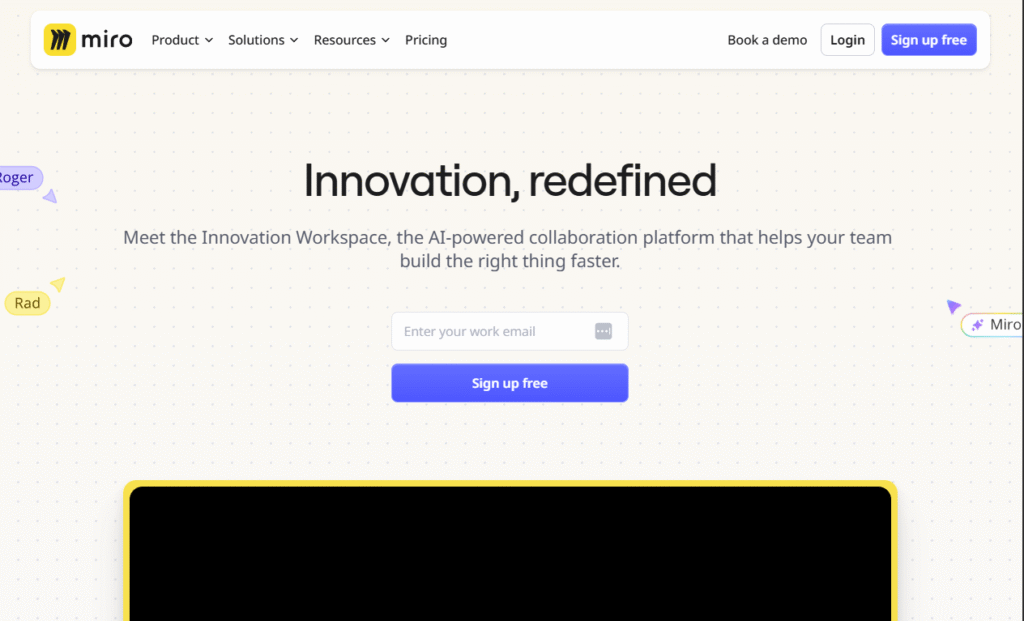
Miro is one of the most popular visual collaboration tools used by agencies, product teams, and business consultants for brainstorming and strategy mapping. When it comes to SWOT analysis, Miro shines with its flexible templates, real-time collaboration, and drag-and-drop functionality. If you’ve ever felt boxed in by rigid Excel sheets, Miro gives you the freedom to map strategies visually and share them instantly with your team.
Key Features
Pre-Built SWOT Templates
Miro includes a wide range of pre-built SWOT analysis templates, so you don’t have to start from scratch. This saves hours of setup time while giving your team a structured starting point.
Real-Time Collaboration
Teams can work simultaneously on the same SWOT board, leaving comments, tagging team members, and making edits live. This eliminates back-and-forth emails and ensures everyone contributes in one place.
Drag-and-Drop Interface
Creating, adjusting, and reorganizing SWOT categories is simple with Miro’s intuitive drag-and-drop tools. Even non-technical users find it easy to navigate.
Integration with Business Tools
Miro integrates with platforms like Slack, Microsoft Teams, Google Workspace, and Asana, which makes it easy to embed SWOT analysis directly into your workflow.
Infinite Canvas
Unlike static software, Miro offers an infinite whiteboard where you can expand your SWOT into related strategy maps, customer journey visuals, or OKRs, all in one place.
Pros & Cons
| Pros | Cons |
| Easy-to-use templates | Limited offline access |
| Strong collaboration features | Can be overwhelming for new users |
| Works with many integrations | Advanced features require paid plan |
| Mobile app available | Export options limited on free tier |
Pricing
- Free plan available
- Starter: $10 per user/month
- Business: $20 per user/month
- Enterprise: Custom pricing
Best For Agencies and Remote Teams Running Strategy Workshops
Miro is best suited for teams that thrive on collaboration and visual brainstorming. Whether you’re an agency running workshops, a startup mapping your next big move, or an enterprise planning quarterly strategies, Miro makes it seamless to align ideas.
- Agencies — Easy client collaboration during workshops
- Remote Teams — Real-time visual brainstorming without delays
- Startups — Quick SWOT setup to identify strengths and weaknesses
- Enterprises — Scaling team input across departments
If your team values interactive collaboration and you want SWOT analysis to be part of a larger brainstorming environment, Miro is one of the strongest choices available.
How to Use Miro for Local SWOT Analysis
Use Miro’s geolocation templates to align your SWOT with regional data. This allows you to highlight local threats or opportunities, like competitor activity or customer demographics, right on the board.
Best Alternate Tool
Creately – If you prefer a simpler interface with more diagramming options, Creately is a strong alternative to Miro for structured SWOT mapping.
2. Creately – Business Mapping Made Simple
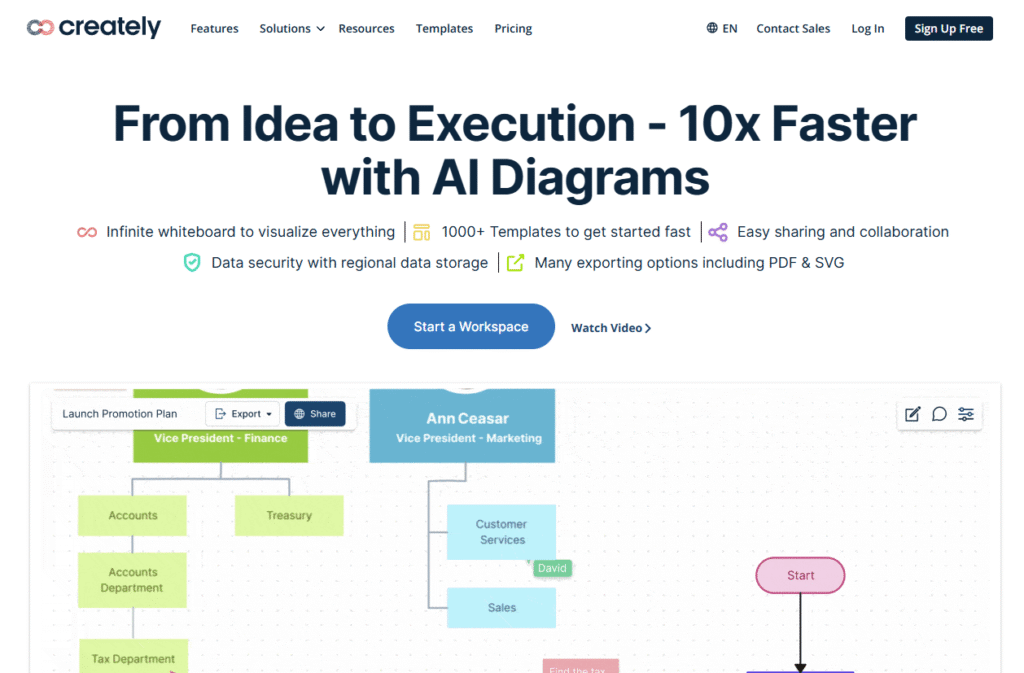
Creately is designed for teams and businesses that want to structure ideas visually without spending hours learning a complex system. It’s especially strong for SWOT analysis, thanks to its wide library of business templates and real-time collaboration options. Think of it as a balance between simplicity and professional-grade diagramming.
Key Features
Business Diagram Templates
Creately comes loaded with professional business diagrams, including SWOT analysis templates, organizational charts, and flowcharts, giving you structured ways to document and present strategies.
Real-Time Collaboration
Similar to Miro, teams can collaborate on a SWOT diagram in real time, making it useful for agencies presenting findings to clients or corporate teams running workshops.
Contextual Data Linking
You can attach notes, links, and files to any part of your SWOT analysis, turning a simple diagram into a strategy hub where all relevant information is stored.
Offline and Online Access
Creately can be used both in the cloud and as a desktop app, ensuring access even in environments where internet connectivity is unreliable.
Simple Learning Curve
Unlike some strategy tools that overwhelm first-time users, Creately is built to be intuitive, with drag-and-drop controls and easy onboarding.
Pros & Cons
| Pros | Cons |
| Extensive library of templates | Limited integrations compared to competitors |
| Works offline and online | Some advanced features require higher plans |
| Affordable pricing | Visuals less polished than design-focused tools |
| Easy to learn and use | Free plan has export limitations |
Pricing
- Personal: $5 per user/month
- Business: $8 per user/month
- Enterprise: Custom pricing
Best For Business Consultants and Teams Running Structured Analysis
Creately is ideal for professionals who need a simple, reliable tool for business mapping and SWOT analysis. Its templates and offline support make it versatile across industries.
- Consultants — Present clear SWOT visuals to clients
- Small Businesses — Affordable, structured strategy diagrams
- Corporate Teams — Easy to deploy across departments
- Educational Use — Teaching SWOT in classrooms
Creately is perfect if you want a budget-friendly, structured tool that doesn’t compromise on collaboration or diagramming depth.
How to Use Creately for Competitive SWOT Analysis
Use Creately’s linking feature to attach competitor reports, customer data, or external research directly to each SWOT quadrant. This way, your SWOT board doubles as a research hub.
Best Alternate Tool
Lucidchart – A stronger alternative if you need advanced integrations and enterprise-ready features for more complex SWOT analysis.
3. Lucidchart – Strategy Mapping with Drag-and-Drop Power
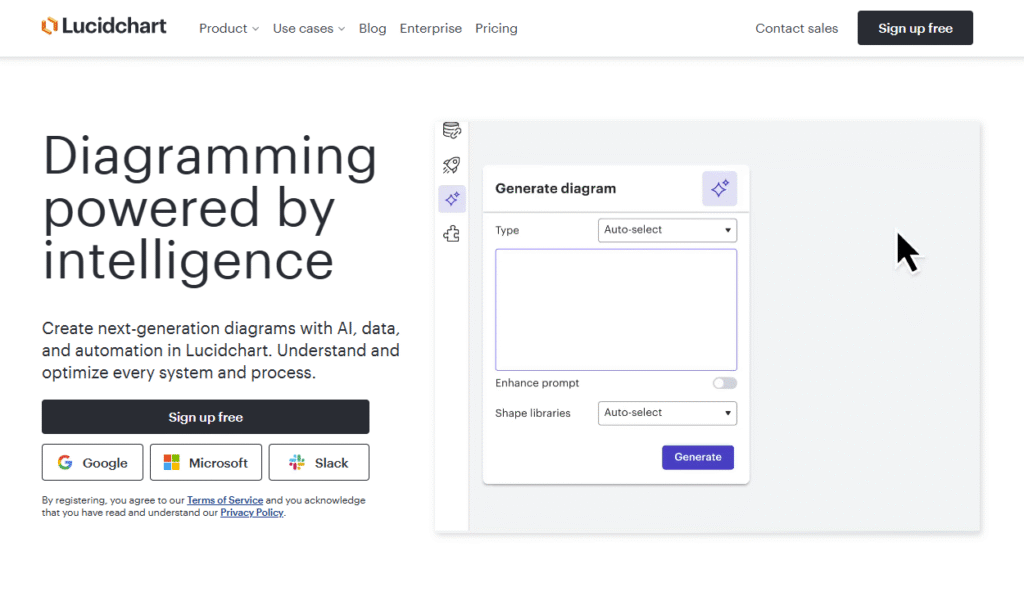
Lucidchart is widely recognized as one of the leading diagramming platforms, and it’s especially useful for creating structured SWOT analyses. With its drag-and-drop interface, enterprise integrations, and professional-grade visuals, Lucidchart is a go-to for companies that want both functionality and presentation-ready outputs.
Key Features
Professional SWOT Templates
Lucidchart offers clean, presentation-ready SWOT templates that can be customized in minutes. This makes it easy for consultants and teams to deliver polished results without spending time on design.
Drag-and-Drop Diagramming
Its intuitive drag-and-drop editor makes building and editing SWOT diagrams quick and user-friendly. Even large, complex strategy maps stay manageable.
Enterprise Integrations
Lucidchart connects with tools like Google Workspace, Microsoft 365, Slack, and Atlassian products, making it easy to embed SWOT outputs directly into existing workflows.
Real-Time Collaboration
Multiple users can edit a SWOT diagram simultaneously, leave comments, and track changes. Perfect for distributed teams or cross-department planning sessions.
Advanced Sharing & Export Options
You can export SWOT diagrams as PDFs, images, or even embed them in slides and web pages. This is particularly valuable for consultants presenting to clients.
Pros & Cons
| Pros | Cons |
| Polished, professional visuals | Steeper pricing than simpler tools |
| Strong enterprise integrations | Some features locked in premium plans |
| Easy-to-use interface | Limited offline capability |
| Great for presentations | Can be overkill for small teams |
Pricing
- Individual: $9 per user/month
- Team: $11 per user/month
- Enterprise: Custom pricing
Best For Consultants and Enterprises Presenting Strategic Insights
Lucidchart is the best fit for professionals and organizations that prioritize presentation quality and enterprise integrations. It ensures your SWOT analysis is not only accurate but also client-ready.
- Consultants — Share polished SWOT reports with clients
- Enterprises — Seamlessly integrate with Microsoft and Google ecosystems
- Teams — Collaborate on SWOTs in real time
- Educators — Teach business strategy with professional visuals
If you need professional-grade SWOT diagrams that can integrate into enterprise workflows and impress stakeholders, Lucidchart is one of the best tools available.
How to Use Lucidchart for Investor-Focused SWOT Analysis
Use Lucidchart’s professional templates to create investor-ready SWOT reports. Export your diagram into a pitch deck format for startups looking to secure funding.
Best Alternate Tool
Canva – If you prefer a design-first approach and want simple but attractive SWOT visuals, Canva is a user-friendly alternative to Lucidchart.
4. Canva – Simple SWOT Templates for Quick Wins
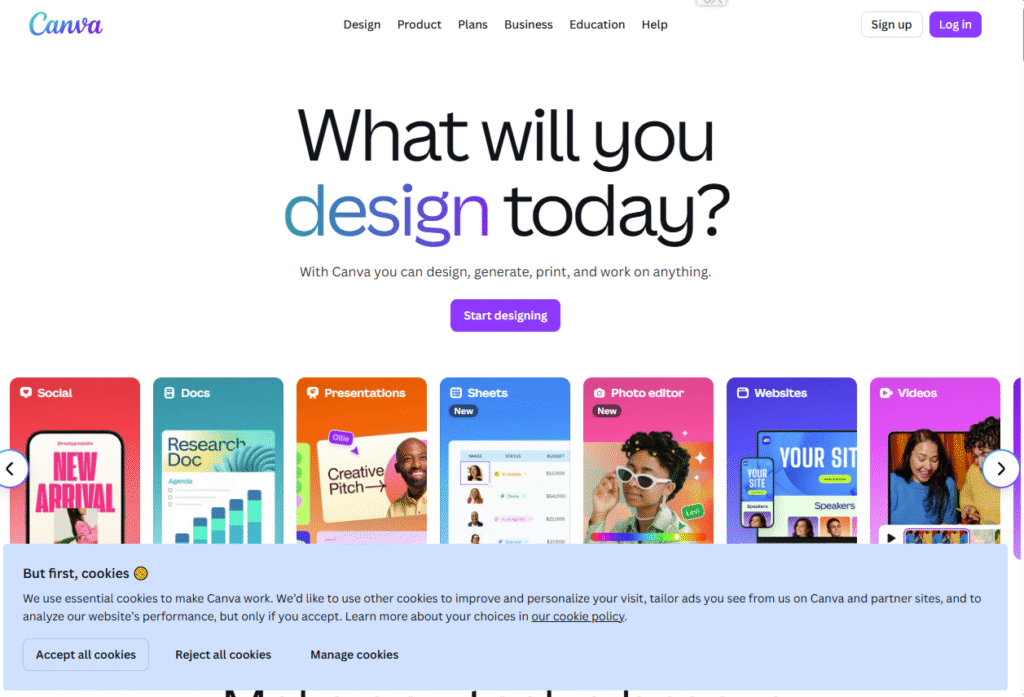
Canva is a favorite among marketers, freelancers, and small businesses for creating attractive visuals quickly. While it’s best known as a design platform, its growing library of SWOT analysis templates makes it a practical choice for anyone who wants fast, presentation-ready results without needing advanced diagramming skills.
Key Features
Ready-Made SWOT Templates
Canva provides dozens of editable SWOT analysis templates with professional layouts. Users can simply plug in their content, adjust colors to match branding, and share instantly.
Easy Design Customization
Unlike traditional diagramming tools, Canva lets you apply fonts, icons, and design elements that make SWOT diagrams more visually appealing and engaging.
Collaboration Features
Teams can work together in real time, editing the same SWOT file, leaving comments, and adjusting design elements. This is particularly useful for marketing or client-facing projects.
Export & Sharing Options
SWOT diagrams can be exported as PDFs, images, or presentations, making it simple to embed them in reports, pitches, or social media posts.
Free and Paid Versions
Even the free version of Canva offers SWOT templates, which is rare compared to paid-only tools in this category.
Pros & Cons
| Pros | Cons |
| Very beginner-friendly | Limited for complex analysis |
| Attractive, design-first templates | Few advanced business features |
| Free version available | Collaboration less advanced than Miro |
| Great for client presentations | Can feel simplistic for enterprises |
Pricing
- Free plan available
- Pro: $12 per user/month
- Teams: $14.99 per user/month
Best For Marketers, Freelancers, and Small Teams
Canva is ideal for those who value design-first SWOT templates and need quick, polished results without diving into complex software.
- Freelancers — Quick SWOT visuals for client decks
- Marketers — Presentation-ready SWOTs for campaign planning
- Small Businesses — Affordable option for strategy mapping
- Educators — Easy-to-use for classroom SWOT activities
Canva is best if you want visually engaging SWOT templates and don’t need the depth of enterprise strategy tools.
How to Use Canva for Client SWOT Presentations
Use Canva’s branding tools to align your SWOT diagrams with client colors and logos, instantly giving your deliverables a more professional, customized feel.
Best Alternate Tool
Venngage – If you’re looking for more infographic-focused SWOT visuals, Venngage offers stronger storytelling templates than Canva.
5. MindMeister – Mind Mapping SWOT Made Simple
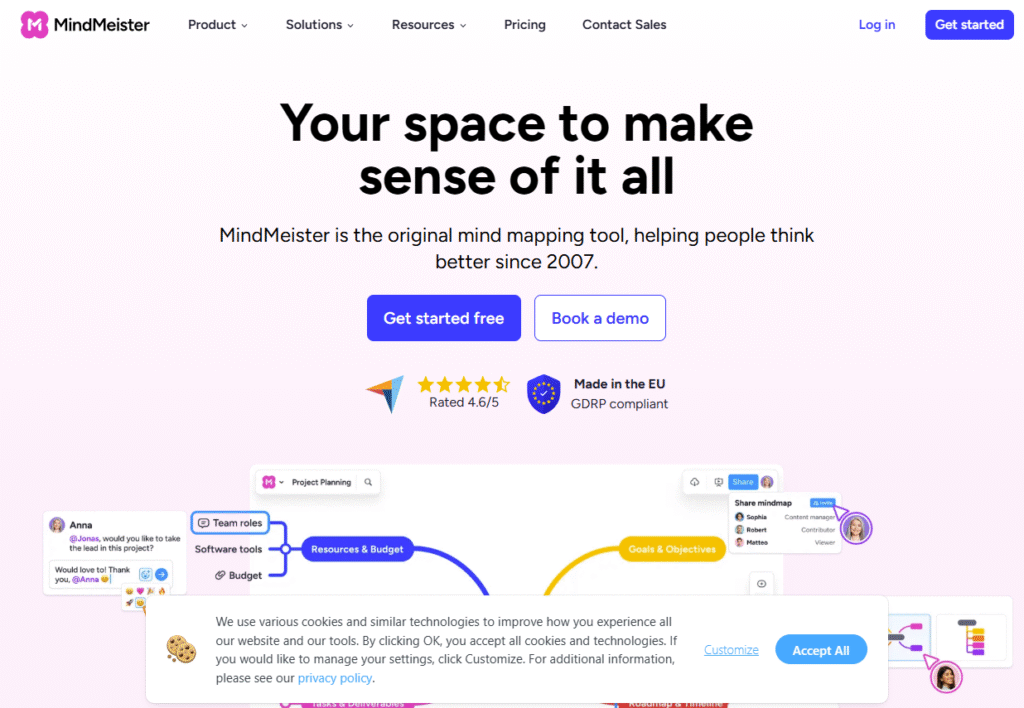
MindMeister is a mind mapping platform designed for brainstorming and idea structuring. When applied to SWOT analysis, it gives businesses a creative and flexible way to visualize their strategic position. Instead of rigid quadrants, you can expand each strength, weakness, opportunity, or threat into sub-branches for a deeper look at the details.
Key Features
SWOT Mind Map Templates
MindMeister includes customizable templates that allow users to map out SWOT categories in a branching, mind map format. This helps teams break down broad ideas into actionable insights.
Cloud-Based Access
Everything is stored online, so your SWOT diagrams are accessible from any device, whether you’re on desktop, tablet, or mobile.
Real-Time Collaboration
Multiple team members can add, edit, and comment on a SWOT mind map simultaneously, making it excellent for remote strategy sessions.
Presentation Mode
With a single click, you can turn your SWOT map into a presentation that walks stakeholders through each element step by step.
Integration with MeisterTask
MindMeister integrates with MeisterTask, so SWOT insights can directly feed into actionable tasks and project management workflows.
Pros & Cons
| Pros | Cons |
| Flexible, visual SWOT structure | Less formal than traditional tools |
| Great for brainstorming sessions | Limited design customization |
| Cloud-based and mobile-friendly | Offline mode only on higher plans |
| Integration with MeisterTask | Learning curve for first-timers |
Pricing
- Basic: Free (limited features)
- Personal: $6 per user/month
- Pro: $10 per user/month
- Business: $15 per user/month
Best For Creative Teams and Startups
MindMeister is best suited for organizations that want to brainstorm SWOT ideas visually before formalizing them into structured documents.
- Startups — Breaking down opportunities into actionable steps
- Creative Teams — Visual mapping of strengths and threats
- Educators — Teaching SWOT in an interactive way
- Small Agencies — Client-friendly brainstorming tool
If you’re tired of traditional grids and want a more flexible, idea-driven SWOT format, MindMeister is the perfect choice.
How to Use MindMeister for Market SWOT Analysis
Turn each SWOT branch into a linked mind map with competitor data, survey results, or customer insights. This creates a layered analysis that goes beyond a simple four-box model.
Best Alternate Tool
Notion – If you need a flexible platform for building both mind maps and structured templates, Notion is a strong alternative to MindMeister.
6. ClickUp – Task + SWOT Tracking in One Place
ClickUp is an all-in-one productivity and project management tool that goes far beyond SWOT analysis. Its customizable templates, task-tracking capabilities, and integrations make it a smart choice for businesses that want to connect strategic insights with execution. Instead of just identifying strengths, weaknesses, opportunities, and threats, ClickUp lets you assign responsibilities and track outcomes directly.
Key Features
SWOT Analysis Templates
ClickUp offers ready-made SWOT templates, which can be customized and shared across teams. This makes it simple to jump straight into analysis without building frameworks manually.
Task Assignment and Tracking
Unlike most SWOT-specific tools, ClickUp connects SWOT insights directly to tasks. For example, a “weakness” can be turned into an actionable improvement project within minutes.
Custom Dashboards
Users can create dashboards to visualize SWOT outcomes alongside KPIs, timelines, and other performance metrics. This ensures strategy aligns with measurable results.
Extensive Integrations
ClickUp integrates with more than 1,000 apps, including Slack, Google Workspace, and HubSpot, making it easy to connect SWOT with existing workflows.
Real-Time Collaboration
Teams can edit, comment, and collaborate in real time, ensuring everyone is aligned during strategic planning sessions.
Pros & Cons
| Pros | Cons |
| Combines SWOT with task management | Can feel overwhelming for new users |
| Highly customizable dashboards | Free version has feature limits |
| Strong integration ecosystem | Advanced features need paid tiers |
| Affordable entry pricing | May be too complex for simple SWOT |
Pricing
- Free plan available
- Unlimited: $7 per user/month
- Business: $12 per user/month
- Enterprise: Custom pricing
Best For Businesses That Want Strategy + Execution
ClickUp is best for teams that don’t just want to analyze SWOT but also turn insights into tasks and measure execution.
- Agencies — Connect SWOT with marketing campaign tasks
- Startups — Translate opportunities into growth projects
- Enterprises — Manage SWOT at scale with custom dashboards
- Remote Teams — Collaborate on strategy and track tasks in one place
ClickUp is ideal if you want a bridge between SWOT analysis and execution, eliminating the gap between strategy sessions and actual results.
How to Use ClickUp for Opportunity Tracking
Convert each opportunity identified in your SWOT into a task with due dates and owners. This ensures opportunities are pursued instead of sitting idle on a whiteboard.
Best Alternate Tool
Aha! – If you’re more product-focused and need advanced roadmapping with SWOT integration, Aha! is a strong alternative to ClickUp.
7. Aha! – Product Strategy with SWOT Built In
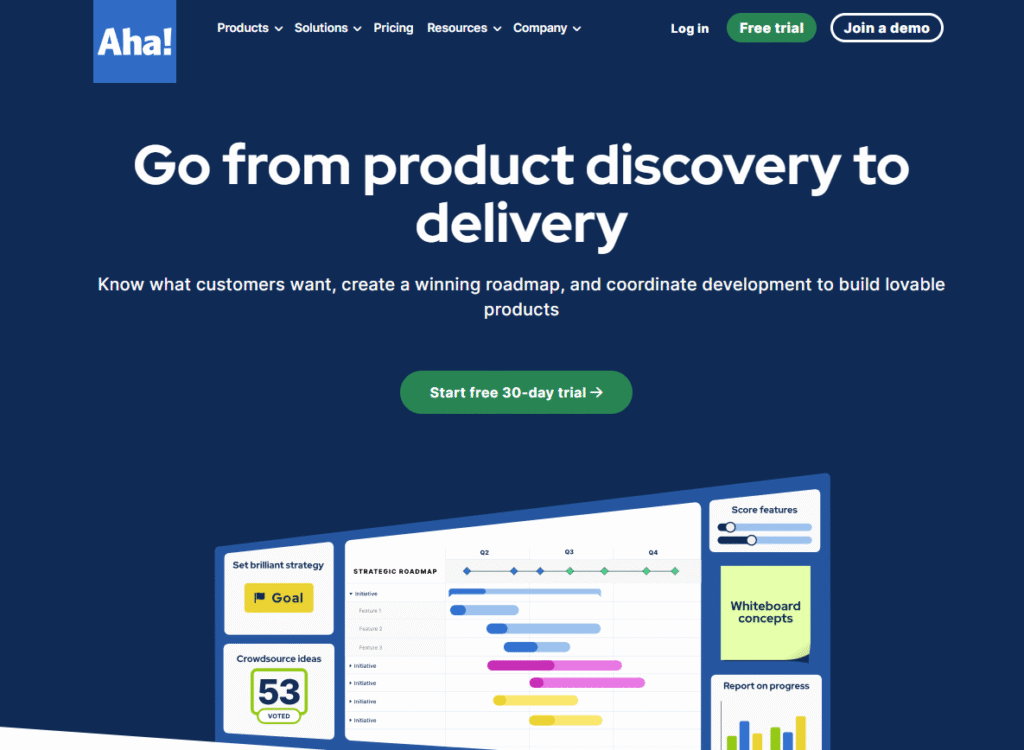
Aha! is a powerful product management and roadmapping platform built for companies that need structured strategic planning. While it’s primarily used for product roadmaps, Aha! integrates SWOT analysis as part of its broader toolkit, making it valuable for product managers, SaaS teams, and enterprises that need to align product strategy with business goals.
Key Features
SWOT Analysis Frameworks
Aha! provides pre-built SWOT templates that fit directly into its strategy section, so teams can document strengths, weaknesses, opportunities, and threats alongside their roadmaps.
Roadmapping Integration
Unlike standalone SWOT tools, Aha! ties SWOT insights to product features, releases, and timelines. This ensures strategy translates into execution within product development.
Goal and Initiative Tracking
Teams can link SWOT findings to specific goals and initiatives, giving leadership visibility into how risks and opportunities are being managed.
Collaboration and Permissions
Aha! supports collaboration across multiple teams with controlled access and version history, making it secure for enterprise use.
Analytics and Reporting
Built-in analytics let managers connect SWOT insights with KPIs, helping track whether strategies are paying off over time.
Pros & Cons
| Pros | Cons |
| Combines SWOT with product roadmaps | Higher price point |
| Enterprise-grade collaboration | Steeper learning curve |
| Strong reporting and analytics | Overkill for small teams |
| Secure with role-based permissions | Limited design customization |
Pricing
- Premium: $59 per user/month
- Enterprise: $99 per user/month
- Enterprise+: Custom pricing
Best For Product Teams and Enterprises
Aha! is best suited for product managers and enterprises that want to embed SWOT analysis into their broader product strategy.
- Product Managers — Align SWOT with product decisions
- SaaS Teams — Integrate SWOT into release cycles
- Enterprises — Manage SWOT insights across departments
- Consultants — Deliver strategic insights for product roadmaps
Aha! is ideal if you want SWOT analysis as part of a complete product strategy toolkit rather than a standalone diagramming tool.
How to Use Aha! for Opportunity Prioritization
When opportunities are identified in SWOT, link them directly to initiatives and rank them by business impact. This ensures your team pursues the most valuable opportunities first.
Best Alternate Tool
ClickUp – A better option if you want a more flexible and budget-friendly platform that blends SWOT with broader project management.
8. Microsoft Visio – Corporate Teams’ Diagramming Standard
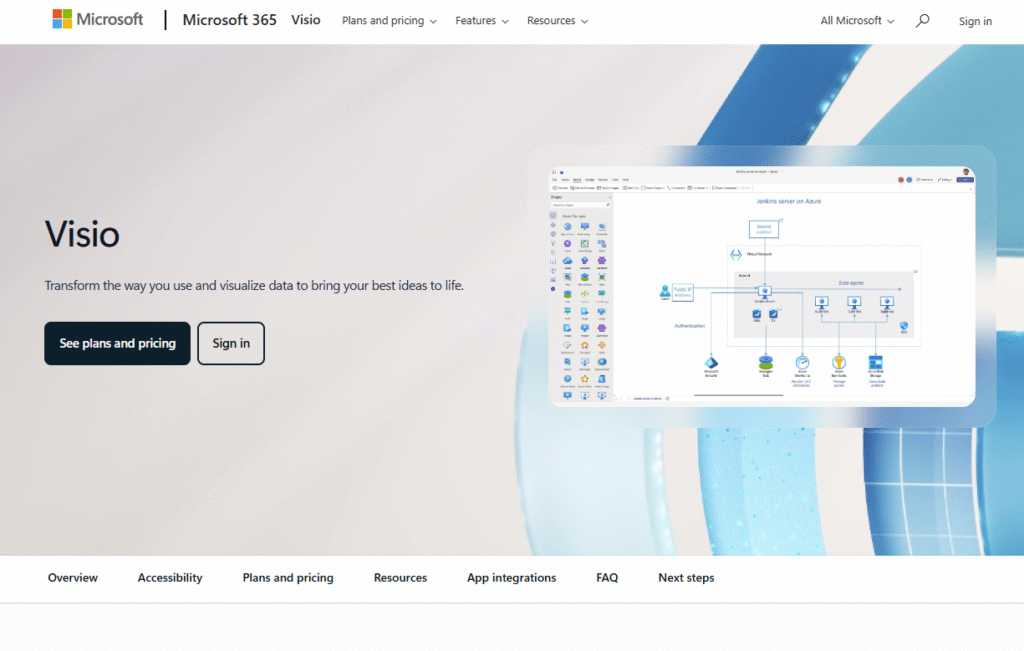
Microsoft Visio has long been a staple for corporations needing professional diagrams. While not built exclusively for SWOT analysis, its diagramming power, integration with Microsoft 365, and corporate-grade features make it a reliable choice for enterprises. If your company already uses Microsoft products, Visio fits right into your workflow.
Key Features
Professional SWOT Templates
Visio provides ready-to-use SWOT templates that can be customized for departments, projects, or enterprise-wide strategy sessions.
Microsoft 365 Integration
Because it’s part of the Microsoft ecosystem, Visio works seamlessly with Excel, PowerPoint, and Teams, making it easy to embed SWOT diagrams into reports and presentations.
Enterprise-Grade Diagramming
Visio supports advanced diagramming for flowcharts, organizational structures, and IT systems. This flexibility means you can go beyond SWOT when needed.
Cloud and Desktop Versions
Visio is available both as a web app and a desktop version, giving teams flexibility in how they access and edit files.
Collaboration Features
Teams can co-author SWOT diagrams in real time, similar to other Microsoft 365 apps, with permissions and secure file sharing.
Pros & Cons
| Pros | Cons |
| Seamless Microsoft 365 integration | Less intuitive for non-technical users |
| Professional-grade templates | Higher cost compared to simpler tools |
| Suitable for large organizations | Limited creativity compared to Canva or Miro |
| Both desktop and web versions | Collaboration less smooth than Miro |
Pricing
- Plan 1 (Web): $15 per user/month
- Plan 2 (Desktop + Web): $30 per user/month
Best For Enterprises and Corporate Teams
Visio is best suited for large organizations already using Microsoft products. It’s structured, secure, and ideal for strategy sessions where professional documentation is required.
- Enterprises — Keep SWOT within Microsoft ecosystem
- IT Departments — Add SWOT to technical strategy planning
- Consultants — Deliver enterprise-ready visuals
- Corporate Teams — Use SWOT for cross-department strategy
If your business already relies on Microsoft 365, Visio is the natural choice for SWOT analysis because of its deep integration and enterprise-grade features.
How to Use Visio for Cross-Department SWOT
Import Excel data into Visio and connect it to SWOT categories. This creates a data-backed SWOT diagram that updates automatically when data changes.
Best Alternate Tool
SmartDraw – A more affordable and beginner-friendly alternative for those who want similar diagramming capabilities without the Microsoft ecosystem dependency.
9. SmartDraw – Fast Diagramming for Strategy Sessions
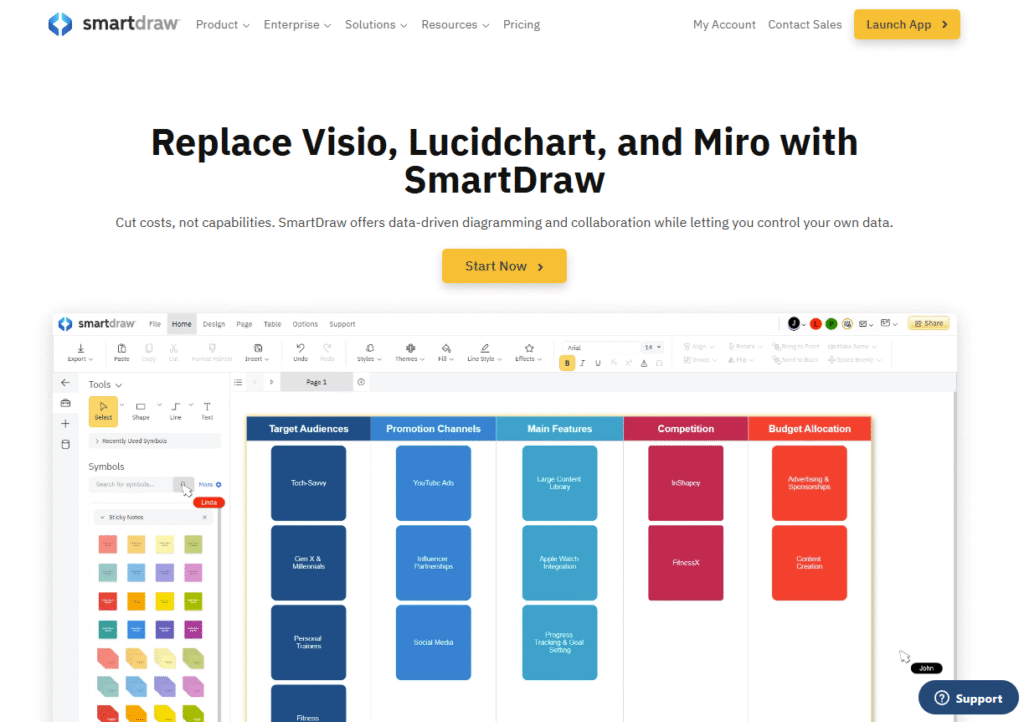
SmartDraw is a diagramming tool designed for speed and ease of use. It’s particularly effective for creating SWOT diagrams quickly, thanks to its auto-formatting features and large template library. For businesses that want something powerful but less complex than Visio, SmartDraw is a strong choice.
Key Features
Auto-Formatting Diagrams
SmartDraw automatically aligns and formats shapes as you build SWOT diagrams, saving time and ensuring a clean, professional look.
Extensive Template Library
The platform includes hundreds of templates, including dedicated SWOT analysis layouts, organizational charts, and flowcharts.
Cross-Platform Access
SmartDraw runs as both a web app and a desktop download, making it flexible for different teams.
File Compatibility
You can import and export diagrams from Microsoft Visio, making it easy to transition if your team moves away from Microsoft products.
Integration Options
SmartDraw integrates with Microsoft 365, Google Workspace, Atlassian, and other business tools to fit into existing workflows.
Pros & Cons
| Pros | Cons |
| Auto-formatting saves time | Interface less modern than Canva or Miro |
| Strong Visio compatibility | Limited collaboration compared to ClickUp |
| Large library of SWOT templates | Cloud features less robust |
| Affordable compared to Visio | Steeper learning curve for beginners |
Pricing
- Individual: $9.95 per user/month (billed annually)
- Team: $5.95 per user/month (5+ users)
- Enterprise: Custom pricing
Best For Businesses Needing Quick, Professional SWOTs
SmartDraw is ideal for teams that want clean SWOT diagrams fast without the complexity or higher cost of Visio.
- Small Businesses — Affordable tool for structured SWOTs
- Mid-Sized Companies — Fast adoption with little training needed
- Enterprises — Compatible with Visio for smooth transition
- Consultants — Use for client-ready SWOT presentations
SmartDraw is a solid middle ground between Canva’s design focus and Visio’s enterprise-grade complexity. It’s all about speed and practicality.
How to Use SmartDraw for Multi-Team SWOTs
Use the import/export feature with Visio to create department-level SWOT diagrams, then merge them into a single enterprise SWOT in SmartDraw.
Best Alternate Tool
Xtensio – A more visually appealing alternative if you want drag-and-drop editing with modern design flexibility.
10. Xtensio – Drag-and-Drop Business Planning Made Easy
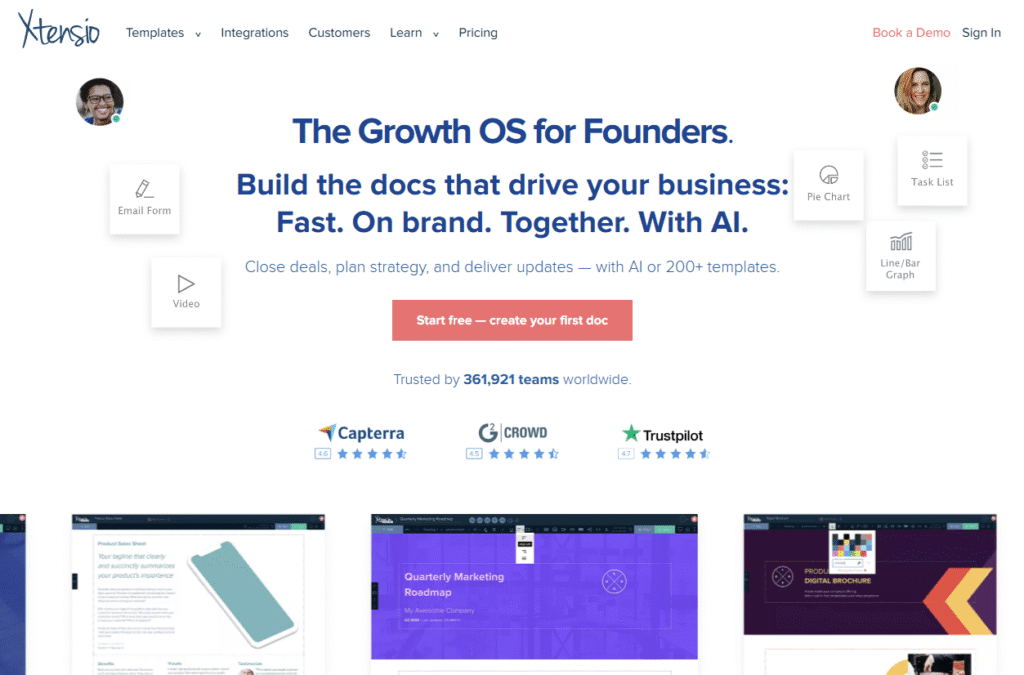
Xtensio is a business communication and planning tool designed for creating strategic documents, including SWOT analyses. Unlike traditional diagramming platforms, Xtensio uses a simple drag-and-drop editor that feels more like building a modern webpage than a static diagram. This makes it a favorite for consultants, startups, and agencies delivering client-facing strategy reports.
Key Features
Customizable SWOT Templates
Xtensio offers pre-built SWOT templates with the flexibility to add text, visuals, charts, and multimedia elements, making reports more engaging.
Drag-and-Drop Editor
Its editor works like a modern web builder, allowing users to design polished SWOT documents without design experience.
Collaboration Features
Teams can edit SWOT documents in real time, leave feedback, and share updates instantly with clients or internal stakeholders.
Presentation-Ready Exports
You can export SWOTs as PDFs, share live links, or present them directly within Xtensio, eliminating the need for extra formatting tools.
Branding Options
For agencies and consultants, Xtensio allows brand customization, so client-facing SWOT documents always look professional.
Pros & Cons
| Pros | Cons |
| Drag-and-drop ease of use | Limited advanced analytics features |
| Polished client-ready templates | Can get costly for larger teams |
| Strong branding customization | Free plan has watermarks |
| Collaboration-friendly | Less suited for technical SWOTs |
Pricing
- Free plan available (with limitations)
- Starter: $8 per user/month
- Professional: $15 per user/month
- Team: Custom pricing
Best For Consultants, Agencies, and Startups
Xtensio is best for professionals who need presentation-ready SWOTs that can be shared with clients or investors.
- Consultants — Deliver polished SWOT reports to clients
- Agencies — Create strategy documents with branded visuals
- Startups — Build investor-ready SWOT presentations
- Small Teams — Easy collaboration without steep learning curves
Xtensio is the right choice if you want SWOT analysis software that doubles as a client communication tool, offering more polish than traditional diagramming platforms.
How to Use Xtensio for Investor SWOT Reports
Use the branding and export features to prepare SWOT reports customized with investor logos, ensuring your pitch looks professional and customised.
Best Alternate Tool
Venngage – A stronger alternative if your priority is infographic-style storytelling for SWOT diagrams.
11. Venngage – Infographic SWOTs for Visual Storytelling
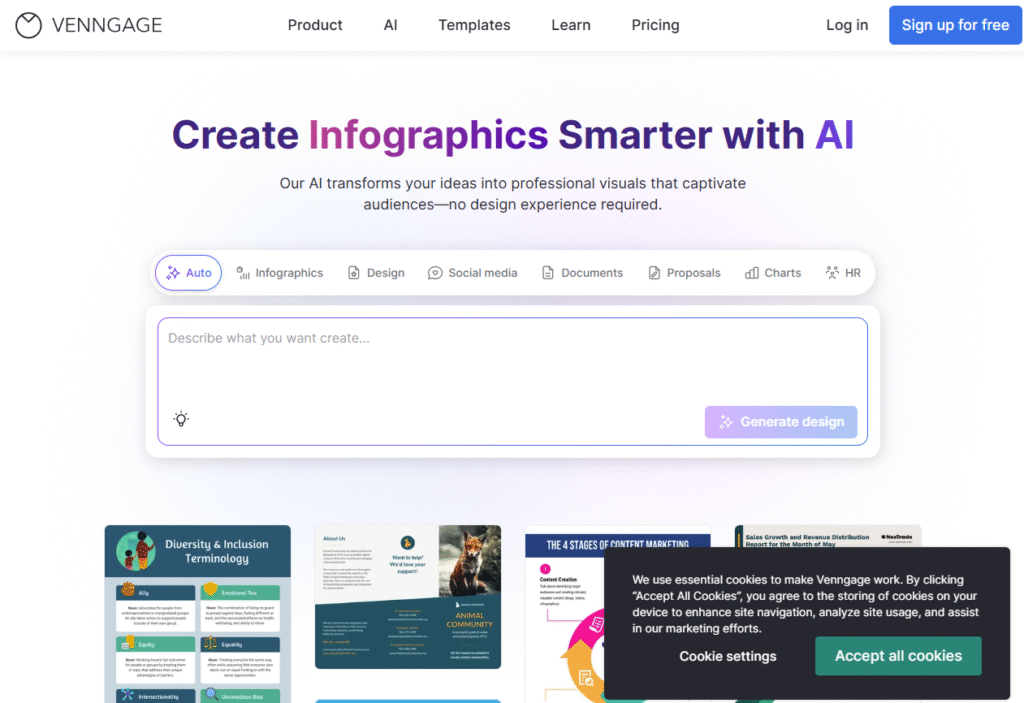
Venngage is a design-focused tool built for creating infographics, reports, and presentations. Its infographic-style SWOT templates make it a top choice for marketers, educators, and consultants who want visually engaging strategy documents. If Canva feels too basic and Lucidchart too corporate, Venngage sits right in the middle with powerful storytelling capabilities.
Key Features
Infographic SWOT Templates
Venngage provides colorful, infographic-style SWOT templates that stand out in presentations and reports, making insights easier to digest.
Customizable Branding
You can apply logos, colors, and fonts to keep SWOT diagrams consistent with your business or client’s branding.
Data Visualization Tools
Turn SWOT categories into charts, icons, and data visuals, helping stakeholders understand complex points at a glance.
Collaboration Features
Teams can co-edit SWOT infographics, comment, and share versions quickly with clients or internal teams.
Easy Sharing Options
Export SWOTs as PDFs, PNGs, or interactive online links for presentations and reports.
Pros & Cons
| Pros | Cons |
| Highly visual, engaging templates | Limited functionality for deep analysis |
| Branding customization included | Free version has watermarks |
| Great for marketing teams | Can get expensive for large teams |
| Beginner-friendly design editor | Less suited for technical SWOTs |
Pricing
- Free plan available (with watermark)
- Premium: $10 per user/month
- Business: $24 per user/month
- Enterprise: Custom pricing
Best For Marketers and Educators
Venngage is best for communicating SWOT visually, whether in a classroom, marketing campaign, or client pitch.
- Marketers — Create engaging SWOT infographics for campaigns
- Educators — Teach strategy with visuals students remember
- Consultants — Deliver client-ready SWOT reports with flair
- Startups — Use visually appealing SWOTs in investor decks
Venngage is perfect if you need eye-catching SWOT visuals that go beyond basic grids, especially for presentations and marketing.
How to Use Venngage for Social SWOT Reports
Create infographic SWOTs optimized for LinkedIn or social media. Use icons and charts to make each quadrant shareable and attention-grabbing.
Best Alternate Tool
Canva – A simpler, more budget-friendly alternative if you want quick design-friendly SWOT templates without advanced infographic capabilities.
12. EdrawMax – Diagram Powerhouse with 280+ Options
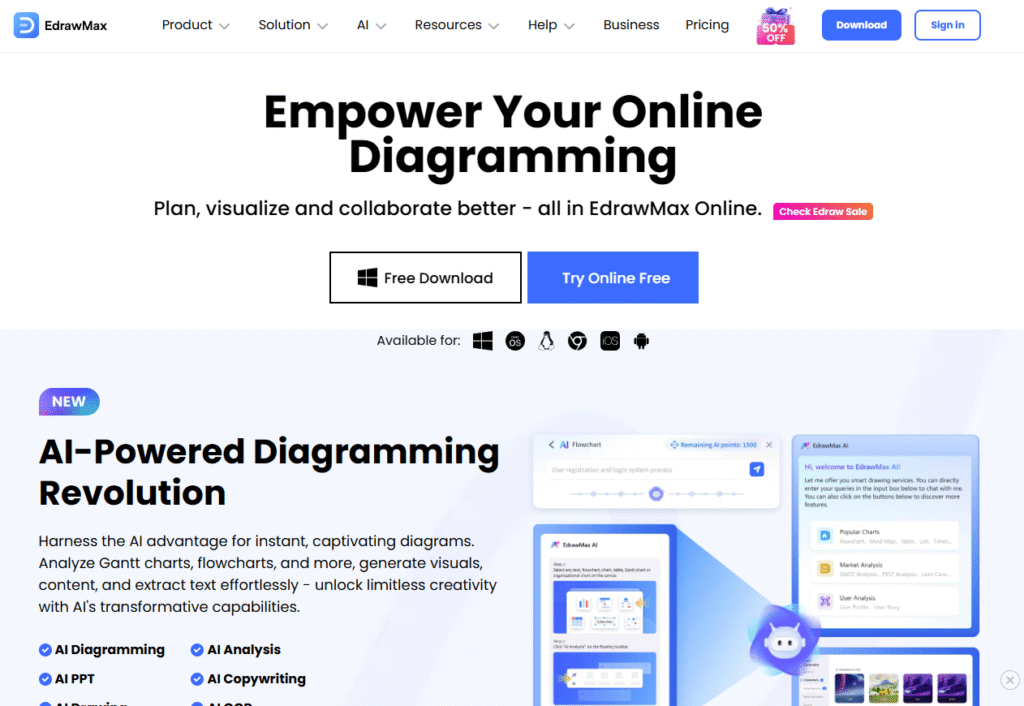
EdrawMax is a full-featured diagramming tool that goes beyond SWOT analysis. With support for more than 280 diagram types, it’s built for organizations that need versatility in strategic planning. From simple SWOT layouts to complex organizational charts and technical diagrams, EdrawMax delivers a wide toolkit in one platform.
Key Features
Extensive Template Library
EdrawMax comes with pre-designed SWOT templates as well as hundreds of other business diagrams, making it one of the most versatile options available.
Cross-Platform Access
Available on Windows, Mac, Linux, and the web, EdrawMax ensures teams can access SWOT diagrams on virtually any system.
Drag-and-Drop Editing
Its editor allows users to easily customize SWOT templates, rearrange layouts, and add icons, charts, or annotations.
File Import and Export
You can import Visio files directly or export SWOT diagrams into multiple formats, including PDF, JPG, and Office files.
Collaboration and Cloud Storage
With EdrawMax’s cloud features, teams can co-edit SWOT diagrams and store files securely online for easy access.
Pros & Cons
| Pros | Cons |
| Supports 280+ diagram types | Interface can feel overwhelming |
| Cross-platform compatibility | Collaboration not as smooth as Miro |
| Affordable compared to Visio | Steeper learning curve for beginners |
| Strong import/export capabilities | Some advanced features in paid plans |
Pricing
- Subscription: $8.25 per user/month (billed annually)
- Lifetime License: $198 one-time payment
- Business and Enterprise: Custom pricing
Best For Enterprises and Power Users
EdrawMax is best for organizations that need more than just SWOT analysis and want one tool for all their diagramming needs.
- Enterprises — Manage multiple strategy diagrams in one platform
- Consultants — Deliver SWOTs alongside flowcharts and org charts
- Startups — Affordable one-time license option
- Teams — Cross-platform access for mixed environments
EdrawMax is the right choice if you want a multi-purpose diagramming powerhouse that includes SWOT analysis as one of its many capabilities.
How to Use EdrawMax for Department-Level SWOTs
Use EdrawMax to build separate SWOT diagrams for each department, then merge them into a master SWOT for a company-wide view.
Best Alternate Tool
ConceptDraw – A stronger alternative if you’re looking for a one-time purchase with enterprise-level diagramming features.
13. StrategyBlocks – Enterprise Strategy with KPI Alignment
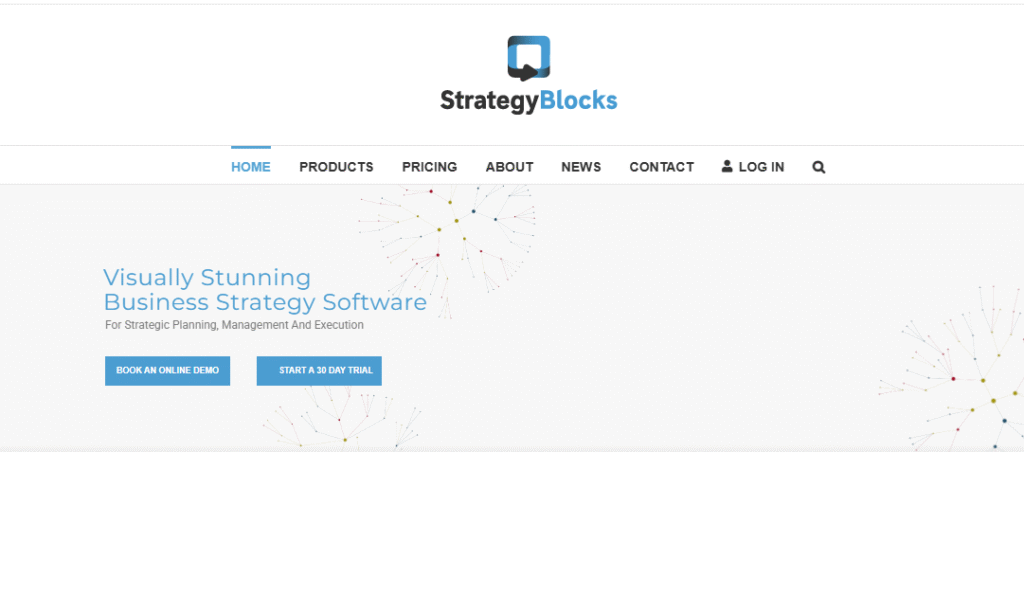
StrategyBlocks is a high-level strategy execution platform built for enterprises. While not exclusively a SWOT analysis tool, it incorporates SWOT within a broader strategy framework that connects goals, initiatives, and KPIs. It’s especially suited for organizations that need to tie SWOT insights directly to measurable outcomes.
Key Features
Integrated SWOT Frameworks
StrategyBlocks lets you create structured SWOT analyses that link directly to goals and initiatives, ensuring strategic alignment.
KPI Tracking
Unlike traditional SWOT tools, StrategyBlocks connects each opportunity or threat with measurable KPIs, helping leaders track execution.
Visual Strategy Mapping
The platform provides a visual interface for mapping out strategies, including risks and opportunities, alongside organizational goals.
Enterprise-Level Collaboration
Large organizations can use StrategyBlocks to assign responsibilities, monitor progress, and manage SWOT inputs across multiple departments.
Risk and Opportunity Management
Built-in tools allow businesses to assess risks and opportunities identified in SWOT, giving leadership real-time visibility.
Pros & Cons
| Pros | Cons |
| Links SWOT directly to KPIs | High cost compared to SMB tools |
| Strong enterprise-grade reporting | Complex for smaller businesses |
| Good for multi-department planning | No free version available |
| Visual strategy mapping | Requires training for adoption |
Pricing
- Standard: $75 per user/month
- Enterprise: Custom pricing
Best For Large Enterprises and Strategy Leaders
StrategyBlocks is best for organizations that need SWOT insights directly tied to strategic execution and performance metrics.
- Enterprises — Align SWOT with corporate goals
- Strategy Leaders — Track threats and opportunities at scale
- Large Teams — Collaborate on strategy execution across divisions
- Consultants — Provide KPI-linked SWOT analysis for enterprise clients
StrategyBlocks is the best option if you want enterprise-grade SWOT analysis tied directly to KPIs and measurable results.
How to Use StrategyBlocks for Threat Mitigation
When listing threats in your SWOT, connect each one to a specific KPI or initiative. This way, risks are tracked and mitigated instead of being left as abstract concerns.
Best Alternate Tool
Cascade Strategy – A more affordable and flexible alternative for mid-sized companies that still want OKR and KPI alignment with SWOT analysis.
14. Creatio – CRM + SWOT for Process-Driven Teams
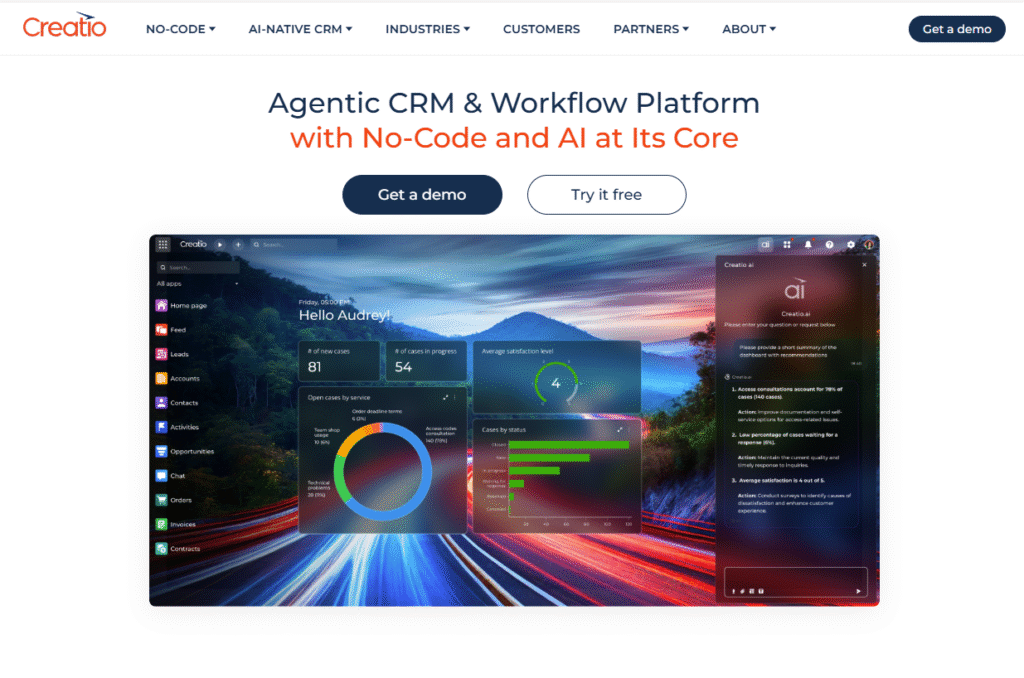
Creatio is primarily a low-code CRM and business process management platform, but it also supports SWOT analysis as part of its strategic planning features. This makes it especially valuable for organizations that want to combine customer relationship management with structured strategy development.
Key Features
Built-In SWOT Analysis Templates
Creatio offers SWOT templates that can be customized for product planning, marketing strategy, or organizational development.
CRM Integration
Unlike other SWOT tools, Creatio connects customer data directly to your SWOT analysis, providing a data-backed view of strengths and weaknesses.
Workflow Automation
You can automate actions based on SWOT findings. For instance, opportunities identified in SWOT can trigger lead nurturing workflows.
Low-Code Customization
Teams can build custom dashboards, reports, and strategy layouts without relying heavily on IT departments.
Enterprise Collaboration
Creatio supports role-based permissions and cross-team collaboration, making it scalable for large organizations.
Pros & Cons
| Pros | Cons |
| Combines SWOT with CRM and processes | Pricing only available via sales team |
| Strong automation features | Steeper learning curve |
| Customizable with low-code tools | Overkill for small businesses |
| Enterprise-grade collaboration | Higher cost compared to simple SWOT tools |
Pricing
- Custom pricing based on modules and users (quote required)
Best For Enterprises Combining CRM with Strategy
Creatio is best for organizations that want SWOT insights tied directly to customer and process data.
- Enterprises — Integrate CRM with SWOT for better alignment
- Sales Teams — Analyze customer data as strengths or weaknesses
- Marketing Departments — Use SWOT to refine campaigns
- Process Managers — Automate tasks tied to SWOT insights
Creatio is a strong fit for enterprises that want SWOT analysis as part of a broader CRM and automation ecosystem.
How to Use Creatio for Customer-Centric SWOTs
Pull customer satisfaction scores and churn data into your SWOT framework. This turns raw CRM insights into actionable strategy decisions.
Best Alternate Tool
Cascade Strategy – A better option if you want KPI and OKR integration without the complexity of CRM modules.
15. ConceptDraw – Corporate Planning with One-Time Licensing
ConceptDraw is a professional diagramming and business visualization tool that provides a wide range of templates, including SWOT analysis frameworks. Unlike subscription-based platforms, ConceptDraw offers a one-time purchase model, making it appealing for businesses that prefer long-term ownership over recurring costs.
Key Features
Pre-Built SWOT Templates
ConceptDraw includes clean, structured SWOT analysis templates that can be customized for corporate strategy sessions.
Enterprise Diagramming Tools
Beyond SWOT, ConceptDraw supports organizational charts, flowcharts, Gantt charts, and technical diagrams, making it versatile for multiple departments.
Integration Options
It integrates with Microsoft Office, Project, and Visio, allowing users to import and export files across platforms with ease.
Cross-Platform Support
ConceptDraw is available on both Windows and macOS, ensuring compatibility across enterprise environments.
Presentation Mode
SWOT diagrams can be quickly converted into presentation slides, making it easier to share strategies with stakeholders.
Pros & Cons
| Pros | Cons |
| One-time license option | High upfront cost |
| Enterprise-ready diagramming suite | Interface less modern than newer tools |
| Strong Microsoft compatibility | Limited collaboration features |
| Includes multiple strategy tools | Steeper learning curve |
Pricing
- Standard License: $199 (one-time)
- Professional Suite: Custom pricing (bundle with other ConceptDraw products)
Best For Enterprises Wanting One-Time Payment
ConceptDraw is best suited for organizations that want enterprise-grade SWOT tools without the burden of ongoing subscriptions.
- Enterprises — Long-term cost savings via one-time purchase
- Consultants — Professional-grade outputs for corporate clients
- IT Teams — Use SWOT alongside technical diagramming tools
- Business Leaders — Combine SWOT with Gantt charts for execution
ConceptDraw is the right choice if you prefer owning software outright while gaining a full-featured suite for strategy planning.
How to Use ConceptDraw for Cross-Functional SWOTs
Combine SWOT diagrams with organizational charts in ConceptDraw to align company strengths and weaknesses with specific departments.
Best Alternate Tool
EdrawMax – A more affordable alternative with a wider template library if you’re open to subscription-based pricing.
16. SWOTster – Dedicated SWOT Tool for Simplicity
SWOTster is a niche platform built specifically for SWOT analysis. Unlike general-purpose diagramming or project management tools, SWOTster focuses solely on helping businesses quickly create and share structured SWOT diagrams. Its simplicity makes it appealing for small teams and consultants who want a dedicated, no-frills solution.
Key Features
Focused SWOT Templates
SWOTster offers ready-made, easy-to-use templates for SWOT analysis without the distraction of unrelated features.
Drag-and-Drop Editing
Users can customize SWOT quadrants quickly with a straightforward editor, making it accessible even for non-technical users.
Cloud-Based Access
All SWOT diagrams are stored online, so you can access and update them anytime, anywhere.
Simple Collaboration
Basic collaboration tools allow teams to share SWOTs and get input from stakeholders without complexity.
Export Options
SWOTs can be exported as PDFs or images, making it simple to add them to reports or presentations.
Pros & Cons
| Pros | Cons |
| Simple and beginner-friendly | Limited features beyond SWOT |
| Affordable pricing | Few integrations with other tools |
| Quick setup with no learning curve | Basic design options |
| Cloud access for easy sharing | Not suited for enterprise use |
Pricing
- Starter: $9 per user/month
- Business: $15 per user/month
- Enterprise: Custom pricing
Best For Small Teams and Consultants
SWOTster is best for users who want a dedicated SWOT tool that’s lightweight, simple, and affordable.
- Small Teams — Affordable and quick setup
- Consultants — Fast SWOT delivery for clients
- Educators — Simple tool for teaching SWOT analysis
- Freelancers — Dedicated SWOT solution without extra complexity
SWOTster is perfect if you want a tool built only for SWOT analysis, without distractions or the steep learning curve of multipurpose platforms.
How to Use SWOTster for Client Workshops
Use SWOTster during client workshops to capture inputs live, then export the diagram instantly as a PDF to share with participants at the end.
Best Alternate Tool
Xtensio – A better choice if you need more polished, presentation-ready SWOT documents with branding features.
17. IdeaScale – Crowd-Sourced SWOT for Innovation Teams
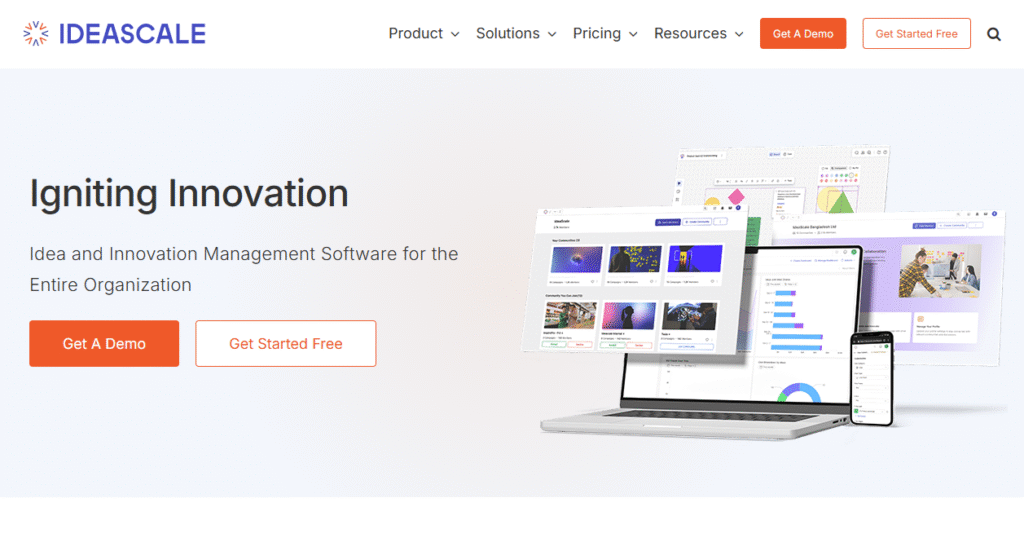
IdeaScale is an idea management and innovation platform that includes SWOT analysis capabilities as part of its toolkit. Instead of limiting SWOT to a small leadership group, IdeaScale allows organizations to gather inputs from employees, customers, or stakeholders, making it ideal for crowd-sourced strategy development.
Key Features
Crowd-Sourced SWOT Input
Users can invite team members or entire communities to contribute ideas under strengths, weaknesses, opportunities, and threats, creating a more democratic SWOT process.
Idea Ranking and Voting
Participants can upvote or prioritize SWOT entries, helping leadership identify the most pressing items.
Integration with Innovation Workflows
SWOT findings can be tied to broader innovation programs, ensuring that opportunities identified are turned into actionable initiatives.
Reporting and Analytics
IdeaScale provides analytics to measure participation and identify trends within SWOT categories.
Flexible Access
The platform is web-based, so contributors can join from anywhere, making it useful for distributed organizations.
Pros & Cons
| Pros | Cons |
| Crowd-sourced inputs for SWOT | Pricing may be high for small teams |
| Voting and ranking for prioritization | More complex than dedicated SWOT tools |
| Strong analytics and reporting | Requires active participation to succeed |
| Good for large, distributed teams | Not ideal for quick one-off SWOTs |
Pricing
- Starts at $20 per user/month
- Enterprise: Custom pricing
Best For Innovation Teams and Large Organizations
IdeaScale is best for organizations that want to engage employees or customers in SWOT analysis and gather diverse perspectives.
- Innovation Teams — Capture opportunities from employees and stakeholders
- Enterprises — Run company-wide SWOT sessions across departments
- Consultants — Facilitate crowd-sourced SWOT workshops for clients
- Public Sector — Engage communities in identifying external threats and opportunities
IdeaScale is ideal if you want SWOT to be inclusive and participatory, rather than limited to leadership-only planning.
How to Use IdeaScale for Opportunity Spotting
Run a SWOT session focused solely on opportunities, letting participants submit ideas for new products, services, or markets. Use the voting feature to prioritize the most promising ones.
Best Alternate Tool
Upboard – A good alternative if you want structured strategy execution templates in addition to SWOT input collection.
18. Upboard – Strategy Execution with Playbook Templates
Upboard is a strategy execution platform that blends SWOT analysis with practical business playbooks. It’s built for organizations that want not only to assess their strengths, weaknesses, opportunities, and threats but also to execute strategies directly from the same platform.
Key Features
Playbook-Based SWOT Templates
Upboard provides ready-to-use SWOT templates alongside playbooks for business planning, leadership, and innovation, making it more than just a diagramming tool.
Strategy Execution Tools
Once you build a SWOT, you can connect it to goals, KPIs, and project plans to ensure insights translate into execution.
Collaboration and Sharing
Teams can collaborate in real time, with cloud-based sharing and role-based permissions for secure access.
Customization Options
Users can customize playbooks and templates to align with their industry, department, or client needs.
Reporting and Dashboards
Upboard offers dashboards to monitor progress on initiatives linked to SWOT analysis.
Pros & Cons
| Pros | Cons |
| Combines SWOT with execution tools | Higher price point for small teams |
| Playbook templates for fast setup | Interface less modern than Canva |
| KPI tracking integrated | Learning curve for non-strategy users |
| Real-time team collaboration | Limited free access |
Pricing
- Starts at $39 per user/month
- Enterprise: Custom pricing
Best For Strategy Leaders and Consultants
Upboard is best suited for leaders who want a complete framework that moves SWOT from analysis into execution.
- Consultants — Deliver structured playbooks with client SWOTs
- Enterprises — Tie SWOT to KPIs and corporate initiatives
- Mid-Sized Companies — Use affordable playbooks to guide strategy
- Innovation Teams — Link opportunities to actionable projects
Upboard is ideal if you want SWOT analysis to be the first step in a larger execution framework, supported by ready-made playbooks.
How to Use Upboard for Threat Management
When threats are identified in your SWOT, assign them to a risk playbook within Upboard. This ensures threats are not just noted but actively managed.
Best Alternate Tool
StrategyBlocks – A better fit for enterprises that want more advanced KPI alignment and large-scale strategy management.
19. Cascade Strategy – OKRs + SWOT for Alignment
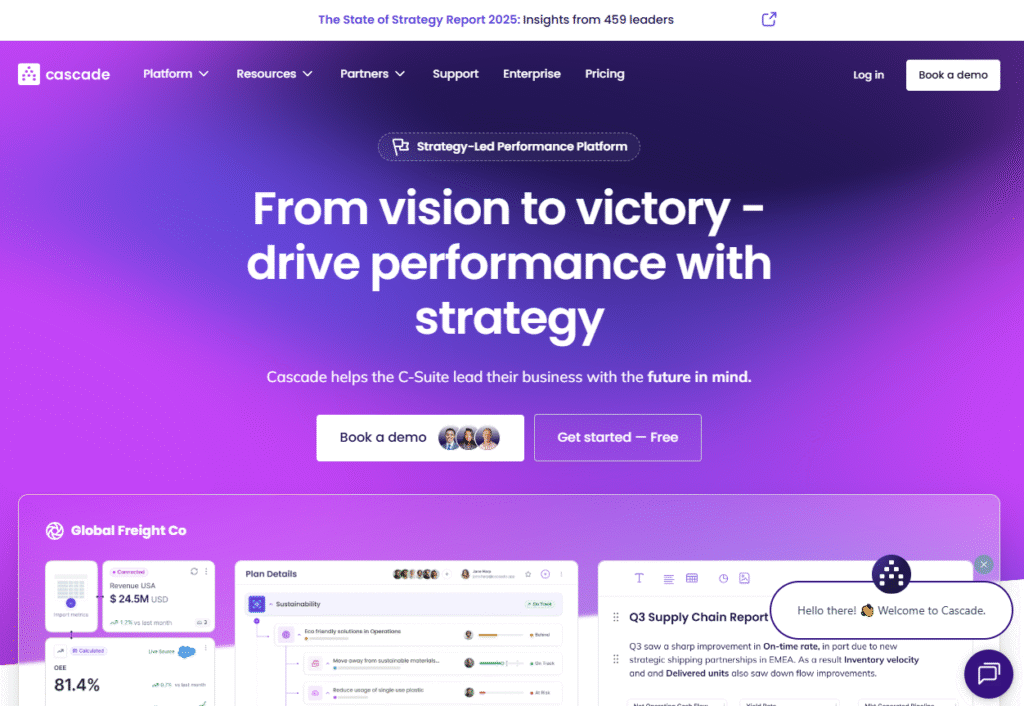
Cascade Strategy is a strategy execution platform designed to connect SWOT analysis with OKRs, KPIs, and performance dashboards. It’s built for organizations that want a structured, measurable way to ensure their SWOT insights are directly tied to business outcomes.
Key Features
Integrated SWOT Templates
Cascade provides customizable SWOT templates that connect seamlessly with OKRs and goals, ensuring insights don’t remain static.
Alignment Dashboards
Leaders can use dashboards to see how strengths, weaknesses, opportunities, and threats map to company objectives and track progress.
KPI Tracking
Cascade makes it easy to assign measurable KPIs to opportunities or threats, ensuring accountability.
Collaboration Features
Teams can co-edit SWOT documents, assign responsibilities, and track updates in real time.
Enterprise-Grade Reporting
With advanced reporting, Cascade helps leadership present SWOT insights alongside performance metrics.
Pros & Cons
| Pros | Cons |
| Connects SWOT with OKRs and KPIs | Higher learning curve for beginners |
| Strong alignment dashboards | Can be costly for small businesses |
| Built for strategy execution | Limited creative design options |
| Advanced reporting for enterprises | Free plan restricted in features |
Pricing
- Essentials: $29 per user/month
- Teams: $58 per user/month
- Enterprise: Custom pricing
Best For Mid-Sized to Large Companies
Cascade is best for organizations that want SWOT integrated into their strategy execution system with clear accountability.
- Enterprises — Align SWOT with OKRs across departments
- Strategy Leaders — Present measurable SWOT insights to executives
- Consultants — Provide KPI-linked SWOT analysis for clients
- Mid-Sized Businesses — Use dashboards to keep SWOT actionable
Cascade is one of the strongest tools for connecting SWOT with OKRs, KPIs, and alignment dashboards, ensuring strategy execution stays on track.
How to Use Cascade for Opportunity Tracking
Turn each opportunity into an OKR within Cascade. This ensures opportunities aren’t just discussed but pursued with measurable results.
Best Alternate Tool
StrategyBlocks – Better for enterprises that need deeper KPI alignment and a more risk-focused strategy platform.
20. Notion – Flexible Planning with Custom SWOT Templates
Notion is a flexible all-in-one workspace that allows teams to build custom strategy templates, including SWOT analysis boards. Unlike dedicated SWOT tools, Notion is highly adaptable, making it a favorite for startups, agencies, and small teams that want both structure and flexibility in one platform.
Key Features
Customizable SWOT Templates
Notion offers community-built and native SWOT templates that can be adapted to your workflow. You can create a simple 2×2 grid or expand into detailed strategy databases.
All-in-One Workspace
Since Notion combines notes, databases, and project tracking, SWOT analysis can live alongside roadmaps, OKRs, and meeting notes in one place.
Collaboration Tools
Teams can co-edit SWOT documents, comment inline, and share them instantly across departments or with clients.
Cross-Platform Access
Available on web, desktop, and mobile apps, Notion ensures access to your SWOT framework anytime, anywhere.
Integrations and API
With Zapier and API support, Notion connects to tools like Slack, Trello, and Google Workspace, extending its flexibility.
Pros & Cons
| Pros | Cons |
| Highly flexible and customizable | No dedicated SWOT features |
| Affordable pricing | Limited reporting compared to Cascade |
| Combines SWOT with other strategy docs | Setup may take time |
| Cross-platform support | Overwhelming for first-time users |
Pricing
- Free plan available
- Plus: $8 per user/month
- Business: $15 per user/month
- Enterprise: Custom pricing
Best For Startups and Agencies
Notion is best for teams that want flexibility and don’t mind building their own SWOT templates as part of a larger strategy hub.
- Startups — Affordable tool for flexible SWOT tracking
- Agencies — Manage SWOT alongside campaign planning
- Consultants — Customize SWOT boards for client projects
- Small Teams — All-in-one space for notes, projects, and SWOT
Notion is ideal if you want a flexible workspace where SWOT is part of a bigger strategy and productivity toolkit.
How to Use Notion for Ongoing SWOTs
Set up a recurring SWOT database in Notion with linked tables for quarterly reviews. This ensures your SWOT analysis stays updated and actionable.
Best Alternate Tool
MindMeister – A stronger choice if you want mind-mapped, visual SWOT layouts instead of database-style templates.
Why Choosing the Right SWOT Analysis Software Matters
The right SWOT analysis software can be the difference between a strategy that stays theoretical and one that drives measurable results. From lightweight tools like SWOTster and Canva to enterprise-grade platforms like StrategyBlocks and Cascade Strategy, there’s a solution for every business size and need. The key is to match your goals with the platform’s strengths—whether you want simplicity, visual storytelling, or KPI-linked execution.
How Pearl Lemon Consulting Can Support Your Strategic Growth
At Pearl Lemon Consulting, we help businesses use SWOT analysis not just as a static exercise but as a tool for measurable growth. Our team specializes in connecting SWOT insights with practical strategy execution, whether that means aligning your marketing campaigns, refining sales processes, or identifying untapped opportunities.
We work closely with startups, agencies, and enterprises to ensure SWOT analysis translates into actionable results. If you’re serious about strengthening your strategy in 2025, our consultants can help you choose the right SWOT software and apply it effectively to meet your business goals.
Schedule a consultation with our team today and start making your SWOT analysis work harder for your business.
FAQs
1. How does Pearl Lemon Consulting use SWOT analysis software in its services?
We use leading SWOT analysis tools to assess your business performance, identify growth opportunities, and create actionable strategies customised to your goals.
2. Can you help us choose the right SWOT software for our business?
Yes. Our consultants evaluate your industry, team size, and objectives to recommend and implement the SWOT tool that fits your needs best.
3. Do you provide hands-on training for SWOT analysis software?
Absolutely. We train your team to use the chosen platform effectively, ensuring SWOT insights translate into execution.
4. Is SWOT analysis part of your business consulting packages?
Yes. Every consulting engagement begins with a SWOT review, integrated with software tools for structured and measurable outcomes.
5. Can you customize SWOT analysis frameworks for different departments?
Yes. We design department-level SWOT frameworks for sales, marketing, operations, and leadership, then merge them into a company-wide strategy.
6. How often do you update SWOT analysis for clients?
We typically run quarterly SWOT sessions with clients, but we can customize this schedule depending on your business dynamics.
7. Do you connect SWOT analysis with KPIs and OKRs?
Yes. We specialize in linking SWOT insights to measurable KPIs and OKRs using platforms like Cascade and StrategyBlocks.
8. Can Pearl Lemon Consulting run SWOT workshops for our team?
Yes. We facilitate interactive SWOT workshops, either in person or virtually, to engage stakeholders and ensure buy-in at all levels.
9. What industries do you support with SWOT consulting?
We serve a wide range of industries, including tech startups, e-commerce, finance, healthcare, and professional services.
10. How does SWOT analysis fit into long-term consulting with Pearl Lemon Consulting?
We use SWOT as a starting point, then build execution strategies, track results, and refine plans over time to ensure sustainable growth.


