

Strategic planning can make or break a business’s growth trajectory. Many organisations struggle with aligning long-term goals, tracking performance, and adapting plans in real time. That’s why we at Pearl Lemon Consulting researched and tested dozens of planning tools to find the best strategic planning software for businesses of all sizes, from startups to global enterprises.
A 2024 Gartner report revealed that 68% of organisations fail to meet their strategic goals due to poor execution tracking. Similarly, a PwC study found that only 30% of executives feel confident in their company’s ability to pivot effectively when strategies shift.
This guide breaks down the top 20 strategic planning tools of 2025, highlighting their strengths, pricing, and best-fit use cases.
What is Strategic Planning Software?
Strategic planning software helps businesses organise, execute, and measure their strategic objectives. These platforms centralize planning workflows, track KPIs, and foster alignment between departments and leadership teams.
The right tool streamlines the process of setting goals, tracking performance metrics, and monitoring execution, ensuring every decision aligns with organisational priorities. Businesses use these solutions to gain visibility into progress and make informed adjustments quickly.
Why It Matters
- Keeps business goals visible and measurable.
- Enhances communication between management and departments.
- Supports data-backed decisions using real-time analytics.
- Ensures accountability and transparency in execution.
In short, strategic planning software helps companies plan smarter and execute faster, essential in an unpredictable market.
Quick Comparison Table of the Best Strategic Planning Software
We’ve chosen columns that reflect what decision-makers care about most: ease of use, price, integration options, analytics capability, and support. These factors directly affect adoption rates and long-term success in strategy execution.
| Tool Name | Best For | Starting Price | Free Trial | Key Feature | Rating |
| ClickUp | Goal tracking & project execution | $7/user/month | Yes | OKR integration | 4.7 |
| Cascade | Enterprise-level strategy execution | $24/user/month | Yes | Visual strategy maps | 4.8 |
| AchieveIt | Multi-department performance alignment | Custom | Yes | Enterprise dashboards | 4.6 |
| OnStrategy | Mid-sized business planning | $5/user/month | Yes | Plan-on-a-page builder | 4.5 |
| WorkBoard | OKR and KPI management | $10/user/month | Yes | Executive scorecards | 4.7 |
| ClearPoint Strategy | Government & enterprise users | Custom | No | KPI automation | 4.5 |
| StratPad | Small business strategy builder | $15/month | Yes | Business plan templates | 4.4 |
| Miro | Collaborative strategy workshops | Free | Yes | Real-time whiteboarding | 4.8 |
| Monday.com | Visual project & strategy planning | $9/user/month | Yes | Workflow automation | 4.6 |
| Asana | Team collaboration & strategy tracking | Free | Yes | Goal alignment dashboards | 4.7 |
| Smartsheet | Data-heavy project strategy tracking | $7/user/month | Yes | Gantt & KPI integration | 4.5 |
| Hive | Cross-department execution | $12/user/month | Yes | Actionable strategy templates | 4.6 |
| Profit.co | OKR management | $7/user/month | Yes | Performance analytics | 4.7 |
| KPI Fire | Lean execution & Kaizen tracking | Custom | Yes | Strategy-to-execution link | 4.6 |
| Aha! Roadmaps | Product strategy teams | $59/user/month | Yes | Strategy visualization | 4.8 |
| Coda | Flexible planning documents | Free | Yes | Integrative OKR tables | 4.5 |
| Trello | Small teams & startups | Free | Yes | Kanban visualization | 4.4 |
| Notion | Custom planning & documentation | Free | Yes | Linked databases | 4.6 |
| Airtable | Strategy dashboards | Free | Yes | Spreadsheet-style planning | 4.7 |
| Wrike | Corporate execution tracking | $9.80/user/month | Yes | Portfolio analytics | 4.6 |
Top 20 Strategic Planning Software in 2025
Let’s look deeper into each tool and see what makes it stand out.
1. ClickUp – Plan, Track, and Deliver Strategies Seamlessly
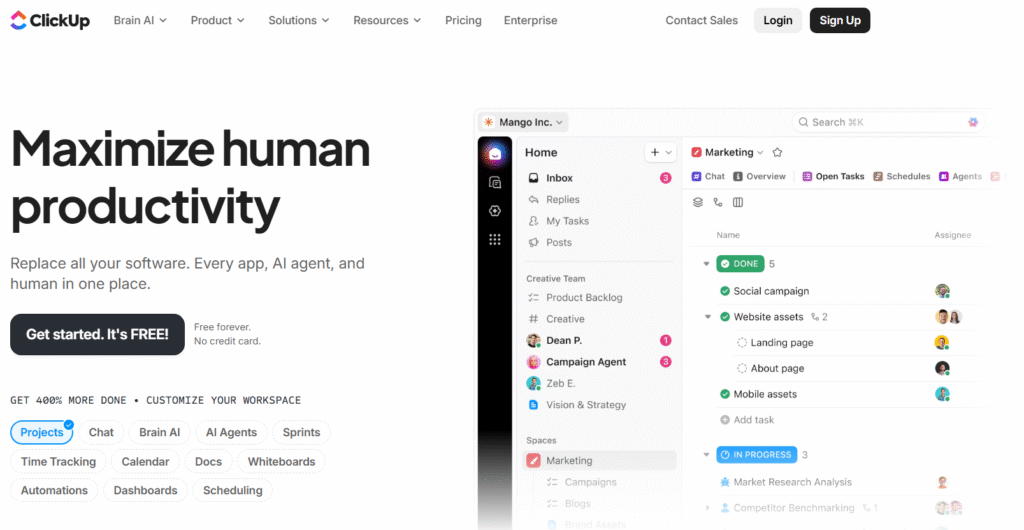
ClickUp is one of the most versatile options among the best strategic planning software in 2025. It is trusted by thousands of teams across industries for its ability to connect high-level strategy with daily execution. Companies use ClickUp to manage goals, OKRs, and projects from one unified workspace, keeping teams aligned at every step.
Key Features
Goal and OKR Management
ClickUp enables users to set company-wide objectives, link them to measurable key results, and track progress in real time. Managers can break down complex strategies into actionable goals for each department, ensuring accountability at every level.
Custom Dashboards
Users can build visual dashboards displaying metrics, progress bars, and deadlines in a single view. This allows leadership teams to monitor strategy execution and make timely adjustments when targets are missed or priorities shift.
Task Hierarchies
The software’s flexible hierarchy structure makes it easy to connect day-to-day tasks to long-term business objectives. It’s ideal for organisations managing multiple projects or cross-functional teams working toward shared goals.
Integration Capabilities
ClickUp integrates with over 1,000 applications, including Slack, Google Workspace, and Salesforce. This creates a connected ecosystem where all strategic and operational data stays synchronised, eliminating manual updates.
Automation Builder
ClickUp’s automation tools save hours of repetitive work by automating recurring processes, status updates, and notifications. This feature keeps projects moving while ensuring no step in the strategy execution process is overlooked.
Pros & Cons
| Pros | Cons |
| Intuitive interface for planning | Can feel complex for beginners |
| Strong goal-tracking system | Limited reporting in free plan |
| Highly customisable dashboards | Requires setup time |
| Excellent integrations | Occasional sync delays |
| Robust automation options | May overwhelm small teams |
Pricing
ClickUp offers a free plan for individuals and small teams. Paid plans start at £6 per user per month, with Business and Enterprise tiers offering advanced reporting, integrations, and security features.
Best For Mid-Sized Teams and Agencies Managing Multiple Strategies
ClickUp is an excellent choice for mid-sized teams and agencies that need a clear link between strategic goals and execution. It helps maintain clarity across departments while reducing project clutter.
- Project managers – Keep strategy and delivery aligned
- Agency leaders – Track multiple client strategies at once
- Operations teams – Monitor KPIs through live dashboards
- HR departments – Align employee OKRs with company goals
- Startups – Build structure for scalable execution
A key advantage of ClickUp is its flexibility. Many users combine its goal-tracking tools with custom dashboards to review progress weekly, ensuring teams stay focused on what matters most.
Use ClickUp’s “Everything View” to get a live overview of all company goals and their progress in one place. It’s a simple way for executives to review performance without switching between workspaces.
Best Alternative
If you want a simpler, visually focused alternative, Monday.com is a strong option. It offers strategic tracking features with a more visual, beginner-friendly interface.
2. Cascade – Align Teams and Execute Strategy Effectively
Cascade stands out among the best strategic planning software for its focus on enterprise-level strategy execution. It helps organisations translate strategic objectives into measurable results through visual planning and real-time performance tracking. With a clear structure and easy navigation, Cascade ensures that leadership teams and departments stay aligned across all levels of the organisation.
Key Features
Strategy Mapping
Cascade provides a clear, visual map of your strategic objectives, making it simple to see how each initiative connects to larger company goals. This helps teams identify dependencies, monitor milestones, and assess performance from a single dashboard.
Real-Time Performance Tracking
The live performance dashboards update automatically, displaying progress towards goals with metrics and visual indicators. This allows executives to make quick adjustments when performance dips below expectations.
Departmental Alignment
Each department can manage its own strategic initiatives within the same system, ensuring that all actions tie back to company-wide objectives. This feature is valuable for large organisations managing multi-layered strategies.
Scenario Planning
Cascade supports scenario modelling, allowing leaders to test various strategy paths before committing to one. It’s an effective tool for risk management and long-term forecasting.
Custom Reporting
The software’s reporting module lets users build detailed reports for stakeholders, incorporating charts, KPIs, and goal updates that can be exported in minutes.
Pros & Cons
| Pros | Cons |
| Excellent visual strategy mapping | Higher cost for smaller firms |
| Robust reporting tools | Learning curve for new users |
| Ideal for large enterprises | Limited integrations in base plan |
| Great scenario planning | Can be heavy on resources |
| Strong alignment features | Requires initial setup time |
Pricing
Cascade’s pricing begins at £20 per user per month, with custom enterprise plans available. A free trial is offered for teams wanting to test its strategy mapping and analytics tools before committing.
Best For Enterprise-Level Organisations
Cascade is designed for enterprises and public sector teams managing large-scale strategies.
- Corporate strategists – Align multiple business units
- Government teams – Track public programmes and KPIs
- Operations executives – Improve visibility across projects
- HR leaders – Ensure initiatives align with company vision
- Non-profits – Manage multi-year strategic objectives
Cascade’s all-in-one platform makes it ideal for leadership teams that value clarity and accountability.
Use Cascade’s “Alignment Map” feature to visualise how department goals contribute to overall strategy. It’s particularly useful during quarterly reviews to assess which objectives need attention.
Best Alternative
ClearPoint Strategy is a solid alternative for government or enterprise users that need deeper KPI automation and reporting capabilities.
3. AchieveIt – Connect Strategy, Planning, and Execution
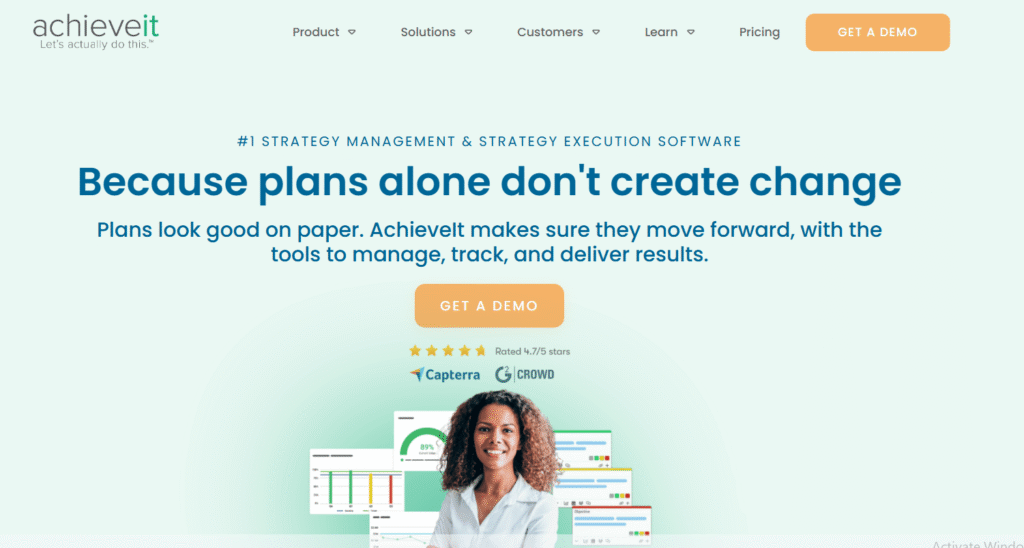
AchieveIt is known for its ability to link corporate plans and projects in one unified environment. It’s one of the best strategic planning software tools for large organisations needing to manage complex plans across departments and business units.
Key Features
Unified Planning Platform
AchieveIt connects multiple strategic plans, ensuring consistency and alignment across the organisation. Users can easily roll up project data to view progress at executive level.
Automated Tracking
The system automatically collects and updates performance data, reducing the need for manual progress reporting. This keeps leadership informed without requiring constant follow-ups.
Cross-Departmental Collaboration
AchieveIt allows multiple teams to work within shared frameworks, making it ideal for organisations with distributed offices or multiple departments.
Enterprise Dashboards
Users can customise dashboards to focus on specific KPIs or strategies. These dashboards offer quick visual insights into how each team contributes to the company’s objectives.
Action Planning
AchieveIt includes tools for creating and managing action plans tied directly to organisational strategies, ensuring accountability at every step.
Pros & Cons
| Pros | Cons |
| Ideal for large organisations | Premium pricing |
| Automated reporting saves time | Limited customisation options |
| Excellent for cross-department planning | No free version |
| Detailed analytics | Requires onboarding for setup |
| Strong performance dashboards | May be complex for small firms |
Pricing
AchieveIt offers customised pricing depending on organisation size and requirements. A demo and trial are available on request.
Best For Multi-Department Enterprises
AchieveIt suits enterprises needing a structured approach to performance tracking.
- Corporate planners – Centralise strategic tracking
- Project management offices – Coordinate across departments
- Executives – View progress at a glance
- HR and operations teams – Ensure accountability
- Educational institutions – Track campus-wide goals
AchieveIt’s “Snapshot Reports” are ideal for board meetings. They compile key progress data into concise visuals, saving time on manual report preparation.
Best Alternative
OnStrategy is a good alternative for mid-sized organisations that prefer a simpler interface and cost-effective plans.
4. OnStrategy – Build and Execute Plans with Confidence
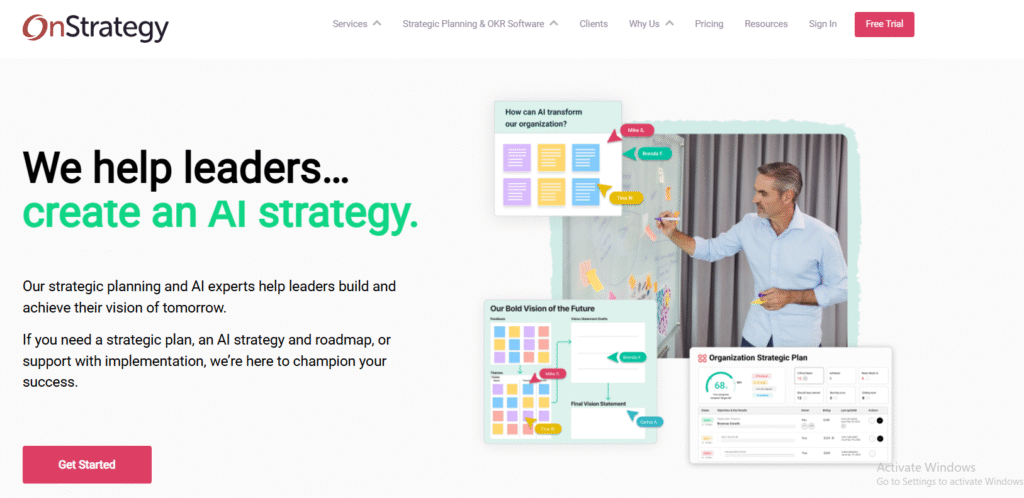
OnStrategy offers a straightforward yet powerful platform for small to mid-sized organisations looking to plan and execute effectively. It combines goal setting, team collaboration, and performance measurement in one user-friendly system.
Key Features
Strategy Builder
OnStrategy’s “Plan-on-a-Page” builder simplifies the process of setting and aligning strategic objectives, helping businesses quickly create actionable plans.
Goal Tracking
Users can assign goals, set timelines, and track progress with automated reminders, ensuring accountability across all teams.
Collaborative Planning
The software enables teams to collaborate directly within plans, keeping conversations and updates within the same workspace.
KPI Dashboards
Real-time dashboards display performance against key indicators, providing immediate visibility into which goals need attention.
Feedback Loops
OnStrategy supports regular check-ins, allowing managers to gather feedback and update goals dynamically as business conditions change.
Pros & Cons
| Pros | Cons |
| Easy to use | Fewer integrations than larger tools |
| Affordable pricing | Basic analytics |
| Ideal for SMEs | Limited automation |
| Great goal-tracking tools | Not built for enterprise scale |
| Quick setup | May need external reporting add-ons |
Pricing
OnStrategy pricing starts at £4 per user per month, with team and enterprise plans available. A 14-day free trial is included.
Best For Small and Mid-Sized Businesses
OnStrategy is well-suited for small and mid-sized businesses that need to formalise their planning process.
- Small business owners – Keep plans structured and measurable
- Department heads – Track progress with team accountability
- Startups – Build a clear planning foundation
- Non-profits – Manage community-driven strategies
- Operations managers – Monitor milestones easily
Use OnStrategy’s built-in meeting templates to structure strategy review sessions. They keep conversations focused on performance, not opinions.
Best Alternative
StratPad is a great alternative for entrepreneurs seeking an affordable, business-plan-focused platform.
5. WorkBoard – Turn Objectives into Measurable Results
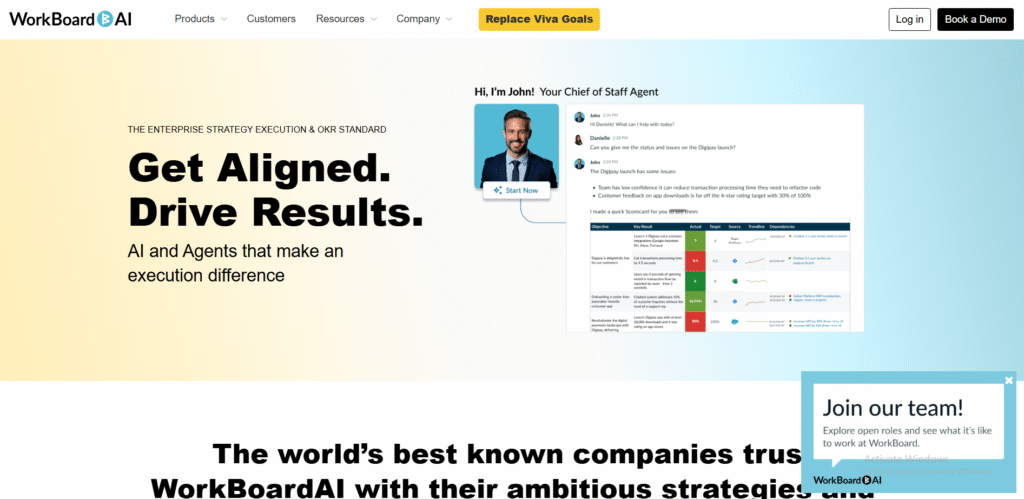
WorkBoard is a preferred option for companies aiming to align and measure objectives efficiently. It bridges the gap between strategic planning and team performance management through detailed OKR and KPI tracking.
Key Features
OKR Management
WorkBoard helps teams set measurable objectives and link them to quantifiable results, ensuring clear visibility into performance outcomes.
Executive Dashboards
The dashboards provide leadership with a top-down view of all objectives and their progress. Colour-coded indicators make it easy to spot where execution may be falling short.
Performance Analytics
Users can analyse progress through advanced data visualisations, uncovering trends that support decision-making.
Integration Ecosystem
WorkBoard integrates seamlessly with tools like Microsoft Teams, Slack, Jira, and Salesforce, ensuring consistent data flow across business systems.
Coaching and Alignment Tools
The platform includes built-in features for performance coaching, ensuring that teams stay aligned with corporate strategy.
Pros & Cons
| Pros | Cons |
| Excellent OKR tracking | Steeper learning curve |
| Great for leadership visibility | Pricing suited for enterprises |
| Strong analytics and integrations | May require admin support |
| Good employee engagement features | Complex setup for smaller firms |
| Regular product updates | Reporting requires training |
Pricing
WorkBoard’s pricing starts at £8 per user per month, with enterprise-level options available for larger teams.
Best For Organisations Focused on Results
WorkBoard is ideal for companies where measurable results and data-backed execution are priorities.
- Executives – Track performance in real time
- Strategy teams – Align goals across functions
- HR leaders – Connect employee KPIs to company vision
- Product teams – Link sprints to strategic objectives
- Consultants – Support client strategy implementation
Use WorkBoard’s “Business Review” reports to summarise OKR progress for quarterly executive meetings. They present complex data in a concise visual format.
Best Alternative
Profit.co is a suitable alternative for businesses focused primarily on OKRs and performance analytics.
6. ClearPoint Strategy – Manage and Measure What Matters
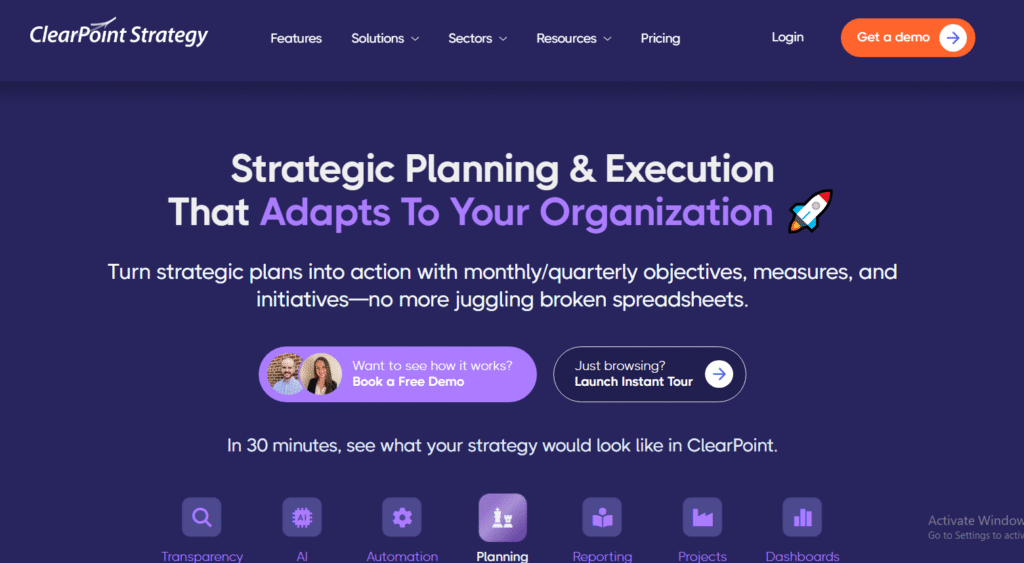
ClearPoint Strategy is one of the best strategic planning software options for government bodies, educational institutions, and enterprises that need to manage complex performance frameworks. Its automated reporting and KPI management tools save time and eliminate manual data entry, making it a strong choice for teams focused on accountability and transparency.
Key Features
Automated Reporting
ClearPoint automatically collects and updates KPI data, significantly reducing reporting workload for teams. Users can generate detailed performance reports in minutes without relying on spreadsheets.
Scorecard Management
The software helps organisations create and track balanced scorecards, aligning departmental objectives with corporate goals. This ensures all activities are tied to measurable outcomes.
KPI Tracking
Users can define key metrics, set targets, and visualise performance trends using charts and graphs. This provides leadership with an accurate picture of progress at any time.
Integration with Business Systems
ClearPoint connects with business tools such as Excel, Power BI, and Tableau, allowing teams to import and visualise data directly.
Strategy Mapping
Its mapping tools help organisations illustrate how every goal contributes to overall mission success, improving strategic clarity.
Pros & Cons
| Pros | Cons |
| Excellent for government and enterprise | Complex setup for smaller teams |
| Powerful automation features | Limited trial period |
| Strong KPI tracking and analytics | Dated user interface |
| Highly customisable reporting | Higher pricing tier |
| Responsive customer support | Not ideal for small businesses |
Pricing
ClearPoint Strategy offers custom pricing based on organisation size and reporting needs. A demo is available on request.
Best For Public Sector and Enterprise Teams
ClearPoint Strategy works best for teams handling multiple reporting frameworks.
- Government departments – Track performance metrics and KPIs
- Universities – Manage academic or research objectives
- Large corporations – Align multi-level strategies
- Project offices – Automate data collection
- Non-profits – Report on social impact initiatives
Use ClearPoint’s “Data Refresh” automation to update KPI dashboards overnight. It ensures leadership reviews are always based on the most current figures.
Best Alternative
Cascade is a strong alternative for organisations wanting deeper visual strategy mapping and collaboration features.
7. StratPad – Business Planning for Growing Companies
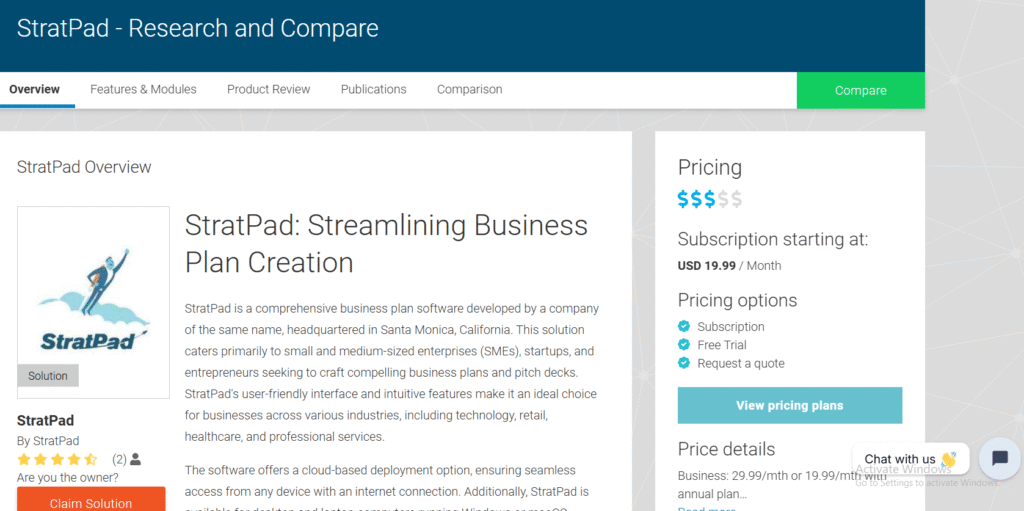
StratPad is a cloud-based planning software designed for small businesses and entrepreneurs. It simplifies strategy creation and execution by combining step-by-step planning templates with financial forecasting tools.
Key Features
Strategy Builder Templates
StratPad offers pre-built templates for developing business and strategic plans. They guide users through goal setting, budgeting, and performance tracking.
Financial Forecasting
The software connects strategy to financial projections, helping business owners assess the financial impact of each initiative before committing.
Collaboration Tools
Teams can share plans, assign responsibilities, and comment on progress directly in the platform, keeping everyone aligned.
Educational Guides
StratPad includes built-in learning resources and video tutorials that explain key strategy concepts for new business owners.
PDF and Excel Export
Users can export plans and reports into PDF or Excel formats, making it easy to share with investors, lenders, or stakeholders.
Pros & Cons
| Pros | Cons |
| Affordable and simple | Limited features for larger firms |
| Good for financial forecasting | Basic interface |
| Easy to learn | No integrations with major tools |
| Helpful educational resources | Limited automation |
| Fast plan creation | Not built for enterprises |
Pricing
StratPad pricing starts at £12 per month, with a free plan for individual users and trial access to premium features.
Best For Small Business Owners and Entrepreneurs
StratPad is ideal for small business owners who need a guided approach to strategy creation.
- Startups – Create investor-ready business plans
- Consultants – Present structured plans to clients
- Small firms – Combine planning with forecasting
- Freelancers – Track personal and business goals
- Educators – Teach business strategy fundamentals
Use StratPad’s financial forecast report to model different growth scenarios. It’s a practical way to evaluate the financial viability of new projects.
Best Alternative
OnStrategy is a suitable alternative for teams that need stronger collaboration and KPI tracking features.
8. Miro – Visual Collaboration for Strategy Workshops
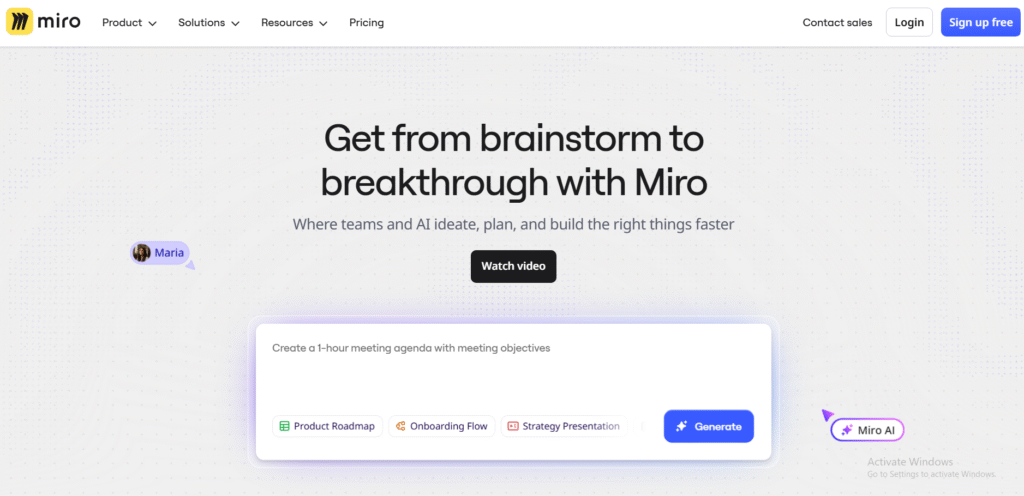
Miro is best known for its digital whiteboard capabilities that empower teams to collaborate on strategic planning visually. It is widely used for workshops, brainstorming sessions, and mapping complex strategies in a shared virtual environment.
Key Features
Visual Whiteboards
Miro offers an infinite canvas for teams to map goals, timelines, and workflows. It’s ideal for creating visual strategy frameworks that everyone can follow.
Strategy Templates
Users can access templates for SWOT analysis, OKR frameworks, and roadmap planning. This helps teams structure strategy sessions efficiently.
Real-Time Collaboration
Multiple users can edit the same board simultaneously, fostering teamwork and quick feedback during planning sessions.
Integration Ecosystem
Miro integrates with tools such as Google Workspace, Microsoft Teams, and Asana, enabling smooth data sharing between systems.
Presentation Mode
This feature allows users to turn their whiteboards into interactive presentations for team meetings or stakeholder updates.
Pros & Cons
| Pros | Cons |
| Great for visual collaboration | Limited performance tracking |
| Easy to use | Requires other tools for execution |
| Extensive template library | Can be cluttered for large boards |
| Real-time updates | Not ideal for complex KPI reporting |
| Integrates with major platforms | No built-in goal measurement |
Pricing
Miro has a free plan with unlimited boards for small teams. Paid plans start at £7 per user per month with advanced sharing and security features.
Best For Strategy Workshops and Collaborative Teams
Miro is perfect for teams that run frequent planning workshops.
- Strategy facilitators – Lead collaborative sessions
- Remote teams – Plan together visually
- Consultants – Present ideas interactively
- Product teams – Map development roadmaps
- HR leaders – Conduct team alignment exercises
Use Miro’s “Frames” feature to organise large strategy maps into digestible sections for easier navigation during reviews.
Best Alternative
Coda is a strong alternative if you want to combine collaboration with goal tracking and documentation in one workspace.
9. Monday.com – Visual Project and Strategy Management
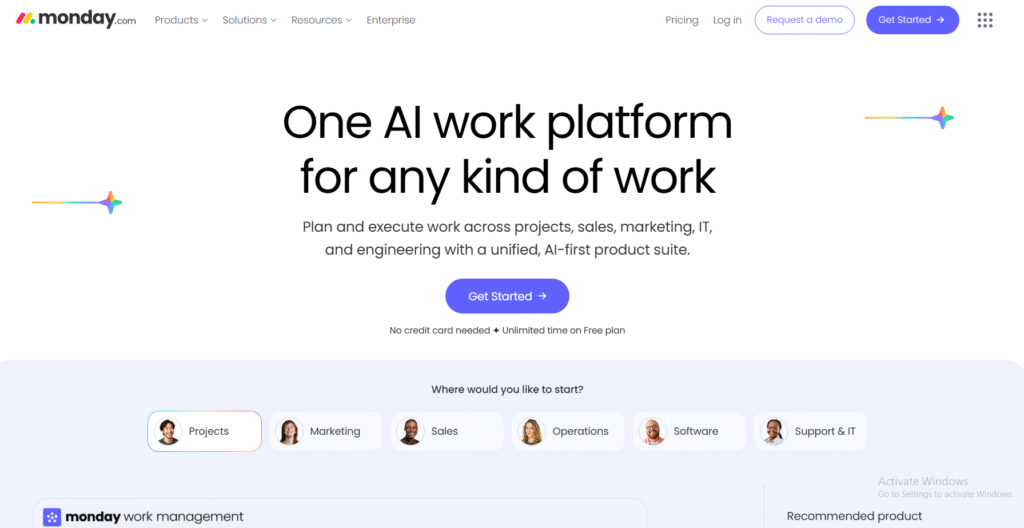
Monday.com is one of the best-known planning platforms due to its flexibility and user-friendly design. It allows teams to manage projects, track KPIs, and align company goals through visual workflows.
Key Features
Visual Dashboards
Monday.com’s dashboards show progress, deadlines, and workload distribution. They help teams monitor project execution and performance at a glance.
Workflow Automation
Teams can automate repetitive processes, saving time and reducing errors in planning and execution.
Goal Alignment
Users can link tasks and projects to broader strategic goals, ensuring that every activity contributes to measurable results.
Integration Support
The platform connects with tools such as Slack, Google Workspace, and Zapier, enabling smooth collaboration across departments.
Timeline and Gantt Views
Monday.com provides visual project tracking through timelines and Gantt charts, making it easy to identify bottlenecks.
Pros & Cons
| Pros | Cons |
| Intuitive and flexible | Can be costly at scale |
| Great automation tools | Basic analytics in lower plans |
| Excellent integrations | May lack depth for complex strategies |
| Strong team collaboration | Requires regular updates |
| Clean and colourful interface | Some reporting limitations |
Pricing
Monday.com pricing starts at £8 per user per month, with a free plan for individual users. Enterprise plans include advanced analytics and integrations.
Best For Teams Seeking a Visual Planning System
Monday.com suits growing companies that want simplicity and flexibility in managing strategy and projects.
- Marketing agencies – Manage client deliverables
- Startups – Align product goals with strategy
- Operations teams – Track task progress easily
- HR teams – Coordinate department objectives
- Non-profits – Plan community initiatives visually
Use Monday.com’s “Goal Widget” to connect projects directly to KPIs. It provides an instant visual of how daily tasks impact strategic results.
Best Alternative
ClickUp is a great alternative for teams seeking deeper goal and OKR tracking while maintaining flexibility.
10. Asana – Align Strategy with Team Execution
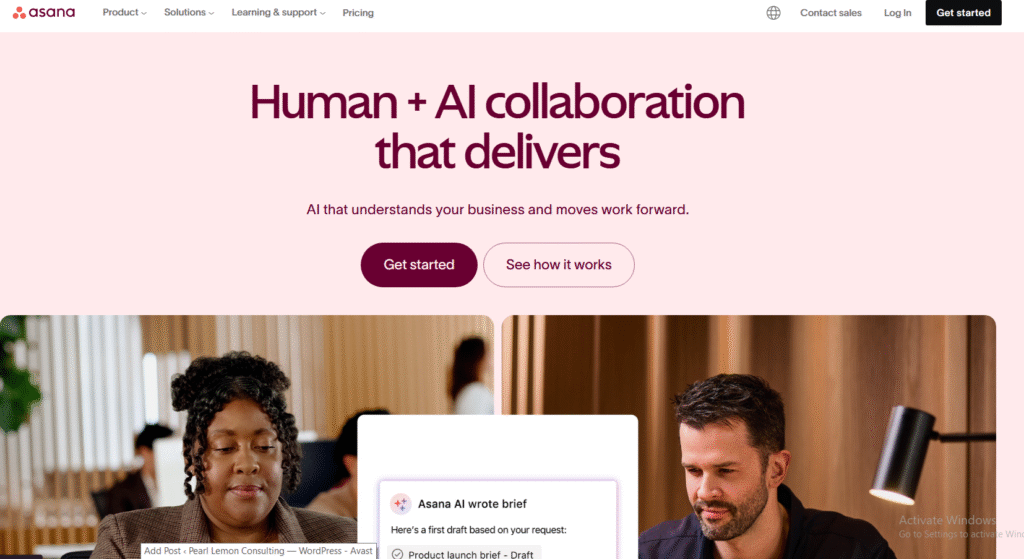
Asana is a leading planning tool that connects high-level strategy to day-to-day execution. Its clarity, simplicity, and collaboration features make it a popular choice for teams seeking accountability and alignment.
Key Features
Goal Management
Asana allows teams to set goals, assign ownership, and link them to projects, ensuring everyone knows how their work contributes to company strategy.
Timeline Planning
The visual timeline lets users plan, adjust, and review strategy implementation across departments.
Workflow Templates
Pre-built templates simplify planning processes, helping teams launch initiatives faster without starting from scratch.
Collaboration and Communication
Asana keeps communication centralised, reducing the need for emails and keeping everyone informed on project status.
Reporting and Analytics
The reporting dashboard provides a clear view of task completion rates, deadlines, and performance trends.
Pros & Cons
| Pros | Cons |
| User-friendly interface | Limited custom reporting |
| Strong goal alignment | Premium plans required for analytics |
| Excellent for collaboration | Limited offline access |
| Good for medium teams | Basic automation in lower tiers |
| Wide integration options | Overwhelming for very small teams |
Pricing
Asana offers a free plan for up to 10 users. Paid plans start at £9 per user per month with advanced workflow and analytics capabilities.
Best For Growing Businesses and Teams
Asana fits teams looking for simplicity in execution with room to scale.
- Project managers – Keep teams on schedule
- Marketing teams – Track campaign progress
- Operations managers – Monitor ongoing performance
- Startups – Create scalable planning systems
- Remote teams – Stay aligned across projects
Use Asana’s “Goals” tab to track progress across teams. It provides visibility into how daily work supports broader company objectives.
Best Alternative
Smartsheet is a strong alternative for teams handling complex data and seeking spreadsheet-style planning flexibility.
11. Smartsheet – Combine Data and Strategy for Complete Visibility
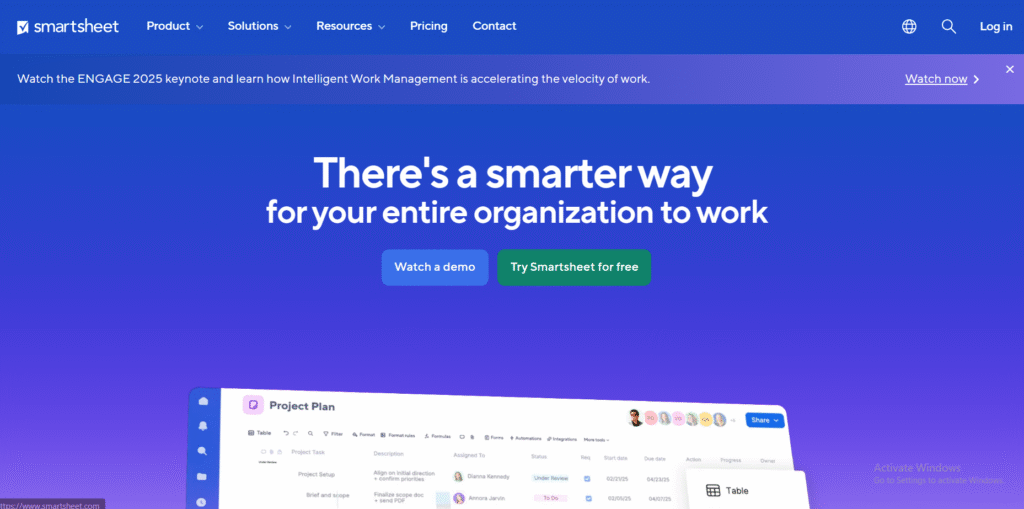
Smartsheet blends project management and strategic planning in one flexible workspace. Known for its spreadsheet-style interface, it is ideal for teams that depend heavily on data to monitor strategy execution and organisational performance.
Key Features
Spreadsheet-Style Planning
Smartsheet mirrors the familiarity of Excel while adding automation, collaboration, and reporting capabilities, making it easy for data-oriented teams to adapt quickly.
Gantt and Timeline Views
Teams can visualise strategic plans using Gantt charts or timelines, which helps track dependencies and milestones across departments.
Workflow Automation
Automated alerts and approval workflows ensure that project owners stay accountable for key deliverables linked to strategic objectives.
KPI Dashboards
Executives can monitor performance indicators across teams using live dashboards that update automatically as data changes.
Reporting and Analytics
Advanced reporting features consolidate multiple sheets into summary views, helping leaders assess strategy progress at a glance.
Pros & Cons
| Pros | Cons |
| Familiar interface | Can feel rigid for non-technical users |
| Excellent for data-heavy planning | Steeper learning curve |
| Great automation tools | Customisation requires time |
| Strong KPI dashboards | Higher cost for larger teams |
| Integrates with Power BI and Tableau | Limited design flexibility |
Pricing
Smartsheet pricing starts at £6 per user per month. Enterprise packages include enhanced automation and advanced reporting tools.
Best For Data-Driven Project and Strategy Teams
Smartsheet is a good fit for teams that require precision in data management while executing strategic initiatives.
- Financial departments – Connect budgets to strategy outcomes
- Operations teams – Monitor cross-department progress
- IT teams – Track performance against project timelines
- Corporate planners – Report data for executive reviews
- PMOs – Consolidate departmental plans efficiently
Use Smartsheet’s “Cell Linking” function to connect data across sheets. It keeps KPIs consistent across multiple departments without manual input.
Best Alternative
WorkBoard is an effective alternative for organisations needing more advanced OKR alignment and performance analytics.
12. Hive – Execute Strategy Through Actionable Collaboration
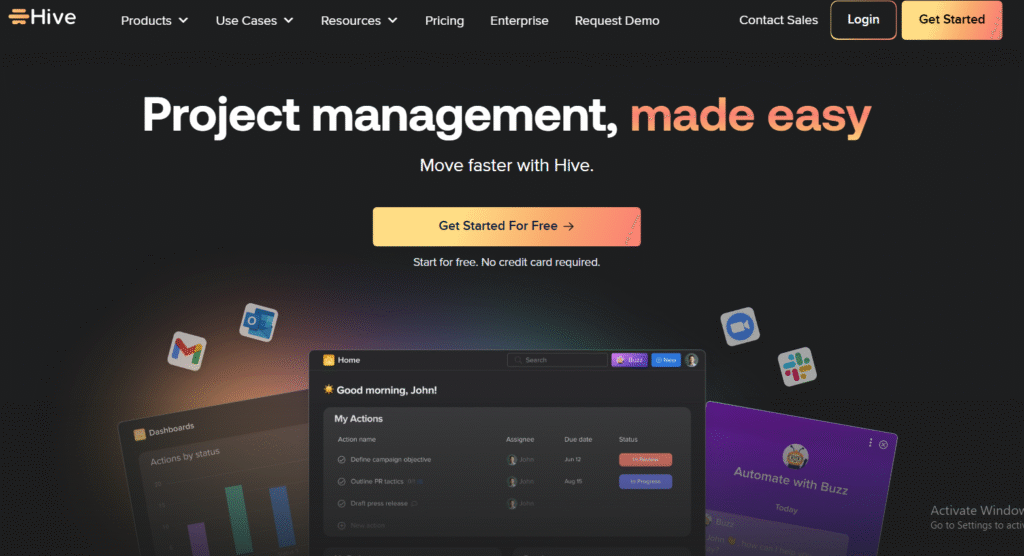
Hive brings together project management, communication, and automation tools to help teams execute strategy efficiently. It’s one of the best strategic planning software choices for teams needing to balance planning and daily operations.
Key Features
Action Templates
Hive provides reusable templates for recurring projects, making it easy to replicate successful workflows across departments.
Integrated Messaging
Built-in chat and email integration allow real-time communication without switching between apps, ensuring strategy discussions stay within context.
Time Tracking
Users can monitor how much time is spent on specific projects or tasks, improving accountability and resource management.
Analytics Dashboard
Hive’s dashboard presents productivity and goal data, offering managers quick insights into whether teams are meeting strategic objectives.
Automation Flows
Users can automate repetitive processes like approvals, updates, or task assignments, reducing administrative work.
Pros & Cons
| Pros | Cons |
| Combines planning and communication | Slightly cluttered interface |
| Time tracking built-in | Limited integrations in free plan |
| Customisable templates | May lag with large workspaces |
| Great automation tools | Advanced features need paid plan |
| Real-time collaboration | Limited offline access |
Pricing
Hive pricing starts at £10 per user per month, with enterprise plans offering advanced automation and analytics.
Best For Cross-Department Teams Managing Strategy Execution
Hive suits teams that value collaboration and fast communication during project delivery.
- Marketing teams – Track campaign outcomes
- Operations – Align projects with company strategy
- Agencies – Manage multiple client projects efficiently
- HR – Coordinate strategic initiatives
- Consultants – Deliver client work against strategic goals
Use Hive’s “Portfolio View” to review how multiple projects contribute to larger organisational goals, ideal for leadership updates.
Best Alternative
Monday.com offers a simpler interface and stronger visual dashboards for teams focused on visual execution tracking.
13. Profit.co – Measure and Manage Objectives Effectively
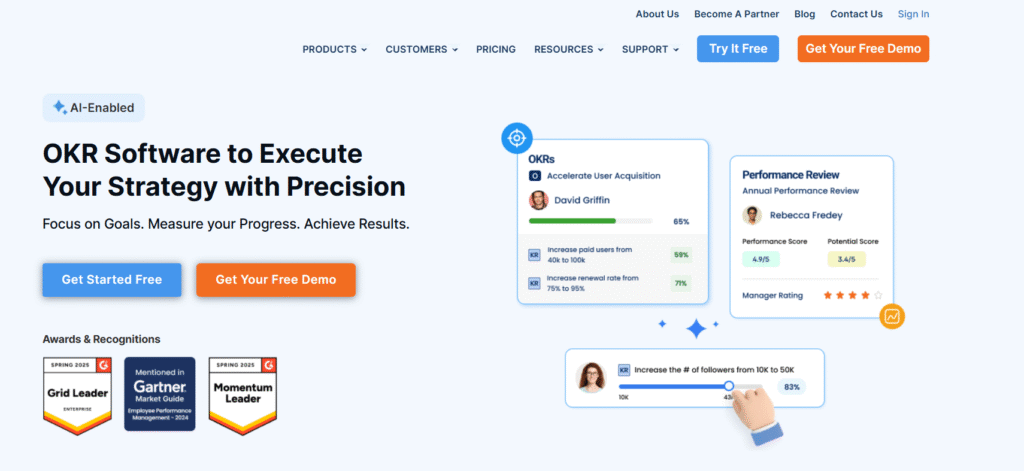
Profit.co specialises in OKR (Objectives and Key Results) management and is designed for teams that need structure and measurable progress tracking. It’s one of the best strategic planning software platforms for performance-focused organisations.
Key Features
OKR Framework
Profit.co helps teams define, align, and measure OKRs. It supports cascading goals from leadership to individual contributors to ensure full alignment.
Performance Dashboards
The platform’s dashboards show overall progress, departmental outcomes, and achievement rates, providing executives with clear visibility.
Check-In Cycles
Built-in reminders and check-in tools ensure teams stay consistent with progress updates and reviews.
HR and Employee Engagement
Profit.co includes modules for employee performance appraisals and 360-degree feedback, linking personal development to strategic results.
Integration Support
It integrates with tools like Slack, Microsoft Teams, and Jira, allowing seamless performance updates from existing systems.
Pros & Cons
| Pros | Cons |
| Focused on measurable results | Requires training for setup |
| Supports both company and individual OKRs | No free version |
| Strong analytics and reporting | Slightly rigid customisation |
| Great integration range | Pricing depends on company size |
| Useful HR modules | Interface can be dense |
Pricing
Profit.co pricing starts at £6 per user per month, with enterprise packages available for large organisations.
Best For Performance-Oriented Companies
Profit.co suits teams that want structure and accountability in performance management.
- Corporate executives – Track company-wide goals
- HR teams – Integrate performance with strategy
- Project managers – Align deliverables to KPIs
- Sales teams – Measure outcomes with OKRs
- Consultants – Standardise client goal frameworks
Set quarterly OKR reviews in Profit.co’s calendar tool. It helps teams maintain consistent progress checks and re-align priorities easily.
Best Alternative
WorkBoard is a comparable alternative with advanced analytics and executive dashboards.
14. KPI Fire – Continuous Improvement and Lean Strategy Execution
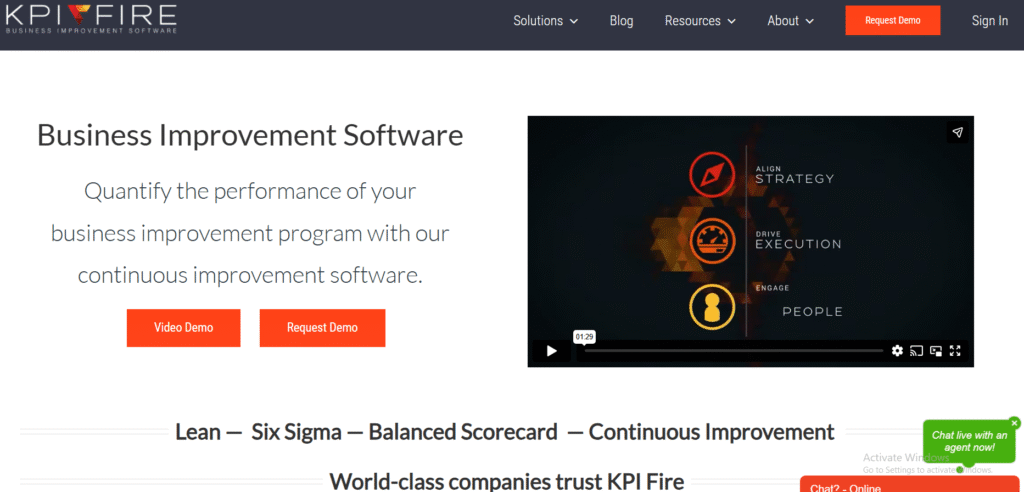
KPI Fire blends performance management with continuous improvement, making it ideal for organisations practising Lean or Six Sigma methodologies. It connects strategic objectives with measurable results to promote long-term improvement.
Key Features
Project Pipeline Management
Users can track every improvement initiative from concept to completion, linking each to broader strategic goals.
KPI Tracking
KPI Fire lets teams define, measure, and visualise performance metrics across departments. Dashboards show which initiatives impact key outcomes most.
Idea Management
Employees can submit new project ideas, encouraging bottom-up contribution to strategic planning.
Visual Alignment
Strategy maps make it easy to see how projects and KPIs align with company priorities.
Continuous Improvement Tools
The platform supports Lean and Kaizen frameworks, helping organisations focus on incremental growth.
Pros & Cons
| Pros | Cons |
| Great for Lean organisations | Interface feels dated |
| Strong KPI visibility | Limited automation options |
| Encourages employee engagement | Requires initial setup support |
| Ideal for manufacturing and operations | Limited integrations |
| Focused on measurable results | No mobile app yet |
Pricing
KPI Fire pricing is customised based on organisation size. Demos are available upon request.
Best For Operations and Continuous Improvement Teams
KPI Fire is ideal for companies practising continuous improvement or Lean management.
- Manufacturing teams – Track operational efficiency
- Quality departments – Monitor process improvements
- Executives – Link KPIs to strategic outcomes
- HR and training teams – Support improvement culture
- Consultants – Implement Lean initiatives for clients
Use KPI Fire’s “Strategy Tree” to visualise how each improvement project supports long-term goals. It’s effective for executive presentations.
Best Alternative
AchieveIt offers broader enterprise integration while maintaining performance visibility.
15. Aha! Roadmaps – Build Product and Business Strategy with Clarity
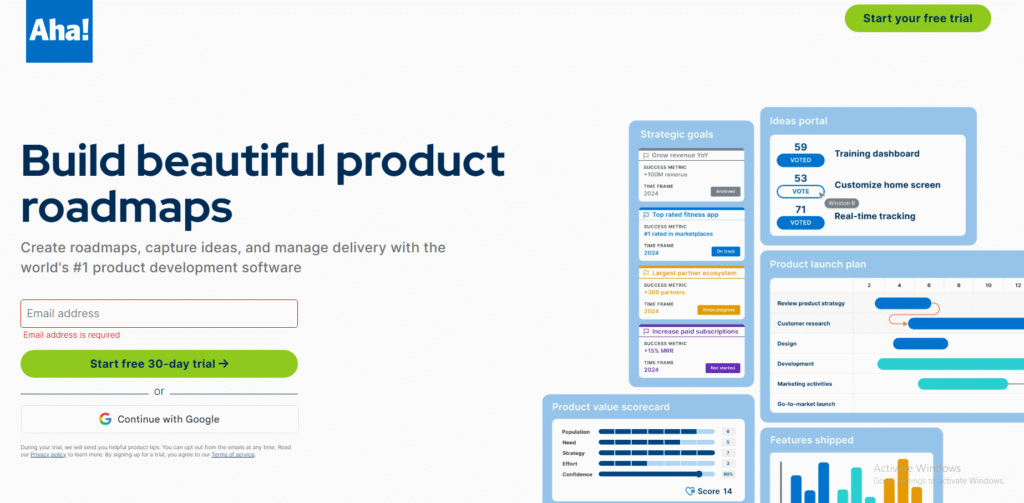
Aha! Roadmaps is widely used by product and strategy teams that need to align business goals with product outcomes. Its detailed roadmaps and goal-tracking tools make it one of the best strategic planning software for innovation-driven organisations.
Key Features
Visual Roadmaps
Aha! allows teams to build timelines and product roadmaps that tie directly to strategic objectives, ensuring long-term focus.
Idea Management
Users can collect, evaluate, and prioritise ideas from across the organisation, supporting innovation and collaboration.
Goal Hierarchies
The platform supports cascading goals from company objectives to specific initiatives, keeping all teams focused on measurable targets.
Analytics and Reporting
Powerful analytics tools summarise progress and display performance trends in customisable reports.
Integration Options
Aha! integrates with Jira, Azure DevOps, and Slack, ensuring smooth communication between development and management teams.
Pros & Cons
| Pros | Cons |
| Excellent roadmap visualisation | Expensive for smaller teams |
| Comprehensive analytics | Steeper learning curve |
| Ideal for product-led organisations | Overwhelming for new users |
| Great integrations | Some features require add-ons |
| Robust reporting tools | Requires admin setup |
Pricing
Aha! Roadmaps starts at £45 per user per month. Free trials are available for new users.
Best For Product and Strategy Teams
Aha! suits companies that need detailed product and organisational strategy alignment.
- Product managers – Plan and communicate roadmaps
- Executive teams – Align product vision with strategy
- Marketing teams – Coordinate go-to-market plans
- Developers – Integrate planning with delivery tools
- Startups – Manage innovation pipelines efficiently
Use Aha!’s “Strategic Model” templates to map business scenarios before launching new initiatives. It helps teams anticipate outcomes more clearly.
Best Alternative
Coda is a flexible alternative for teams wanting to merge planning and documentation in one environment.
16. Coda – Plan, Document, and Execute in One Workspace
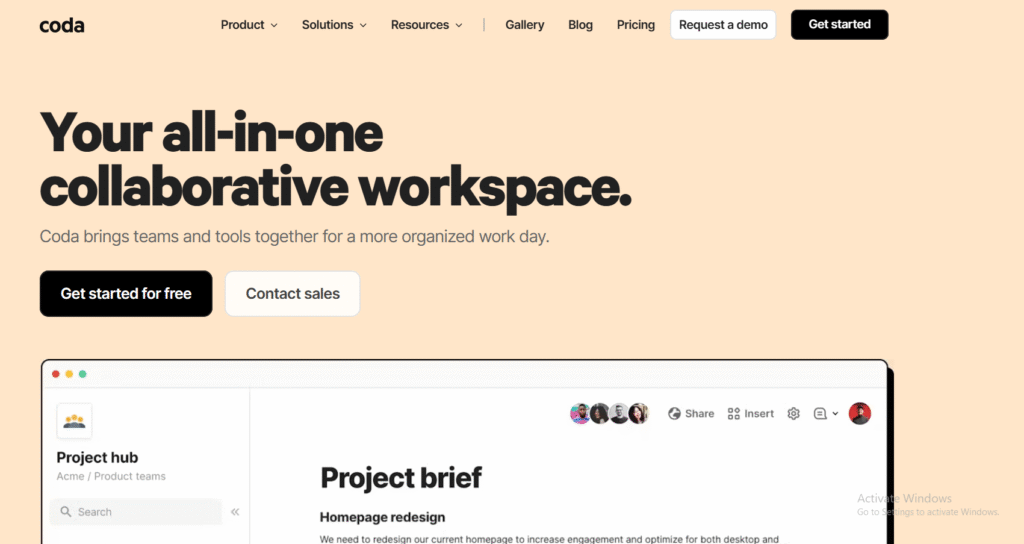
Coda combines document creation, data management, and project planning into a single collaborative platform. It is one of the best strategic planning software tools for teams seeking flexibility and control over their planning processes without relying on multiple systems.
Key Features
Customisable Planning Docs
Coda allows teams to build interactive documents that function like apps. Each document can include text, tables, charts, and formulas, providing a complete planning and execution framework.
OKR and KPI Tables
Users can create custom OKR or KPI dashboards directly in their documents, updating automatically as data changes.
Collaboration Tools
Coda supports real-time collaboration with commenting, task assignment, and permission control to maintain data integrity.
Automation and Integration
Built-in automation rules simplify repetitive processes, while integrations with Slack, Notion, and Google Workspace ensure a connected workflow.
Template Gallery
Coda’s template library includes strategy, planning, and meeting frameworks designed for quick deployment.
Pros & Cons
| Pros | Cons |
| Highly flexible | Learning curve for beginners |
| Combines notes, data, and tasks | Limited analytics tools |
| Excellent collaboration features | Can be slow for large documents |
| Works across all devices | Requires structured setup |
| Affordable pricing | Not specialised for enterprise users |
Pricing
Coda offers a free plan for individuals. Paid plans start at £9 per user per month, with advanced automations and admin controls in higher tiers.
Best For Custom Planning and Team Collaboration
Coda is perfect for teams that want a fully adaptable planning space.
- Startups – Build flexible OKR frameworks
- Consultants – Create client strategy documents
- HR teams – Combine goals and reporting in one place
- Product teams – Manage roadmaps and tasks together
- Agencies – Collaborate on client strategies
Use Coda’s “Packs” feature to connect external data sources like Google Analytics or Jira. This keeps strategy documents linked to live data.
Best Alternative
Notion is a great alternative for users who prefer a more visual workspace for notes and strategy tracking.
17. Trello – Simple Strategic Planning for Small Teams
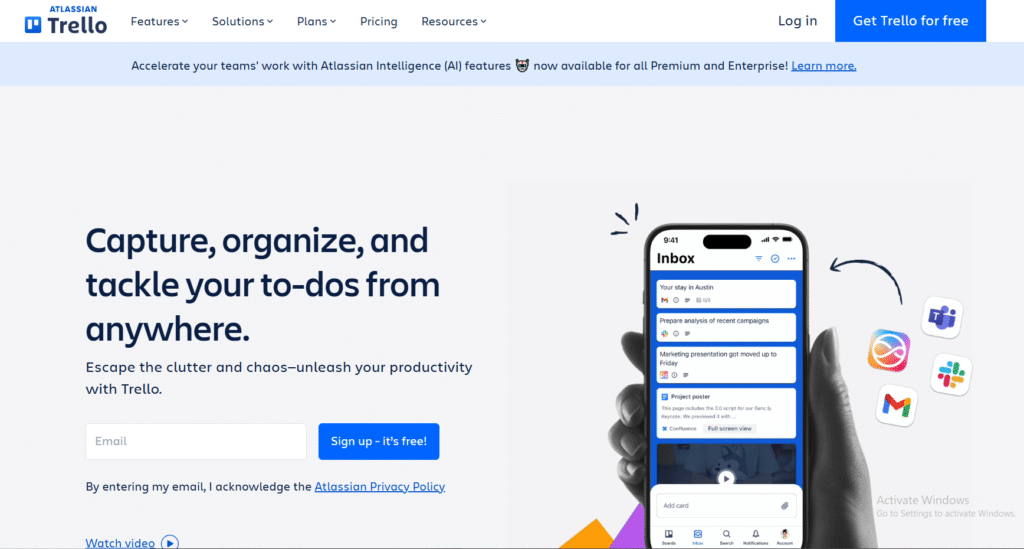
Trello remains a favourite for smaller organisations that need an easy way to manage plans and track progress visually. It’s one of the best strategic planning software choices for start-ups or small departments.
Key Features
Kanban Boards
Trello’s visual boards let teams organise strategy tasks into cards and lists, offering an instant overview of progress.
Checklists and Labels
Teams can break down objectives into smaller tasks using checklists, while labels help categorise goals and priorities.
Power-Ups
Trello’s add-ons extend its capabilities, introducing automation, analytics, and integrations with tools like Slack and Google Drive.
Calendar View
The calendar mode lets users plan deadlines and milestones efficiently.
Team Collaboration
Teams can comment, tag, and share updates directly within cards, ensuring smooth communication throughout the planning process.
Pros & Cons
| Pros | Cons |
| Extremely easy to use | Limited analytics |
| Great for visual planning | Basic automation features |
| Good free version | Not suitable for large enterprises |
| Flexible setup | Lacks KPI tracking tools |
| Integrates well with other apps | Limited scalability |
Pricing
Trello offers a free plan for individuals and small teams. Paid plans start at £4.50 per user per month with additional automation and views.
Best For Start-ups and Small Teams
Trello suits small businesses that value simplicity and visual task management.
- Entrepreneurs – Track key goals with minimal setup
- Small teams – Manage short-term strategies visually
- Marketing departments – Plan and monitor campaigns
- Freelancers – Organise client deliverables
- Educators – Manage academic or research plans
Use Trello’s “Butler” automation to create automatic task reminders and recurring checklists for regular strategic reviews.
Best Alternative
Monday.com offers a more advanced alternative for scaling teams needing data tracking and automation.
18. Notion – Flexible Planning and Knowledge Management
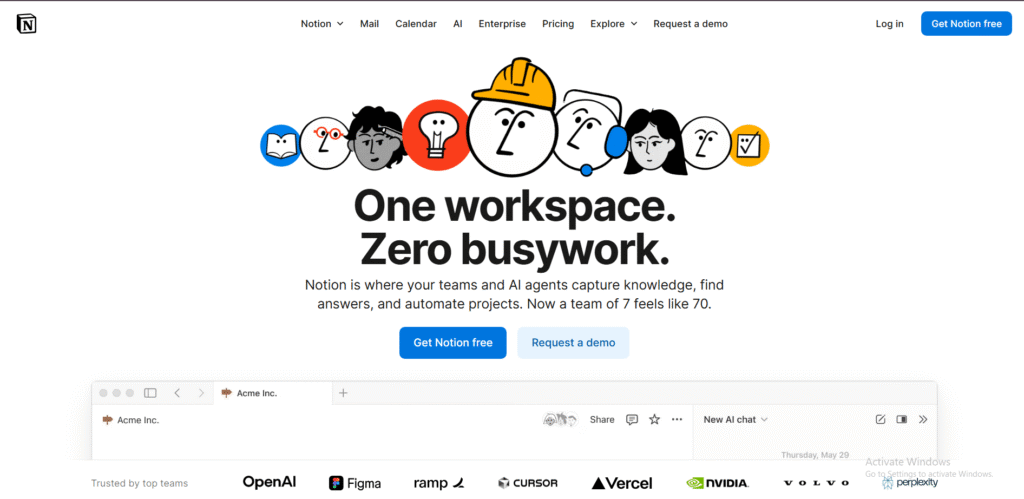
Notion combines planning, note-taking, and collaboration in one clean workspace. It’s among the best strategic planning software for teams that want to merge documentation with execution tracking.
Key Features
Custom Databases
Teams can build databases for goals, KPIs, and strategic initiatives, each linked through relational structures for easy tracking.
Integrated Notes and Tasks
Users can take notes, assign actions, and embed documents in the same workspace, ensuring a clear link between ideas and execution.
Templates and Views
Notion includes pre-built templates for OKRs, strategy maps, and project timelines that can be adjusted for each team’s needs.
Collaboration and Sharing
Real-time collaboration and access control make it simple to involve multiple stakeholders without losing structure.
Integration Support
Notion connects with popular platforms such as Slack, Zapier, and Google Workspace for streamlined workflow integration.
Pros & Cons
| Pros | Cons |
| Highly customisable | Requires manual setup |
| Combines planning and notes | No advanced reporting |
| Great for small to medium teams | Limited automation |
| Clean, intuitive interface | Offline mode still limited |
| Excellent value | Not ideal for enterprise analytics |
Pricing
Notion offers a free plan, while paid versions start at £6 per user per month for team collaboration and advanced controls.
Best For Teams Needing Flexibility and Collaboration
Notion works best for teams that want a single workspace for planning, execution, and documentation.
- Creative agencies – Combine ideas and goals in one place
- Consultants – Build shared client workspaces
- Product teams – Manage development roadmaps
- HR teams – Document and track initiatives
- Start-ups – Centralise company planning
Use Notion’s “Linked Databases” feature to create an interconnected dashboard showing company goals, projects, and performance indicators together.
Best Alternative
Coda is a strong alternative if you prefer advanced automation and formula functionality.
19. Airtable – Data-Focused Planning and Team Organisation
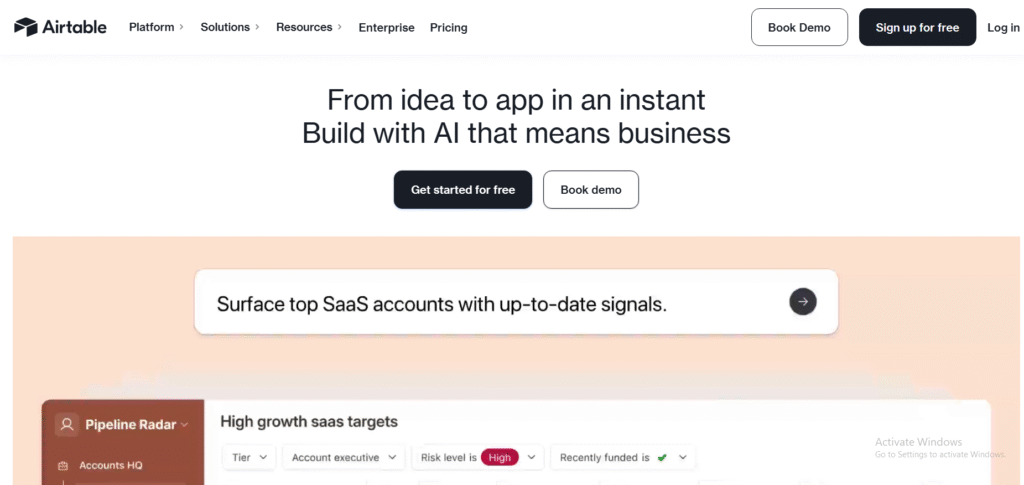
Airtable offers a powerful blend of database management and project planning, making it one of the best strategic planning software tools for organisations managing data-heavy strategies.
Key Features
Database-Style Interface
Airtable combines the simplicity of spreadsheets with relational database power, ideal for teams tracking multiple initiatives and dependencies.
Multiple Views
Users can switch between grid, calendar, gallery, and Kanban views to analyse and present data from different angles.
Automation Tools
Custom automation rules trigger updates, notifications, or data changes, keeping plans current without manual work.
Collaboration and Comments
Teams can assign tasks, comment on records, and manage permissions for secure, transparent planning.
Integration Ecosystem
Airtable connects with platforms like Slack, Notion, and Microsoft Teams, maintaining continuity across business tools.
Pros & Cons
| Pros | Cons |
| Excellent for data organisation | Requires learning time |
| Supports multiple views | Limited advanced analytics |
| Great integration range | Premium plans needed for automation |
| Flexible and visual | Can become complex with scaling |
| Real-time collaboration | No in-depth KPI dashboards |
Pricing
Airtable offers a free plan. Paid plans begin at £8 per user per month, including automations and advanced controls.
Best For Teams Managing Data and Strategy Together
Airtable suits organisations that rely on structured data to support their strategy.
- Operations teams – Manage project dependencies
- Marketing departments – Track multi-channel campaigns
- Start-ups – Combine CRM and strategy data
- HR teams – Maintain staff development records
- Non-profits – Monitor ongoing initiatives
Use Airtable’s “Interface Designer” to create visual dashboards tailored for executives, displaying only the most important metrics.
Best Alternative
Smartsheet provides a similar data-driven structure but with stronger KPI and automation features.
20. Wrike – Advanced Project and Strategy Tracking
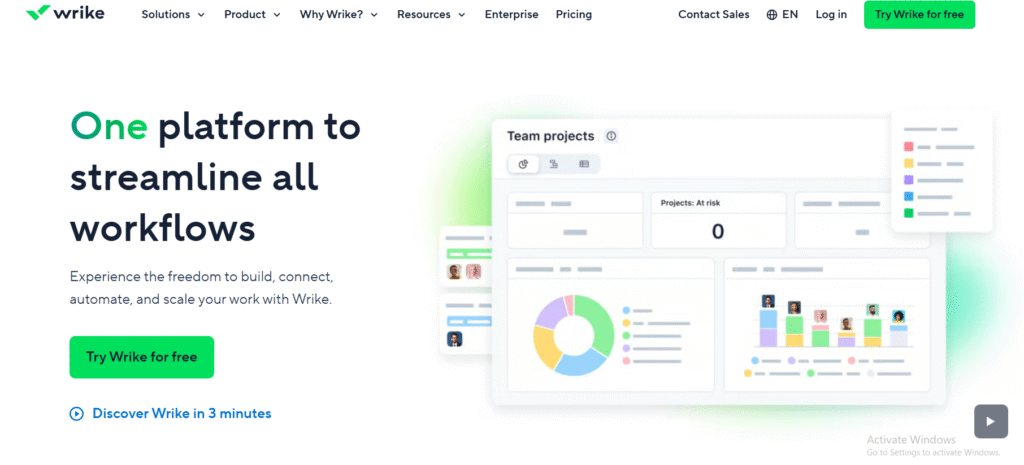
Wrike bridges the gap between strategic planning and detailed execution. With robust analytics and custom workflows, it ranks among the best strategic planning software for medium to large organisations.
Key Features
Custom Workflows
Wrike allows full workflow customisation, enabling teams to adapt processes to different strategy phases or departments.
Performance Dashboards
Executives can view progress on multiple strategies in real time, making it easier to identify delays or resource constraints.
Resource Management
The built-in resource planner helps allocate staff efficiently and prevents overloading key personnel.
Advanced Reporting
Wrike’s reports summarise project progress and performance metrics across teams, ideal for board-level reviews.
Integrations and Automation
The software integrates with over 400 applications, ensuring smooth communication between planning and execution tools.
Pros & Cons
| Pros | Cons |
| Excellent visibility for executives | Higher cost for small businesses |
| Deep analytics and reporting | Steep learning curve |
| Scalable for large teams | Interface can feel complex |
| Strong integration support | Customisation takes time |
| Effective resource tracking | Limited offline access |
Pricing
Wrike pricing starts at £9 per user per month, with enterprise plans offering deeper analytics and security controls.
Best For Large and Mid-Sized Teams Managing Complex Strategies
Wrike suits organisations that handle numerous initiatives simultaneously.
- Project management offices – Maintain portfolio oversight
- Corporate teams – Align departments under shared objectives
- Marketing teams – Track campaigns and KPIs
- Product teams – Manage releases against goals
- Operations managers – Monitor resource efficiency
Use Wrike’s “Work Intelligence” feature to analyse project risks automatically. It predicts potential delays and alerts managers before deadlines are missed.
Best Alternative
ClickUp offers similar functionality with a more intuitive interface and broader automation options.
How to Choose the Best Strategic Planning Software
Selecting the best strategic planning software depends on your organisation’s size, structure, and goals. Some platforms excel at goal alignment and KPI tracking, while others specialise in collaboration, data management, or enterprise reporting.
If your focus is enterprise-level execution and alignment, Cascade and AchieveIt offer the most advanced tools. For small to mid-sized businesses, OnStrategy and ClickUp provide flexibility with an affordable entry point. Teams looking for visual collaboration and innovation can rely on Miro, Notion, or Aha! Roadmaps to combine creativity with structure.
If you’re unsure where to begin, start with a free trial of two or three platforms that match your team’s workflow. The best software is the one your team actually enjoys using consistently.
How Pearl Lemon Consulting Can Support Your Strategic Planning
At Pearl Lemon Consulting, we guide businesses through every stage of strategic planning — from defining objectives to selecting and implementing the right planning tools. Our consultants combine practical experience with proven frameworks to ensure your strategies are measurable, achievable, and aligned with your growth vision.
We help clients implement planning systems that improve accountability, enhance data visibility, and connect goals to performance results. Whether you’re introducing OKRs for the first time or restructuring an enterprise-wide planning process, our approach focuses on clear execution and measurable outcomes.
Schedule a consultation with our team to review your current planning process.
FAQs
1. What is strategic planning software used for?
It’s used to manage and track company goals, monitor performance, and align departments around shared objectives.
2. What is the best strategic planning software for small businesses?
OnStrategy and ClickUp are ideal for small businesses due to their simplicity, affordability, and structured planning templates.
3. Can these tools integrate with existing systems?
Yes, most tools, such as WorkBoard, Monday.com, and Airtable, integrate with major platforms like Slack, Google Workspace, and Salesforce.
4. How do I know which strategic planningsoftware fits my organisation best?
Consider your organisation’s size, strategic priorities, and reporting requirements. Enterprise tools like Cascade or AchieveIt work best for large teams, while smaller companies benefit from OnStrategy or Trello.
5. Is data security a concern with strategic planning software?
Reputable platforms use secure cloud environments with encryption and access controls to protect sensitive data.
6. How long does strategic planning software implementation usually take?
Implementation can range from a few days for simpler tools like Trello to several weeks for enterprise-grade platforms like Cascade or AchieveIt.
7. What are OKRs, and do strategic planning tools support them?
OKRs (Objectives and Key Results) are goal-setting frameworks. Many tools, including Profit.co, WorkBoard, and ClickUp, offer dedicated OKR management modules.
8. Do these platforms support remote teams?
Yes, almost all modern strategic planning tools are cloud-based, enabling collaboration across remote and distributed teams.
9. Can I track financial performance with strategic planning software?
Some platforms, such as StratPad and Smartsheet, include budgeting and forecasting features that connect financial performance with strategic objectives.
10. Why should I consult Pearl Lemon Consulting before selecting a tool?
Because our consultants assess your business structure, team capacity, and growth plans to recommend a tool that suits your workflow and objectives. We ensure your strategy isn’t just planned but executed effectively.


